



Picking a contract lifecycle management platform depends on how well the tool’s abilities fix your specific problems. This guide covers CLM mechanics, the feature checklist that separates useful platforms from basic ones, and a list of top CLM software for initial testing.
Why search for a perfect tool when no single best contract lifecycle management software exists for every company? Most don’t offer every possible feature. To succeed quickly, define what you do not want to compromise on regarding your primary use case. List the integrations you need and evaluate vendors based on setup risk and how long they take to show results. Pick two vendors for a trial. Run a proof of concept using one type of contract. Then, check how fast things move and if people actually use the system.
Key takeaways
Keep these specific factors in mind when you compare different platforms.
- Contract Lifecycle Management tools handle the whole process from the first draft through legal talks, digital signatures, and automated renewal reminders.
- Because the best CLM software for your needs doesn’t look the same for everyone, look closely at CRM integrations and setup time.
- Create a simple scorecard that covers pricing, security, and how the tool fits your team’s current habits.
- Modern industry trends often involve automatic risk checks and workflows that do not need manual help.
Best contract lifecycle management software at a glance
This breakdown gets you started.
Because no single tool fits every business, finding the best clm solutions depends on your needs and how much setup work you can handle. Legal departments usually hunt for tools with internal clause libraries and easy browser-based editing. Sales teams have different priorities. It doesn’t make sense to buy a tool that your team will not use or one that fails to talk to your CRM.
Ironclad works well for legal ops, while Conga is one of the top contenders for teams living in Salesforce. LinkSquares handles post-signature data. Before you sign a contract for the software itself, run a trial using a real agreement to see if it actually works.
What is contract lifecycle management?
In many cases, you’ll find that contract lifecycle management, or CLM, is the digital glue for your agreements. It’s the system used to automate everything from the first draft to the final renewal.
This approach turns static files into active assets you can actually track. Because every department handles these documents, a good system helps everyone. Your legal team’s focused on risk while sales doesn’t want delays. Finance needs to know when to bill. A good CLM setup cuts down on manual tasks so you won’t lose track of key dates.
Most buyers look for these specific stages.
- Writing the initial document
- How to handle redlines during negotiations
- It manages signatures and internal approvals
- Keeping files in one location
- You can check that everyone follows terms
- Manage updates or contract extensions
(Diagram: Draft, Negotiate, Approve, Sign, Store, Track, Renew)
Core features to evaluate
It makes sense to begin by matching your specific requirements to a checklist. You will find that some features are simply basic needs for any office environment. Other tools function more like extras. These might only matter if your company structure is complex or if you have specific priorities.
Must-have vs Nice-to-have vs Optional
A compact checklist follows, which can be copied into a vendor scorecard.
| Feature area | Must have | Nice to have | Optional |
| Contract storage | Single vault, search, metadata | Auto-tags, AI categories | Custom visuals |
| Drafting | Templates, clause library, variables | Logic-based text, Q&A tools | AI text creation |
| Approvals | Logic routing, audit trails, access | Parallel tracks, time caps | Reward alerts |
| Signing | Built-in signatures, activity logs | ID checks | Blockchain logs |
| AI and data | Clause extraction, task tracking | Risk scoring, playbooks | Custom models |
| Connections | CRM, ERP, cloud, ID tools | Task bots, billing tools | Niche ERPs |
| Protection | User limits, encryption, logs | Security certs, local data | High-end setups |
Contract repository
Why keep using messy files that create a real headache for everyone? For a CLM to actually help you, it needs a central hub where every document lives. If you do not have a clear structure, your contracts will just stay disorganized. This lack of order basically ruins the point of buying the software in the first place.
- A single storage spot with searchable data makes it much easier for your team to handle audits and reporting.
- You lower your risk by managing who sees specific versions, and it keeps your history accurate too.
Templates and clauses
If you want speed and consistency, you usually need to use saved clauses and pre-made templates. It is a solid way to catch errors before they even happen.
- You can draft new agreements much faster with a template library instead of starting from a blank page.
- Legal teams won’t have to jump in for every tiny change if your standard language covers most common daily scenarios.
Approval workflows
Workflow tools turn a static document into a repeatable process.
- Try to find systems that send files based on set rules or ping you when a document gets stuck.
- Smart routing saves time by getting paperwork to the correct desk right away.
E-signature integration
Closing a deal requires a reliable way to get signatures. Most of your clients likely expect digital signatures these days.
- Built-in signing features often make the experience much smoother for all parties involved.
- You stay compliant by keeping a clear log of exactly who signed and when.
AI and analytics
AI is great for risk management. This turns the software into more than just a storage folder.
- Reliable tools pull out specific clauses or track your obligations so you don’t miss deadlines.
- Data that tracks the speed of each stage helps you see exactly where approvals are slowing down.
Integrations
A CLM is not going to be effective if it cannot talk to the software you already use.
- Your system will probably need to be linked with ERPs, CRMs, and your current cloud storage.
- Users are more likely to adopt these platforms if they do not have to keep switching windows to finish one task.
How to choose the right CLM
Start by scoping out your needs. Diving into software tests too soon often leads to confusion. You should define the results you expect first, then create a scorecard to rank specific features. A pilot program that mimics your actual daily workflow is the best way to see if the tool actually functions as promised.
Match to your use case
Pinpoint the exact problem you are trying to solve before you even look at a feature list. When you have that clarity, the software is much more likely to fit your specific requirements.
- You should determine if the primary goal involves helping the sales team close deals faster or perhaps making procurement more uniform.
- The search becomes clearer when you link these objectives to technical needs, such as a CRM sync or improved reporting for the finance department.
Implementation and TCO
Success often depends on how much data you move and how many external systems you link to the new platform. Because of this, you might have to choose between a quick win and a complex setup that takes many months to finish.
- Speed things up by launching a pilot that handles only one agreement type using basic templates.
- Expect a much longer timeline if you are migrating huge data sets or connecting to a massive ERP system. Total cost includes both the license and ongoing management fees.
Security and compliance
Protecting your data is non-negotiable. Since these documents contain sensitive business details and legal obligations, security must be a priority.
- Check for certifications like SOC 2 or ISO to confirm the vendor meets high safety standards.
- You will find verification much simpler if the software lets you restrict access and track every single change made to a document.
User adoption and change management
Software is useless if the team refuses to use it. Getting people to actually adopt the tool requires a solid plan.
- The transition feels much easier when you connect the CLM to applications your staff is already using.
- Keep an eye on login rates and contract speed to determine if the investment is actually paying off.
(This weighted vendor evaluation checklist provides a resource that you can adjust to fit your own priorities.)
Top 10 CLM platforms
Choosing the right software involves checking how it handles drafting and automated tasks. It’s smart to see how well it connects with your current tools. Before you sign a long-term deal, run a pilot program using your actual contracts to see how the system behaves. This helps you understand if the software fits.
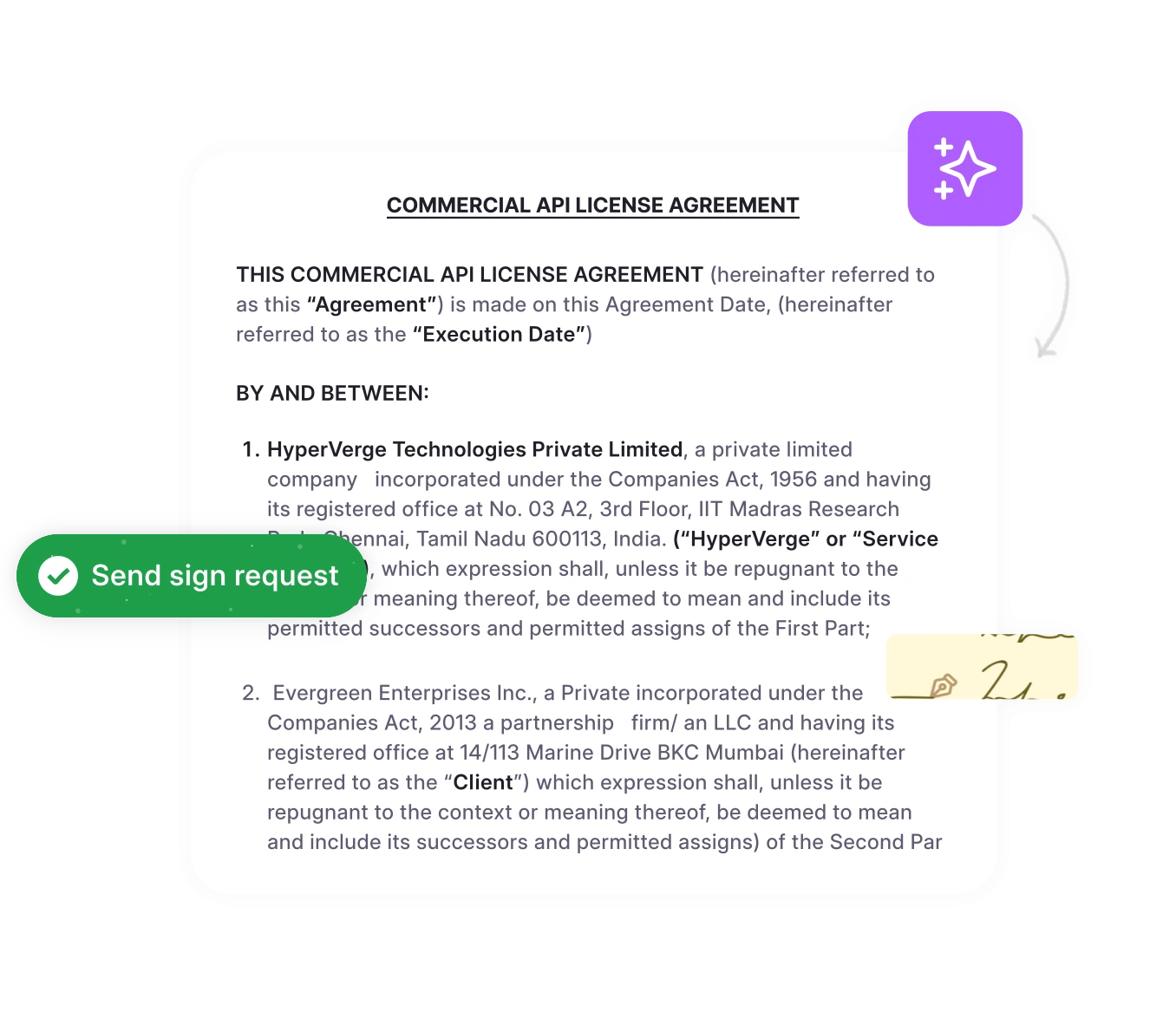
HyperStart
Fast-growing teams that need contracts moving quickly often turn to this platform, since its AI engine drafts, reviews, and redlines in minutes instead of days.
- First-pass redlining and clause extraction save legal teams from repetitive manual review, and the setup is quick compared to enterprise-heavy systems.
- It is a newer entrant, so smaller businesses evaluating it may find fewer long-term case studies to compare against.
Ironclad
Many legal departments reach for Ironclad because the no-code workflow builder is simple to use.
- This platform offers a smooth way for teams to work together, allowing them to finalize terms directly in a browser.
- Large organizations may find the pricing difficult to manage because major changes often require hiring outside help.
Conga
If your office runs entirely on Salesforce, this option is likely the most natural way to link contract data with your revenue goals.
- It speeds up the process by pulling updates from your CRM to handle tasks automatically.
- Complex workflows can turn into a big project that increases your total costs quite a bit.
DocuSign CLM
Since many partners already use their e-signature service, this manager centralizes compliance and signing in one location.
- Working with a brand your clients trust is a plus, and the system keeps a clear history of every file change.
- Small teams might find the starting price too high, and the interface feels a bit rigid compared to newer options.
Icertis
Multinational companies with massive amounts of paperwork often prefer this platform for its high-level governance capabilities.
- The system architecture is flexible enough to handle the complex legal models used by international firms.
- Since the platform is so detailed, setup takes months and often requires a technical expert on your staff.
Agiloft
This software is known for a no-code environment that fits even the most unusual business rules.
- A major benefit is the freedom to link other apps and change the layout to suit your team.
- You will likely need to hire a full-time administrator to manage the more advanced settings.
Juro
Speed is the priority here. Mid-sized businesses can often get their workflows moving in days rather than weeks thanks to the browser-based editor.
- New users can get started quickly, and the templates make daily contracts simple to manage.
- A very large company might find the customization a bit basic, particularly since some software links are still being updated.
LinkSquares
Once a deal is finalized, this system helps you track exactly what you signed by pulling data from your current files.
- Finding a specific clause across thousands of pages is simple with the built-in search tools.
- You might still need a different app if you want to manage drafting and signing from start to finish.
Contractbook
Smaller businesses usually gravitate toward this option because it fits a tight budget and connects with existing sales software.
- The platform is a tidy place to store files at a price that works for a startup.
- Do not expect the negotiation tools or clause libraries to be as powerful as those in enterprise systems.
SpotDraft
For companies scaling quickly, this tool offers a steady balance between compliance and software integrations.
- The features keep documents consistent as your company grows.
- It is a newer name in the market, so you will not find as many user reviews compared to older brands.
| Vendor | Best for | Key strengths | Primary limitations | Ideal company size |
| Hyperstart | Growing legal, sales, and procurement teams | AI-powered contract review, metadata extraction, automated workflows, and fast implementation | Some users report occasional loading delays, limited inline editing, and documentation gaps | SMB to Midmarket |
| Ironclad | Legal ops and collaboration | UX and in-browser negotiation | High costs for large teams | Midmarket to Enterprise |
| Conga | Sales teams using Salesforce | CRM automation and quote-to-cash | High configuration costs | Midmarket to Enterprise |
| DocuSign CLM | Teams using eSignatures | Familiarity and audit trails | Less room for customization | SMB to Enterprise |
| Icertis | Global enterprise governance | Extreme flexibility | Slow rollouts and complexity | Enterprise |
| Agiloft | Custom business processes | No-code adaptability | Need for technical resources | Midmarket to Enterprise |
| Juro | Fast commercial deployment | Ease of use and quick setup | Fewer enterprise features | SMB to Midmarket |
| LinkSquares | Risk and portfolio data | Automated search and extraction | Limited pre-signature tools | Midmarket to Enterprise |
| Contractbook | SMB sales and operations | Cost and CRM syncing | Lighter negotiation features | SMB |
| SpotDraft | Fast-growing companies | Compliance and integrations | Smaller market footprint | Growth to Midmarket |
| Evisort | AI-driven data search | Advanced extraction and analytics | Light pre-signature workflows | Midmarket to Enterprise |
CLM trends and AI capabilities
Tools for handling contracts change fast. Usually, three specific shifts affect your legal or procurement tasks the most.
By using automation, you can find important dates or risky language without reading every page by hand. It’ll save time. Some teams don’t manage simple renewals or basic work statements manually anymore. If you’ve connected the platform to an ERP, billing starts on its own. That’s how you turn a pile of paperwork into a smooth engine.
Ask vendors these things to look beyond the marketing talk.
- Can the system actually pick up on your specific playbooks and writing styles?
- It is smart to verify the exact security measures protecting your information while the software works.
- What kind of concrete outcomes happen with these automated reviews during the first few months?
(Flowchart showing data extraction, tracking duties, and renewals in business systems)
Conclusion
Identifying the best contract lifecycle management software isn’t just about a quick search. Since every business has unique needs, the decision usually rests on specific use cases, technical integrations, and the amount of internal capacity you have for setup. It’s smart to try a trial first. This helps you verify how well the software connects with existing tools. Success will not happen unless staff actually use the system to sign deals faster. Don’t pick a CLM based only on a shiny demo.