AI contract lifecycle management (CLM) combines AI drafting and risk review, approval workflows that route each contract to the right people, and e-signature, built in or integrated, so a contract moves from draft to signature in one flow.
HyperStart is contract lifecycle management (CLM) software for mid-market legal and operations teams. It covers the whole contract lifecycle in one product and goes live in weeks, with no implementation partner.
In HyperStart, AI reviews each draft and your approval workflow routes it for sign-off. Signing then runs through the DocuSign, Adobe Acrobat Sign or Zoho Sign account you already use.
Bring ten of your own contracts and book a demo.
Contracts on a shared drive stall between the draft and the signature
A shared drive and a folder of Word templates can hold contracts, but they cannot move them. Approvals live in email threads. The approved version has to be found, exported and uploaded again to a signature tool.
Renewal dates sit inside PDFs that nobody reopens. Each team feels the gap differently:
- Legal: Every routine NDA lands in the same queue as the agreement that carries real liability.
- Legal operations: The team becomes the chaser, asking who has approved and which file is current.
- Sales: Standard paper waits on legal at quarter end, and nobody can see where a deal’s contract sits.
- Procurement: Vendor agreements auto-renew because the notice window closed before anyone looked.
- Finance: Commitments get rebuilt by hand from scattered PDFs at every close.
HyperStart carries each contract from request to signature and renewal
HyperStart runs the four steps of an AI CLM in one system of record: review, approval, signature and tracking. Your team starts from a template or a contract request.
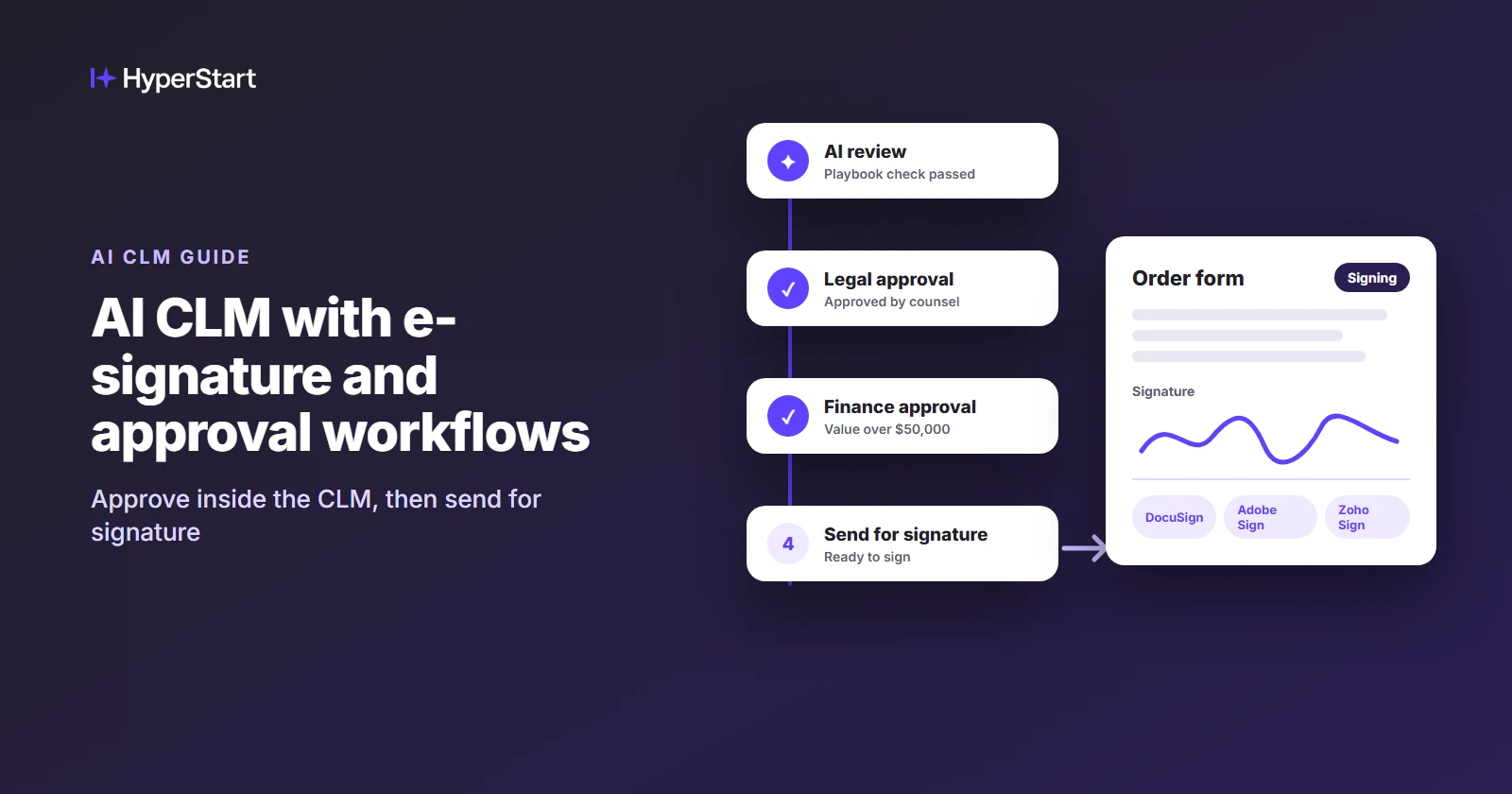
AI reviews the draft against your playbook, and the approval workflow sends it to the right people.
The approved version then goes for signing through your e-signature integration, and the signed contract is tracked for renewals and obligations.
- Draft and review: AI checks each draft against your playbook and flags risky or non-standard clauses.
- Approve: The approval workflow routes the contract to the right approvers, based on contract variables you set, such as value or department.
- Sign: The approved contract goes for signing through the DocuSign, Adobe Acrobat Sign or Zoho Sign integration.
- Track: Renewals, notice dates and obligations are tracked after signature, with reminders to the contract owner.
Templates and requests that start every contract the same way
HyperStart starts every contract from an approved template or a contract request. Approvers can be set at template level, so business teams generate their own drafts and the right sign-offs follow.
Sales, procurement and other requesters pick standard agreements from templates, so nobody rebuilds the same NDA again.
AI review that flags risky and non-standard clauses
HyperStart’s AI reads each incoming draft against your own templates and playbook. It flags clauses that depart from your standard positions, and your team redlines them in Word.
Run it on ten of your own contracts and judge the flags yourself. For more on clause-level review, see HyperStart AI contract review.
Approval workflows that route on the conditions you set
Each HyperStart approval workflow decides who signs off based on contract variables you set, such as:
- contract value or deal size
- the requesting department
- the contract type or template
You build the workflow without code and change it yourself, without a consultant or a change request. You can add approvers as the negotiation moves, and every approval is kept in an audit trail.
Pending approvals sit in one place, and email reminders nudge approvers who have not acted.
Redlining in Word inside the platform
In HyperStart, negotiation happens in Microsoft Word, and the redlining stays inside the platform. Each round of edits stays attached to the contract record. The version that reaches approval is the version that reaches signature.
E-signature through the provider you already use
Once the last approval clears, HyperStart sends the contract for signing through DocuSign, Adobe Acrobat Sign or Zoho Sign, without printing, exporting or re-uploading. HyperStart is the contract layer around the signing tool your company already owns, so there is nothing to replace.
Renewal and obligation tracking after signature
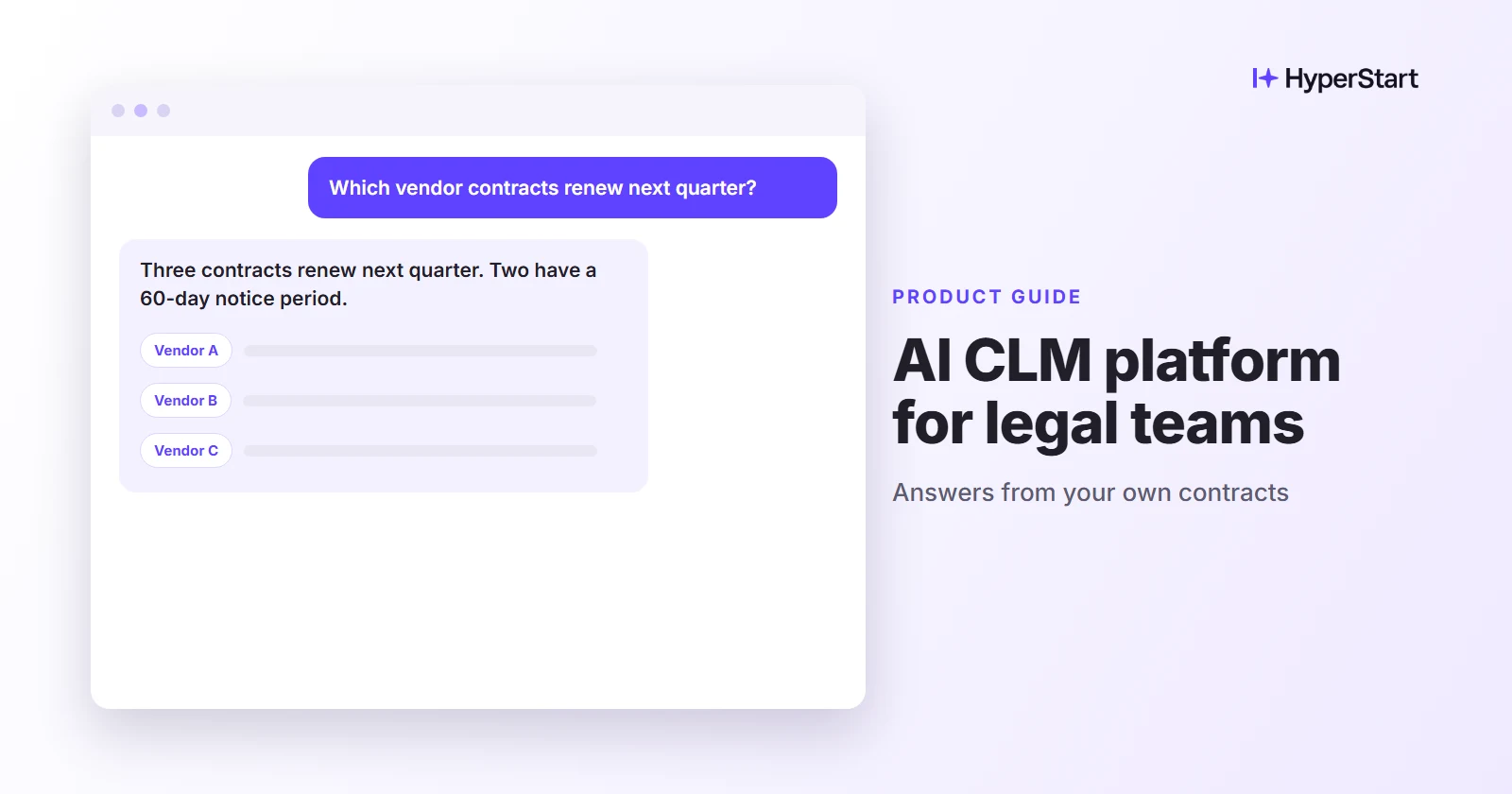
The signed contract lands in HyperStart’s searchable repository. AI extracts the dates and terms that matter later, such as renewal dates, notice periods and payment terms. Reminders go out before a renewal window closes, and an in-flight dashboard shows where every open contract sits.
Contract families with amendments linked
In HyperStart, every amendment links to the agreement it amends. Metadata rolls up across the contract family, so finance sees total contracted value and procurement sees current terms without opening six PDFs.
Going live takes weeks, with implementation included
HyperStart goes live in weeks, with no implementation partner, systems integrator or configuration project. That pace comes from one-click smart import and AI metadata tagging on the contracts you bring over. The milestone that matters is your first contract moving from approval to signature.
- Import your contracts: Move the existing shared-drive estate in with one-click smart import, and let AI metadata tagging populate the repository.
- Load your templates: Bring in the Word templates your team already uses so requesters start from approved paper.
- Draw your approval workflow: Set the value, department and contract-type conditions that decide who approves, and adjust them yourself later.
- Connect your signing tool: Link DocuSign, Adobe Acrobat Sign or Zoho Sign so approved contracts go straight to signature.
- Run the first contract through: Send one live contract from intake through approval to signature, then expand to the rest of your contract types.
You work directly with the people who build the product before, during and after go-live.
Pricing with implementation included
HyperStart pricing is a custom quote based on users or on contract volume, never both at once. Implementation is included, always: workflows, integrations and contract migration come at no extra fees. Details are on the pricing page.
Four details that shape your quote and rollout
Your HyperStart quote and rollout plan depend on four details you can share before the demo:
- Team size: The number of people working in the platform sets a user-based quote.
- Contract volume: The number of contracts you run sets a volume-based quote, as an alternative to users.
- CRM: Tell us which CRM your sales team works in, and we will walk through how sales requests reach intake today.
- Current e-signature tool: DocuSign, Adobe Acrobat Sign and Zoho Sign all stay in place.
See HyperStart CLM on your own contracts
Bring a few of your own contracts, and we’ll run them through HyperStart with you in a live demo.
Book a DemoSOC 2 Type 2, ISO 27001 and HIPAA compliance clear security review early
HyperStart is SOC 2 Type 2 and ISO 27001 certified, and HIPAA compliant, so security review can start early in the evaluation:
- SOC 2 Type 2: Certified.
- ISO 27001: Certified.
- HIPAA: Compliant, which matters for healthcare, pharma and life sciences contracts.
- Access control: Role-based access control and encryption decide who can open which contracts.
HyperStart is built for teams leaving a shared drive and Word templates
HyperStart is best for teams moving off a shared drive and Word templates, often where a new legal or operations hire has inherited the mess. The table compares the options those teams usually weigh.
| Option | Go-live effort | Approval workflow | Redlining in Word | Contract families and amendments | Signing |
| HyperStart | Live in weeks, no implementation partner, implementation included | Built without code and changed by your team | Inside the platform | Amendments linked to the parent, with metadata rollup | Through DocuSign, Adobe Acrobat Sign or Zoho Sign |
| Shared drive plus Word templates | Already in place | No routing; approvals handled by email | In Word, outside any system of record | Folder structure only | Separate upload to a signature tool |
| E-signature-only tools | Covers the signature step only | Outside the tool’s scope | Outside the tool’s scope | Outside the tool’s scope | Is the signature tool |
Juro, SpotDraft, DocuSign CLM and PandaDoc also come up when teams compare AI CLM with approvals and signing. Ask each one to run your real approval path, including the exception, on a contract you already signed.
| Tool | What it is | G2 rating |
| Juro | Browser-based CLM with a Word add-in that syncs edits | 4.5/5 (248 reviews, as of Nov 2026) |
| SpotDraft | AI CLM platform; its pricing page says implementation is always included | 4.5/5 (203 reviews, as of Nov 2026) |
| DocuSign CLM | DocuSign’s contract management product, separate from DocuSign eSignature | 4.3/5 (504 reviews, as of Nov 2026) |
| PandaDoc | Sales proposal and document tool | 4.7/5 (3,867 reviews, as of Nov 2026) |
| HyperStart | CLM for mid-market legal and operations teams, with signing through DocuSign, Adobe Acrobat Sign or Zoho Sign | 4.5/5 (9 reviews, as of Nov 2026) |
##
Conclusion
AI CLM with e-signature and approval workflows lets a contract move from draft to signature without approvals living in email threads. HyperStart handles the AI review and the approval routing.
It then hands the approved contract to DocuSign, Adobe Acrobat Sign or Zoho Sign for signing, so your company keeps the signing tool it already pays for.
Tell us your team size, contract volume, CRM and current signing tool, and bring ten contracts you actually signed. Book a demo and we will run them through review, approval, signature and tracking with you.
Try HyperStart CLM before you decide
The whole contract lifecycle in one product, live in weeks, with implementation included in the quote and no implementation partner.
Book a Demo