- A contract management dashboard centralizes contract data into visual, real-time reports for faster, data-backed decision-making.
- Dashboards eliminate data silos, improve cross-functional visibility, and simplify KPI tracking across the contract lifecycle.
- AI-powered CLM platforms like HyperStart automate dashboard creation, extracting and visualizing contract data in minutes, not months.
Managing a contract portfolio can be overwhelming, especially when dealing with large contract volumes containing complex terms and clauses. Many organizations face contract management challenges like:
No contract visibility.
Manual processes.
Siloed contract data across teams.
Do these challenges sound familiar to you? If yes, lack of contract visibility is likely hindering your contracting efficiency. So, how can you address these challenges?
The answer is simple—you can set up a digital dashboard to manage your contracts. As per a report by World Commerce & Contracting, over 54% of technology and software companies have adopted or are in the process of deploying a contract management reporting dashboard.
This blog offers comprehensive information on contract management dashboards, what they are, why they are beneficial, and, most importantly, how to set up your dashboard. Let’s get started.
What is a contract management dashboard?
A contract management dashboard is a centralized, visual interface that compiles and displays an organization’s contract data, including status, deadlines, values, and performance metrics. These dashboards use charts, graphs, and tables to present contract lifecycle performance at a glance.
A CLM dashboard breaks down complex contract data into digestible information that leadership, legal professionals, and other key stakeholders can use to make informed decisions.
The impact? All teams have easy, real-time access to contract status and progress, giving leadership a clear picture of overall contract health and ensuring streamlined contract lifecycle management. This makes dashboards superior to traditional approaches like tracking contracts in Excel, which relies on manual data updation.
What does a contract management dashboard look like?
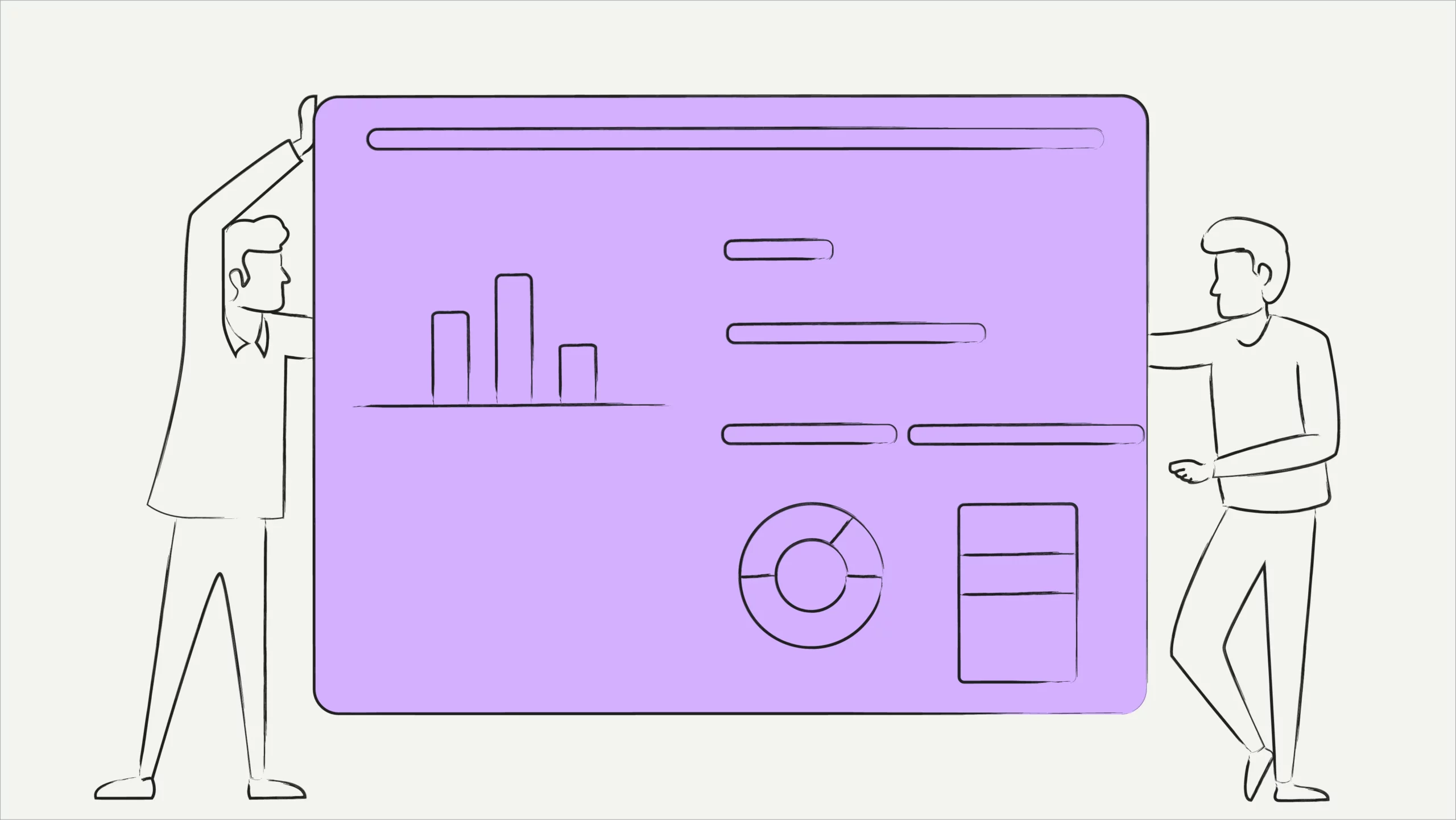
A contract management dashboard presents all the key information at a glance—contract status, upcoming renewals, expirations, contract values, and beyond. All this information is visualized through an intuitive interface using pie charts, line graphs, and bar graphs.
See HyperStart dashboard in action 👇
Common contract management dashboard examples
While every organization customizes its dashboard differently, here are common dashboard configurations:
- Contract status dashboard: Tracks agreements across lifecycle stages (draft, in review, approved, signed, expired) with real-time status indicators.
- Renewal management dashboard: Monitors upcoming expirations and renewal deadlines, flagging contracts that need immediate attention.
- Compliance and risk dashboard: Highlights contracts with missing clauses, overdue obligations, or non-standard terms that require review.
- Contract value dashboard: Displays total contract value segmented by department, vendor, or contract type to help leadership track financial exposure.
- Contract timeline dashboard: Visualizes contract milestones, deadlines, and durations, making it easy to spot scheduling conflicts or delays.
These example use cases for dashboards in contracting illustrate how a single CLM platform can power multiple dashboard views tailored to different business needs.
But here’s the catch—contract dashboards are customizable.
You can design your dashboard to represent metrics and information valuable to your organization. As a result, the entire dashboard can be customized depending on how you want to manage your contract portfolio.
Other dashboard types include Kanban boards, contract management dashboard Excel solutions, and Power BI contract management dashboard setups. However, manual tools like Excel and Power BI require significant configuration and lack the automation, real-time syncing, and AI-powered analysis that dedicated CLM dashboards provide. For a deeper comparison, see our guide on reporting contracts.
HyperStart CLM offers two dedicated dashboards: one to track pre-signature contracts (In-flight Dashboard) and another to track signed and executed contracts (Tracking Dashboard). You can create custom, team-specific dashboards for sales, legal, finance, and procurement, giving each team a complete overview of its contracts. These custom views can also segment contract value by department, helping leadership track financial exposure and obligations across business units.
Stop chasing contracts across spreadsheets and email threads
Switch to HyperStart CLM and build your central contract management dashboard in minutes, not months, with 95% accurate AI and 4-6 weeks deployment.
Book a DemoAfter understanding what dashboards are and what they look like, it’s important to explore their benefits and understand why implementing a dashboard is a worthwhile investment in contract management.
Why use a contract management dashboard
Central dashboards enable stakeholders to access all vital contract data in one place, thus improving collaborativeness in contract management. A well-configured contract performance dashboard gives cross-functional teams the visibility they need to track contract health and act before issues escalate. Here are the benefits of using a contract management dashboard for your contract management processes:
1. Promotes accountability and visibility
A central contract management dashboard gives cross-functional teams clear visibility over the organization’s contract portfolio. Dashboards offering customized views help finance, procurement, operations, and sales teams quickly analyze contracts relevant to their operations.
This centralized view over contracts promotes accountability, where multiple teams have ready access to relevant contractual obligations and commitments. Additionally, CLM dashboard features like version control and trail ensure agreements are not tempered—further strengthening security.
2. Eliminates data silos in contracting processes
With legal teams handling most aspects of the contracting process, there are chances of critical contract data ending up in silos. In such situations, operational and administrative teams cannot track contracts’ progress, leading to miscommunications.
Using dashboards helps the organization share information centrally. A contract management software like HyperStart CLM can be connected to accounting, sales, HR, procurement, and other apps. This integration provides all teams with a central dashboard for contractual insights and eliminates knowledge silos.
3. Simplifies KPI tracking and performance management
Contractual KPIs are key metrics that help evaluate contract performance and streamline CLM strategies. However, tracking contract KPIs can be challenging when contracts are scattered across multiple storage mediums like drive folders, local disks, emails, and filing cabinets. A centralized contract repository solves this by bringing all agreements into one searchable location.
A contract management KPI dashboard brings all contracts to one place, making it easy for analyst teams to track contract management KPIs. From calculating contract TAT to analyzing pre-signed contracts and getting real-time insights, every metric can be tracked easily through a dashboard.
4. Offers real-time reporting and insights
When tracking key performance indicators in contracts, most legal teams are prone to analyzing outdated data. Since most organizations analyze contracts periodically, there are chances of using outdated information when analyzing agreements.
Digital contact management dashboards connect data directly with the contract document. This connection synchronizes the dashboard’s data with contracts, meaning that it reflects the latest information in real time.
Moreover, smart dashboards like HyperStart CLM provide interactive, visualized contract reports, enabling you to monitor contract performance in real time. For instance, LeadSquared achieved 60% faster contract creation and 92% faster reporting after implementing HyperStart CLM, gaining instant visibility into contract status through centralized dashboards.
Using a dashboard to manage contracts is superior, efficient, and more reliable than traditional approaches like using spreadsheets. For teams evaluating the best dashboard tools for improving contractor and contracting efficiency, the key differentiator is how quickly the platform turns raw contract data into actionable insights.
Key KPIs to track on your contract management dashboard
A contract management KPI dashboard is only as effective as the metrics it tracks. Choosing the right KPIs ensures your dashboard delivers actionable insights rather than data overload.
Here are the essential contract performance metrics to monitor:
| KPI | What it measures | Why it matters |
| Contract cycle time | Duration from contract initiation to final execution | Identifies bottlenecks slowing deal velocity and revenue recognition |
| Contract value | Total and average value of active contracts | Tracks financial impact and overall portfolio health |
| Renewal rate | Percentage of contracts renewed vs. expired | Indicates client retention, vendor loyalty, and revenue stability |
| Compliance rate | Adherence to contractual obligations and deadlines | Prevents penalties, disputes, and regulatory exposure |
| Approval turnaround | Time spent at each approval stage | Pinpoints workflow delays and resource allocation gaps |
| Risk exposure | Contracts flagged for missing clauses, overdue obligations, or breaches | Enables proactive risk mitigation before issues escalate |
When tracked consistently, these KPIs help legal and business teams benchmark performance, identify process gaps, and demonstrate the strategic value of contract operations to leadership.For a complete breakdown of each metric and how to benchmark them, explore our detailed guide on contract management KPIs.
How to set up a contract management dashboard
Setting up your dashboard for contract management is a straightforward path. All you have to do is upload your contract portfolio into a contract management system like HyperStart CLM. These tools will help you automatically generate a full-fledged dashboard in minutes, thanks to AI-powered contract analysis technology.
The contract management dashboard software will analyze your agreement portfolio, extract data from it, and present a visualized, interactive dashboard. Once visualized, your contract data is ready for analysis.
Not just that, you can also create a dashboard for your pre-signature contracts. HyperStart CLM offers this solution in its in-flight analytics dashboard, which uses AI technology to identify contracting bottlenecks and delayed approvals. Such dashboards help accelerate workflows through contract management automation and get to a yes faster.
Automate Contract Management With AI
HyperStart CLM offers 95% accurate AI to help you create, review, sign, store, analyze, and track all contracts in one place.
After setting up your dashboard, you can play around and get detailed insights on your contracts. Contract management dashboard software offers features like real-time insights and analytics to manage complex agreement portfolios easily. Let’s take a look at these features.
Essential features of a contract dashboard
It is important to ensure that your contract dashboard has the needed features and functionalities for optimal efficiency. Here are the key features of contract dashboard software:
| Feature | What it does |
| Real-time status | Displays the current stage, progress, and updates of each contract, ensuring users stay informed at a glance. |
| Audit trails | Provides a detailed record of all actions taken on contracts, enhancing transparency and ensuring compliance with regulations. |
| Filters | Enables users to quickly locate specific contracts using advanced keyword search and filtering options. |
| Metadata extraction | Automatically identifies and captures key contract details like dates, parties, and terms for easier management. |
| Alerts and tracking | Sends timely reminders for upcoming deadlines, renewal dates, and other critical contract milestones. |
| Reports and insights | Offers comprehensive analytics and performance insights to drive better contract management decisions. |
| Renewal management | Tracks contract expiration dates and automates renewal workflows to avoid missed opportunities or lapses. |
| Customizable views | Lets users personalize views and reports to align with specific roles, preferences, or business goals. |
| Timeline tracking | Visualizes contract milestones, deadlines, and durations on a timeline view for easy scheduling and progress monitoring. |
These features help manage contracts easily and improve contract turnaround time. If you’re evaluating what features a contract dashboard should have, the table above covers the essentials—but the best contract analytics software offers customizable dashboards that let each team configure views for their specific workflows.
AI-based dashboards take renewal tracking further by automatically flagging contracts approaching expiration, prioritizing them by value or risk, and triggering automated alerts—ensuring no renewal opportunity slips through the cracks. HyperStart CLM offers all these features and more, making it the ideal choice for teams that need flexibility without complexity.
Common pitfalls to avoid with contract management dashboards
Implementing a dashboard is only the first step. Avoid these common mistakes to ensure your dashboard delivers real value:
1. Tracking too many metrics
Overloading your dashboard with every available data point creates noise, not clarity. Focus on 5-7 KPIs that directly align with your organization’s contracting goals and review them quarterly to keep your dashboard relevant.
2. Relying on outdated or inaccurate data
A dashboard is only as reliable as its data inputs. Without automated data syncing from your CLM system, dashboards quickly become misleading. Ensure your contracts feed data into the dashboard in real time rather than through manual updates.
3. Using a one-size-fits-all layout
Different teams need different views. Sales teams prioritize renewal dates and deal status, while legal focuses on compliance metrics and risk flags. Choose a dashboard that supports customizable, role-specific views so every team sees what matters most to them.
4. Ignoring user adoption
Even the best dashboard fails if teams don’t use it. Prioritize onboarding, training, and intuitive design to drive consistent adoption across departments. A dashboard that only legal uses defeats the purpose of cross-functional visibility.
5. Skipping automation for alerts
Manual deadline tracking defeats the purpose of a centralized dashboard. Configure automated alerts for renewals, expirations, and obligation milestones to stay proactive rather than reactive.
Manage all contracts centrally with HyperStart CLM
Central dashboards are effective systems for handling contracts. These tools help store and track all contract-related information centrally, giving instant visibility to business teams over contractual data.
HyperStart CLM’s contract management dashboard helps business teams gain maximum contract value and efficiency. Built using 94% accurate contracting AI tech, this platform is a single-stop solution for creating, reviewing, redlining, approving, storing, tracking, and analyzing contracts.
Here’s what sets HyperStart CLM’s contact management dashboard apart:
Complete tracking for pre-signature and executed contracts—serving as an all-in-one dashboard for contracts, payments, and workforce-related agreements
AI-powered analytics and reporting
Smart filtering and custom views
Single-click import from CRM, Drive, and email tools
Secure, controlled access for guaranteed confidentiality
With HyperStart CLM, all business teams—sales, legal, finance, procurement, and operations—can stay connected and manage contracts on a single, unified dashboard. Want to know more? Book a demo with our team and discover how HyperStart CLM can simplify your contracting processes. Start with a 7-day free, no-obligation trial today.