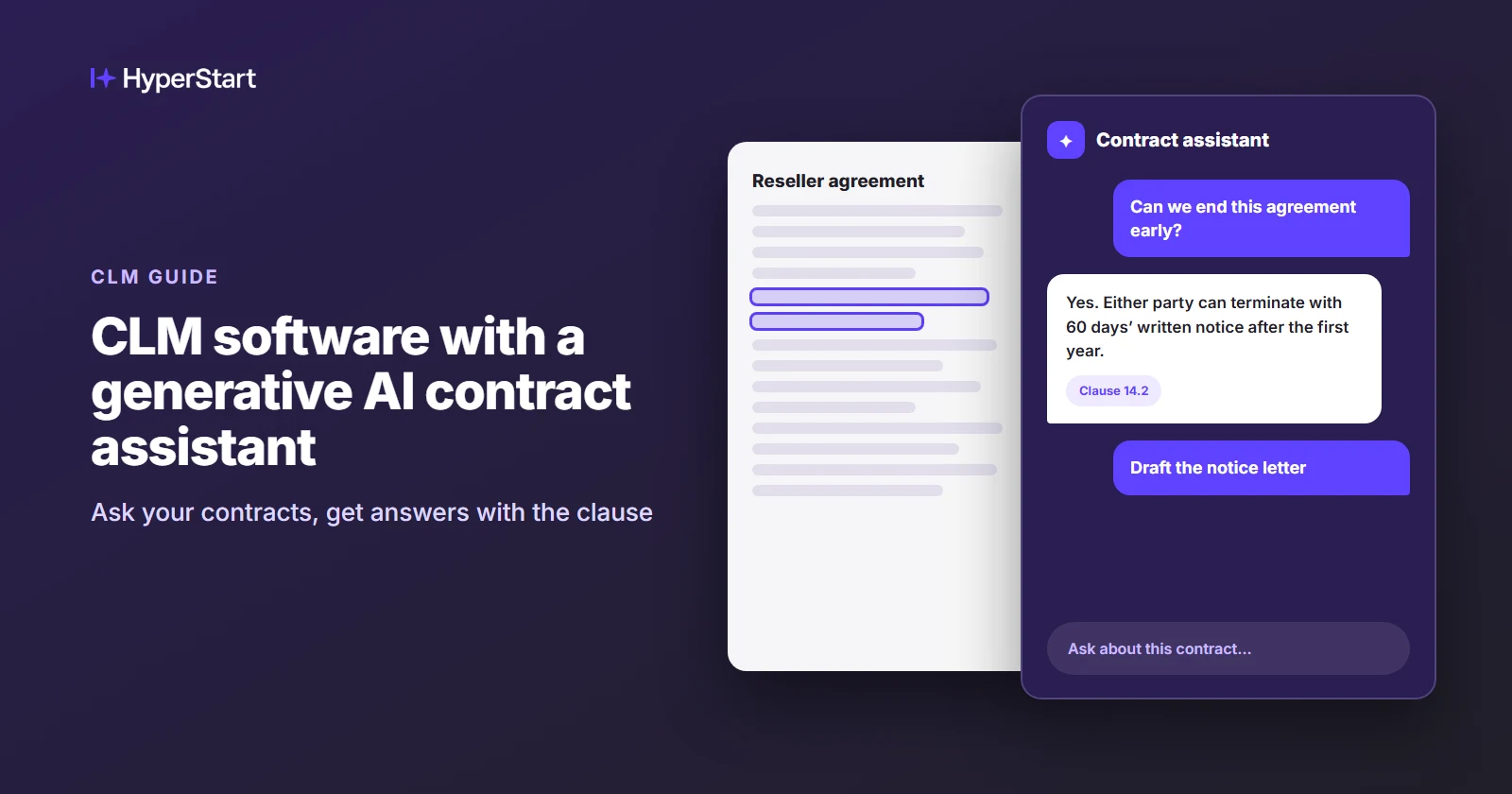
A generative AI contract assistant inside CLM software uses large language models to help you run contracts. It drafts, reviews, redlines and summarizes agreements, flags terms that stray from your standards, and pulls key dates and obligations out of every contract in your repository.
HyperStart is contract lifecycle management (CLM) software for mid-market legal and operations teams. It covers the whole contract lifecycle in one product and goes live in weeks, with no implementation partner.
Its AI reviews drafts against your playbook, suggests redlines you accept in Word inside the platform, and extracts key terms into a searchable repository.
Try it on your own contracts: Book a demo with our team.
A shared drive and Word templates leave a small legal team doing the assistant’s job by hand
Most teams start looking for an AI contract assistant at one moment. A new legal or operations hire inherits a folder of contracts and a set of Word templates, and the rest of the business starts sending them questions.
Every agreement starts from a copied Word file
Without templates the business can use on its own, the same NDA gets rebuilt from scratch every time someone in sales or procurement needs one. Legal becomes the queue for paper that carries no real risk.
Risky terms get caught only by whoever happens to read them
When nobody checks each draft against the company’s standard positions, an off-standard liability or indemnity term slips through. It gets noticed only when a lawyer has time to read the whole document.
Renewal and notice dates sit in files, not in a system
When a renewal date lives inside a PDF, vendor agreements can auto-renew without anyone deciding to renew them. Finance also cannot see what the company has committed to pay.
Enterprise CLM asks for a configuration project first
Many CLM products assume an implementation partner and a configuration project that runs for months before the first contract moves. A two-person legal team has neither the budget nor the time for that.
HyperStart puts its AI inside the system of record
A contract assistant is most useful where the contract already lives: in the draft, the negotiation, the approval and the repository. HyperStart runs each step below in one product, and it connects to Microsoft Word, Salesforce and Slack.
First drafts from your templates
Drafting in HyperStart starts from your own templates and intake forms, so legal begins from your standard language instead of a blank page.
A sales or procurement request for a mutual NDA becomes a draft on your standard terms. The business uses those templates on its own, so routine agreements go out without legal rebuilding them.
Risky and non-standard terms flagged during review
Risk flagging means the AI compares a draft against your standard positions and marks any clause that departs from them. Typical examples are an uncapped liability or a one-sided indemnity.
HyperStart’s AI review runs against your playbook, so the flags reflect your positions, not a generic checklist. Test it on your messiest real contracts, not on tidy demo files.
Redline suggestions against your playbook, in Word inside the platform
Redlining means the assistant proposes specific edits that bring a counterparty’s draft back to your position. Here is an example:
- Counterparty draft: “Supplier’s liability under this Agreement is unlimited.”
- Playbook position: liability capped at fees paid in the prior twelve months.
- Suggested redline: replace the clause with the capped wording and flag it for counsel.
Your team accepts or adjusts that redline in Word within HyperStart, so every round of negotiation stays in the system of record.
Answers from the repository instead of the PDF
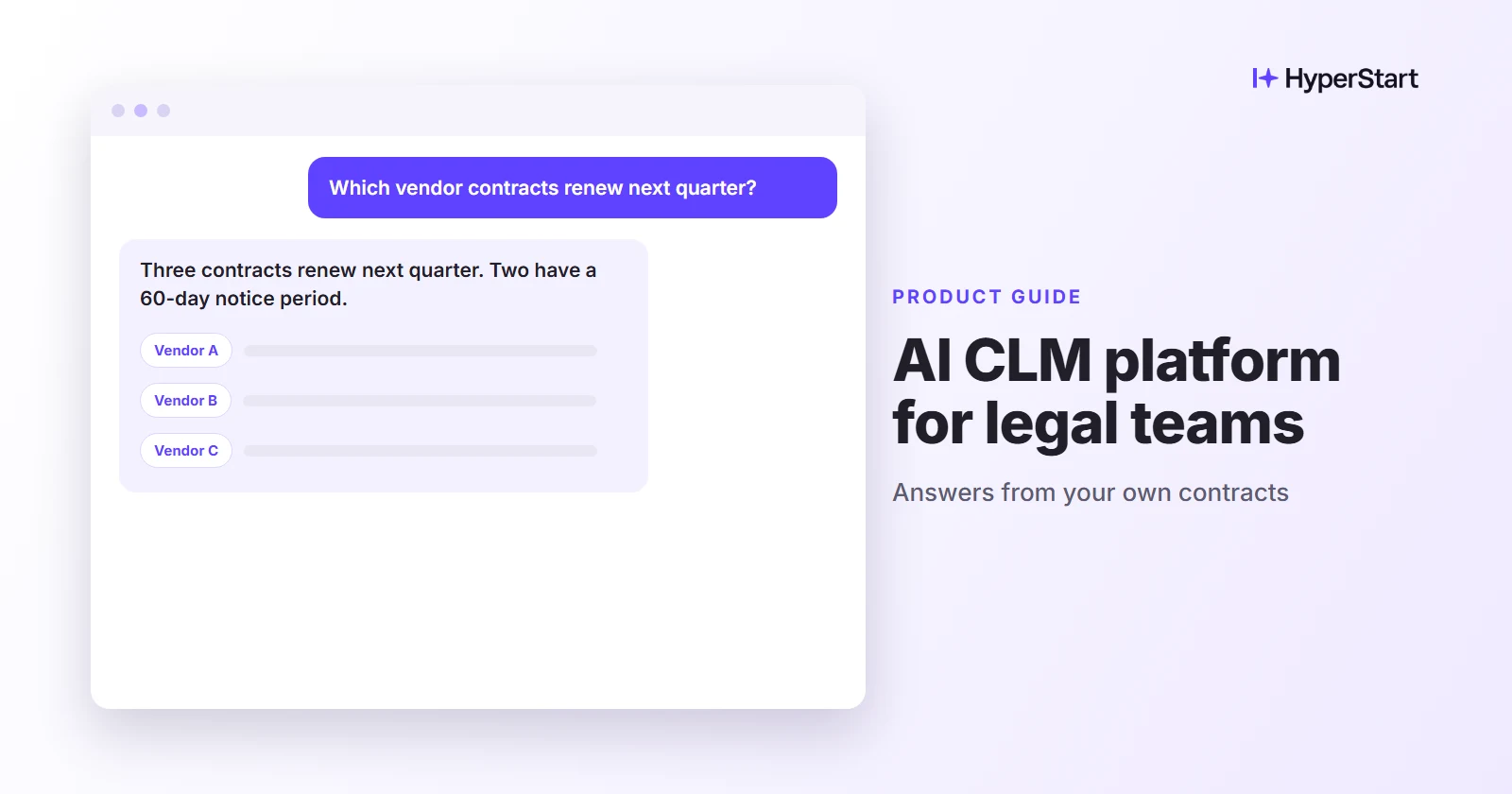
Contract questions get answered from the fields HyperStart’s AI has already extracted, not by reopening each file. “When does this vendor agreement auto-renew?” becomes a look at the renewal date on the record.
“Which MSAs cap our liability?” becomes a filter across the searchable repository. AI contract summaries put each agreement’s key data at the top, so a reviewer sees the essentials before reading the full text.
Key dates, parties and obligations extracted into the repository
Extraction means the AI reads each agreement and turns its parties, key dates, renewal terms and obligations into searchable repository fields. Your team can then pull every contract with a notice deadline this quarter in one search.
Metadata is tagged by AI when contracts are imported, so the repository is usable from the first week instead of after months of manual data entry.
Contract families and renewal tracking after signature
Contract families keep extracted data complete after signature. Amendments link to their parent agreement, and metadata rolls up across the whole family. Tracking watches renewal, expiry and obligation dates and sends reminders, so nobody has to chase each deadline.
Approval workflows you draw and change yourself
Approval workflows route each contract to the right people before signature. You draw the workflow visually instead of coding it, so it can match how your company actually approves things. Your team changes it later without a consultant or a change request.
How a contract moves through HyperStart, from intake to renewal
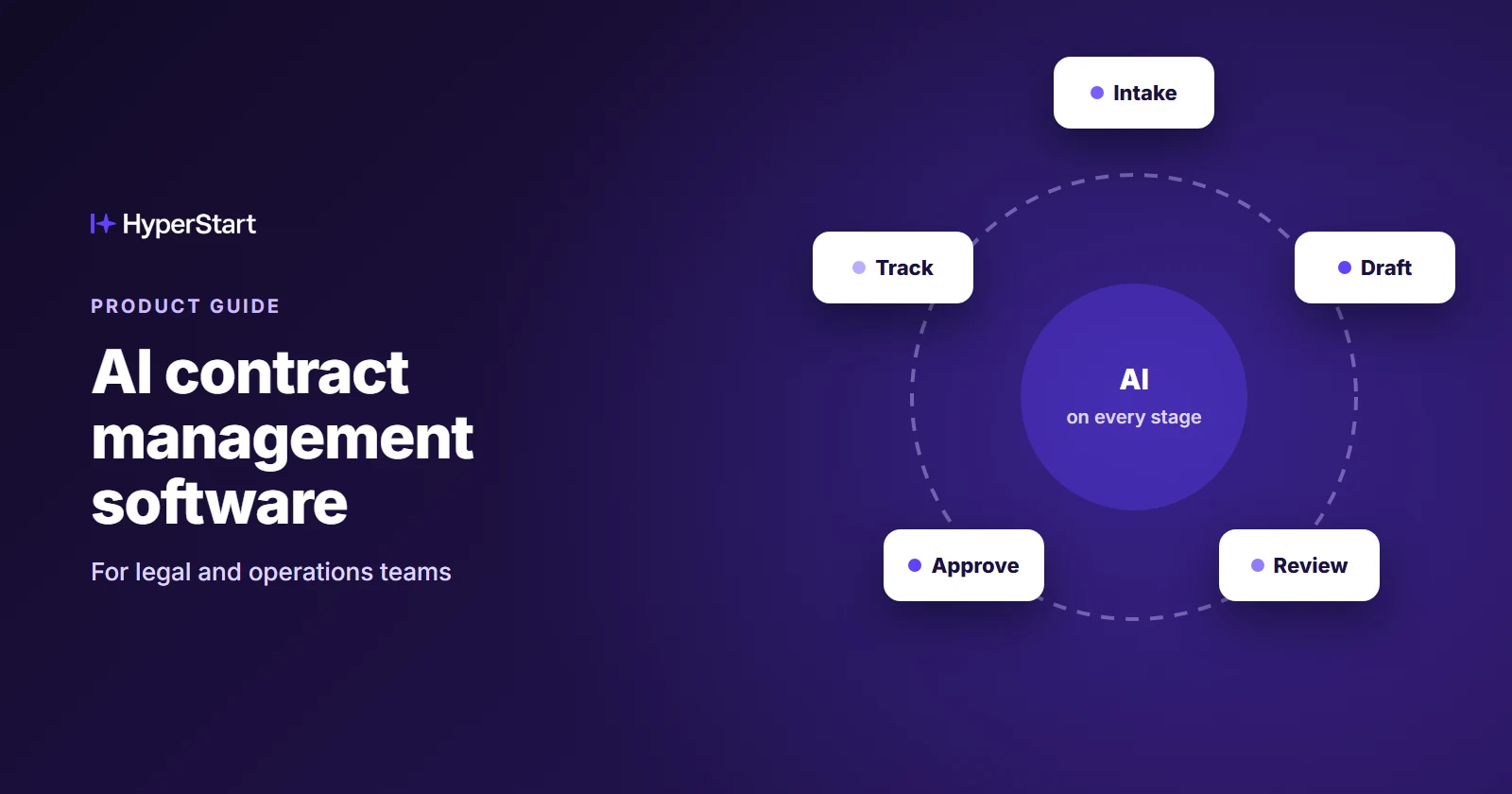
A contract moves through eight steps in HyperStart, and the AI helps at review, redlining and repository stages.
- Intake: a request arrives and is routed to the right template and owner.
- Template: the draft starts from your standard paper.
- AI review: risky and non-standard terms are flagged against your playbook.
- Approval workflow: the contract follows the route your team drew.
- Redlining in Word: negotiation happens inside the platform, with suggested redlines.
- Signing: the contract is signed through the DocuSign, Adobe Acrobat Sign or Zoho Sign account you already use.
- Repository and contract family: the executed contract is stored, tagged and linked to its parent agreement and any amendments.
- Renewal and tracking: dates and obligations trigger reminders before each window closes.
Going live in weeks, not quarters
HyperStart goes live in weeks. One-click smart import and AI-based metadata tagging move your existing contracts in without manual data entry. No implementation partner, systems integrator or configuration project sits between your team and go-live, and implementation is included in the quote.
See HyperStart CLM on your own contracts
Bring a few of your own contracts, and we’ll run them through HyperStart with you in a live demo.
Book a DemoSecurity review comes first when an AI reads every contract
An AI assistant reads every contract you hold, so security teams ask about certifications first. HyperStart is SOC 2 Type 2 and ISO 27001 certified, and HIPAA compliant. Share that with IT at the start, and the security review will not stall your evaluation.
Where HyperStart fits among CLM options with generative AI
HyperStart fits mid-market legal and operations teams that want AI review, redlining and extraction in the same product as their templates, approvals and repository.
It is simple enough for a two-person legal team to run day to day, and each part of the business gets something specific:
- General Counsel: low-risk paper moves on templates without lawyers rebuilding it, so their time goes to agreements with real exposure.
- Legal Operations: every contract in flight appears in one view with its stage, owner and age, and reminders go out without anyone chasing.
- Sales: standard paper goes out the same day without waiting on legal, and contract status is visible without asking anyone.
- Procurement: auto-renewal and notice dates are visible before the window closes, so nothing renews by accident.
- Finance: total contracted value is rolled up across a contract family instead of spread across separate PDFs.
How CLM contract assistants compare
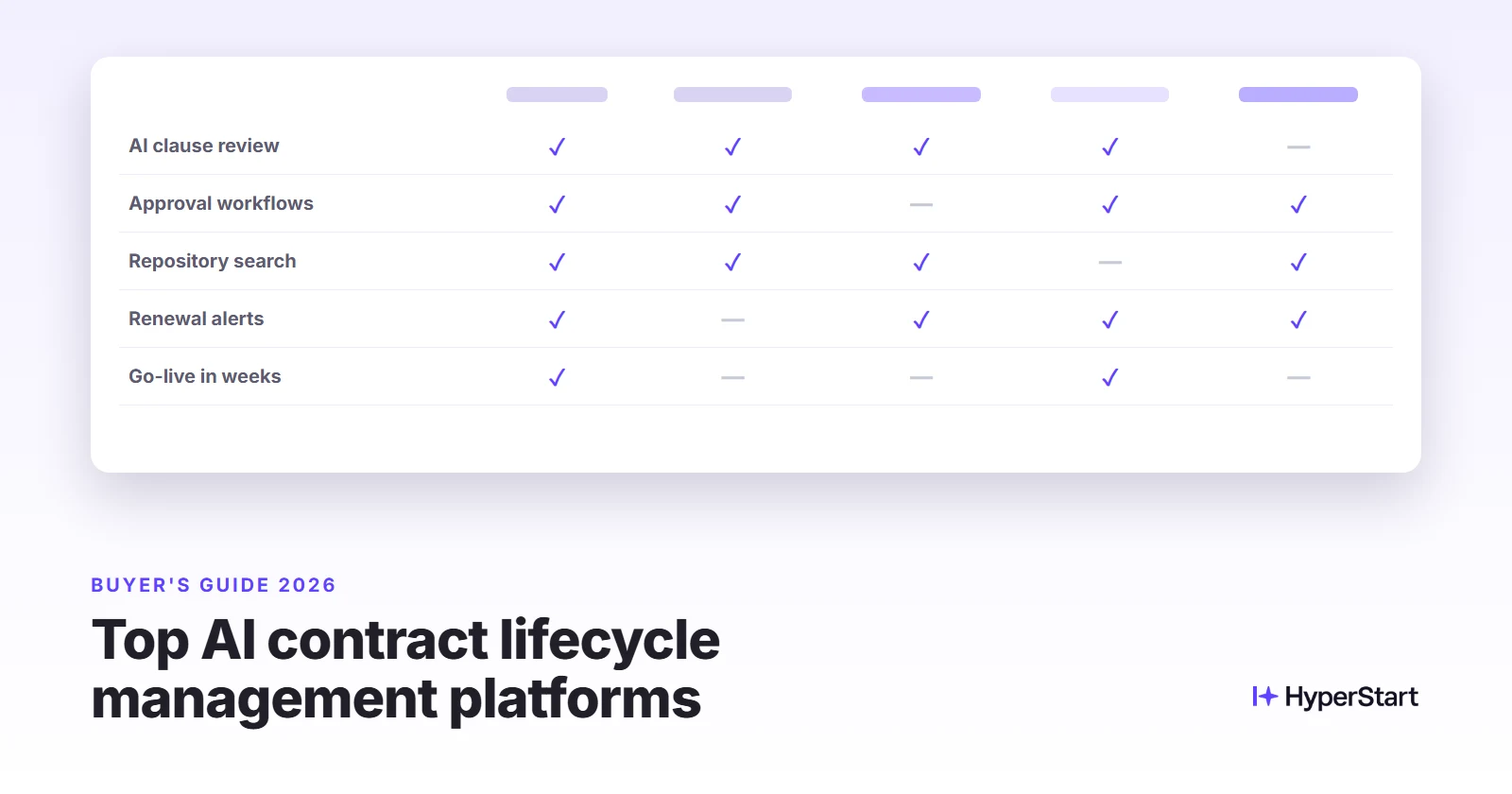
CLM contract assistants differ mainly in where the AI sits: in drafting and negotiation, in post-signature analytics, or in the repository. The table sums up how each product’s AI is usually described, with G2 ratings as of Nov 2026.
| Product | How its AI is described | G2 rating |
| HyperStart | Reviews drafts against your playbook, suggests redlines you accept in Word inside the platform, and extracts key terms into a repository with contract families | 4.5/5 (9 reviews, as of Nov 2026) |
| Ironclad | AI assistant for contract generation, redlining against negotiation playbooks, and Q&A across the repository | 4.4/5 (332 reviews, as of Nov 2026) |
| SpotDraft | CLM platform with AI help for contract review and drafting | 4.5/5 (203 reviews, as of Nov 2026) |
| Juro | Browser-based editor with an AI assistant for drafting and summarizing | 4.5/5 (248 reviews, as of Nov 2026) |
| DocuSign CLM | AI that summarizes long agreements, flags risks and speeds up review | 4.3/5 (504 reviews, as of Nov 2026) |
| LinkSquares | AI-first analytics, extraction and AI search across the repository | 4.7/5 (445 reviews, as of Nov 2026) |
| ContractWorks | Repository-first tool that extracts metadata and key dates | 4.6/5 (95 reviews, as of Nov 2026) |
| ContractSafe | Repository-first contract tool with AI-assisted storage and tracking | 4.6/5 (137 reviews, as of Nov 2026) |
When you collect quotes, ask every vendor to show the license and the implementation as separate lines. HyperStart’s custom quote already includes workflows, integrations and contract migration.
You work with the people who build the product
HyperStart does not hand you off to a third party. You deal directly with the team that builds the product before go-live, during setup and long after.
The people who know your contracts and the people who can change the product stay in the same conversation.
Conclusion
A generative AI contract assistant is worth having when it works inside your CLM, on your own contracts, at review, redlining and repository stages.
HyperStart’s AI checks drafts against your playbook, suggests redlines you settle in Word, and turns signed paper into searchable dates and terms. It suits a small legal or operations team that wants that help without an implementation project.
Pick ten agreements your team knows well, with at least one amendment among them. Book a demo and watch the review, redlining and extraction run on them live.
Try HyperStart CLM before you decide
The whole contract lifecycle in one product, live in weeks, with implementation included in the quote and no implementation partner.
Book a Demo