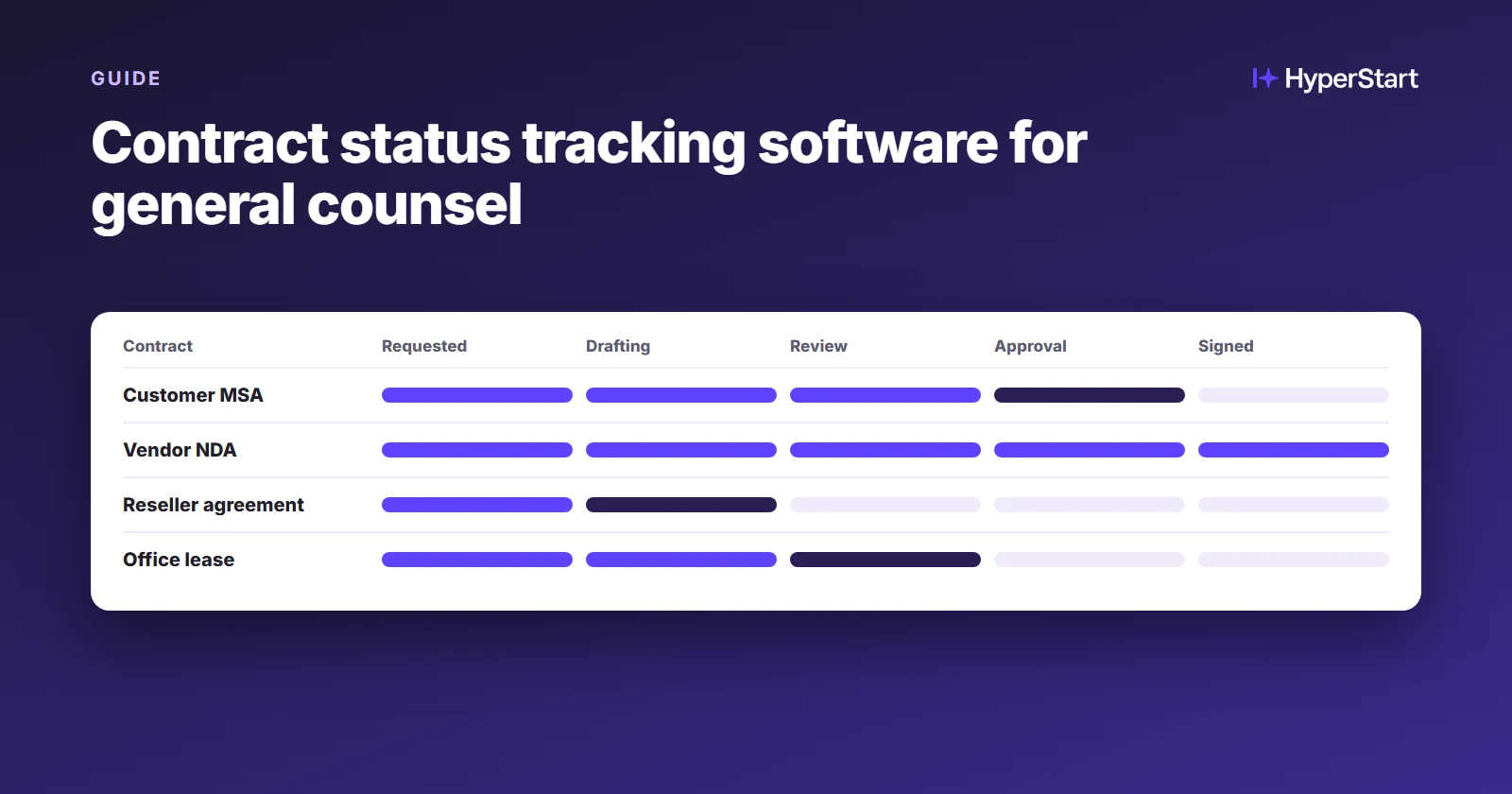
Contract status tracking software shows general counsel the current stage of every contract: requested, in drafting, in approval, out for signature, signed or up for renewal. It also shows who holds each contract and for how long, so “where is this contract?” gets answered without a chase.
Most general counsel meet this problem after inheriting a shared drive. File names hint at status, email threads hold the approvals, and renewal dates stay inside signed PDFs. This guide covers what status tracking is, what to look for, and how to set it up.
- Contract status tracking gives every contract a live stage, an owner and a time-in-stage count.
- A shared drive stores contracts but cannot report where each one sits or what it still owes.
- Status stays accurate only when the work itself (drafting, approval, signing) happens in the same system.
- Look for stage history, a bottleneck view, AI extraction on third-party paper and linked amendments.
- Ask every vendor for the license and implementation as separate lines before you compare prices.
What is contract status tracking?
Contract status tracking is a live record of where each contract sits in its lifecycle and who is holding it. It is part of contract lifecycle management (CLM) software, which runs a contract from request to renewal in one system.
A good status record answers three questions at a glance:
- Stage: Which step is the contract at right now?
- Owner: Which person or team holds it?
- Age: How many days has it waited in that step?
For a general counsel, this turns status from a help-desk job into a lookup. You can see which risky contracts are stuck in approval or negotiation. Routine NDAs and standard orders can move without the legal team touching them.
Which contract stages should a status tracker show?
A status tracker should show every stage from intake to renewal, and each stage should change as the work happens. The table below lists the stages and what the status should tell you at each one.
| Stage | Status shown | What the status should tell you |
| Intake | Requested | A request is logged and routed to the right template and owner |
| Drafting | In drafting | A draft was generated from an approved template |
| Negotiation | In redlining | Which side holds the latest draft |
| Approval | In approval | Which approver holds the contract and how long it has waited |
| Signing | Out for signature, then signed | The contract went out through your signing tool and came back executed |
| Repository | Signed and stored | The executed copy is searchable, with the current version obvious |
| Renewal and obligations | Up for renewal | The next renewal or notice date and any open obligations |
Signing usually runs through a tool your company already owns, such as DocuSign, Adobe Acrobat Sign or Zoho Sign. Most CLM tools sit around that tool rather than replace it, and record when a contract moves from out for signature to signed. You can read more about this step in our guide to contract signing.
Why does contract status disappear on a shared drive?
Status disappears on a shared drive because folders store files but cannot report on them. A draft, a redline waiting on the counterparty and a signed agreement all look the same in a folder.
The gaps show up in four places:
- No live stage: Nobody can tell from the folder whether a contract is still being negotiated.
- Renewals run on unnoticed: Auto-renewal and notice dates are written into executed contracts, but nobody gets reminded of them.
- Obligations fade after signature: Payment terms, deliverables and service levels get agreed and then go untracked.
- Amendments drift from their parent: A change agreed in year two sits in a different folder from the agreement it modifies.
A spreadsheet tracker does not fix this for long. Someone has to update it by hand, so it is always a step behind the work.
See HyperStart CLM on your own contracts
Bring a few of your own contracts, and we’ll run them through HyperStart with you in a live demo.
Book a DemoWhat features matter most for general counsel?
The features that matter most are the ones that keep status accurate without anyone updating it. In most CLM tools, a contract is requested, drafted, approved and signed inside the same system, so its status changes as the work happens.
Look for these five things when you compare tools:
- Stage history: Each contract records every stage it has passed through, so you can see where time was lost.
- Bottleneck view: Contracts stuck in one stage too long show up before a deadline is missed.
- AI extraction on third-party paper: Many CLM tools use AI to read parties, effective dates, renewal and notice dates, payment terms and obligations. Check that it works on counterparty contracts as well as your own templates, because much of an inherited portfolio was never drafted on your paper.
- Reminders that escalate: Most contract tracking tools send reminders ahead of renewal, notice and expiry dates. In many, an unanswered reminder passes to the next owner, so the status never sits unread.
- Contract families: Many CLM tools link every amendment, renewal and addendum to the agreement it changes. Value, dates and status roll up across the family, so you see current terms and total commitment without reconciling separate PDFs.
Obligation tracking belongs on this list too. Many CLM tools pull deliverables, milestones, payment terms and service levels from signed contracts and assign each one to an owner. Each obligation stays attached to the contract that created it. A signed contract’s status then also shows what each party still owes.
How do you set up status tracking when you inherit a shared drive?
You set it up by importing the drive, letting AI fill in the data, and then running new contracts through the system. Many CLM tools offer bulk import from a shared drive and AI metadata tagging for this.
Done in this order, the tracker shows your existing contracts on day one rather than only the new ones.
- Import the shared drive: Move contracts into one repository without re-filing them by hand.
- Tag the metadata with AI: Let AI tag parties, dates, renewal terms and obligations, which fills the tracker with existing data.
- Link contract families: Attach amendments to their parent agreements so family metadata rolls up.
- Draw your approval workflows: Map the approval paths your company already uses. Your team should be able to change them later without a ticket. Our guide to contract approval workflows covers how to map them.
- Assign owners: Give each contract, renewal and obligation a named owner who gets the reminders.
Test the AI before you trust the tracker. Start with the third-party agreements nobody has opened in a year, and check whether the extracted fields match what was signed.
Plan the security review early as well. Status tracking puts every agreement, including ones with sensitive data, in one place. Healthcare, pharma and life sciences teams should ask each vendor for its SOC 2 Type 2 and ISO 27001 reports in the first week. Ask whether it is HIPAA compliant, too.
How do contract status tracking tools compare on price?
Most CLM tools with status tracking are sold by quote, so the real comparison is what the quote includes. Some vendors include implementation, while others charge it on top of the license.
| Product | Noted for | Pricing and implementation (as of Nov 2026) | G2 rating (as of Nov 2026) |
| HyperStart | Whole lifecycle in one product for mid-market legal and ops teams; redlining in Word inside the platform; contract families with metadata rollup; approval workflows your team changes itself | Custom quote based on users or contract volume, on an annual plan. Implementation, integrations and contract migration included (pricing page) | 4.5/5 on G2 (9 reviews) |
| Ironclad | Launches workflows from Slack and Salesforce; native e-signature | No public price; sold by quote (pricing page). Vendr median $40,875 a year; implementation extra at $10,000 to $75,000+ | 4.4/5 on G2 (332 reviews) |
| DocuSign CLM | Fits teams standardized on DocuSign | Sold by quote. DocuSign’s IAM plans are a separate product line, from $40 per user a month billed annually (IAM plans) | 4.3/5 on G2 (504 reviews) |
| SpotDraft | CLM priced on contract volume | No public price; priced on contract volume, with in-house implementation always included (pricing page). Vendr median $25,278 a year | 4.5/5 on G2 (203 reviews) |
Ratings are from G2, and prices are from each vendor’s pricing page or Vendr, checked November 2026.
Ask every vendor for license and implementation as separate lines, because a license quote alone is not what you end up paying. Teams that already sign with DocuSign eSignature can keep it. Ask each CLM vendor whether it connects to the signing tool you own today.
Three questions general counsel should ask before buying
- Does status update itself? Status stays current only when drafting, approvals and signing happen in the same system.
- Can my team change the workflow? Policies change, so legal ops should be able to edit approvals without a consultant.
- Who implements it? Ask whether implementation is in the quote or comes from a partner.
HyperStart answers all three for mid-market legal and operations teams. HyperStart is contract lifecycle management (CLM) software that covers the whole lifecycle in one product. Your team changes its own approval workflows, and implementation is included in the quote. Book a demo to see your contracts by stage.
Try HyperStart CLM before you decide
The whole contract lifecycle in one product, live in weeks, with implementation included in the quote and no implementation partner.
Book a Demo