


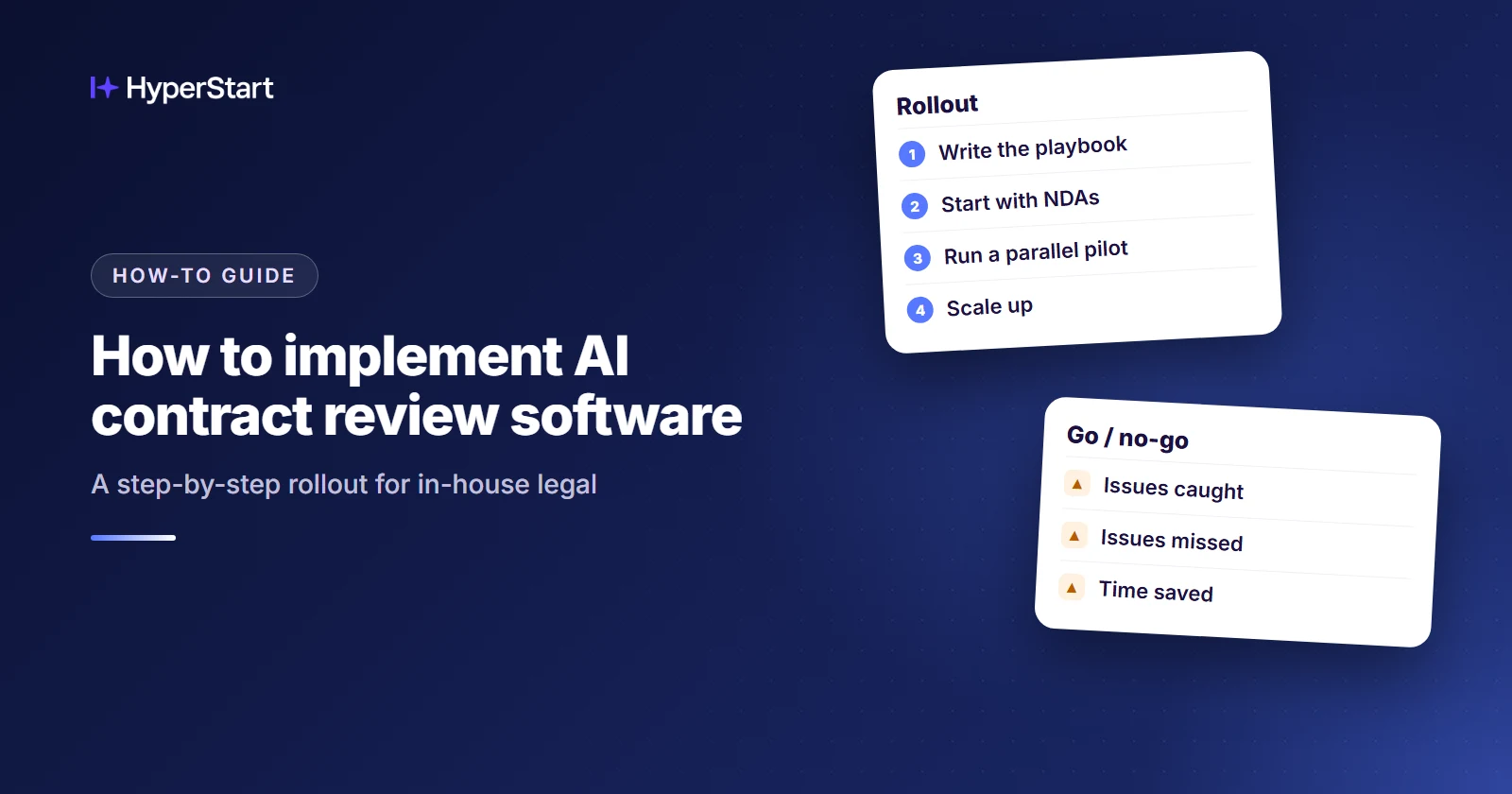
Implement AI contract review software for in-house legal as a phased rollout: write your playbook first, start with NDAs, pilot with one team, then widen only after the pilot holds up, with a lawyer keeping the final call. The same sequence works for a two-person legal team on a shared drive and Word templates, not only for a large legal department.
HyperStart is contract lifecycle management (CLM) software from HyperVerge for mid-market legal and operations teams. It covers the whole contract lifecycle in one product and goes live in weeks, with no implementation partner.
For a rollout like this one, that means the NDA pilot, the signed NDAs and their renewal dates all end up in the same place.
- Implement AI contract review in stages: write the playbook, start with NDAs, pilot with one team, then widen.
- Record how long manual review takes and what it catches before the pilot, so the AI has a baseline to beat.
- Agree your go/no-go thresholds for missed issues and false alarms before the pilot starts.
- A lawyer keeps the final call on every contract, whatever the AI flags.
- HyperStart puts AI review, redlining in Word and the contract repository in one product, live in weeks with implementation included.
Step 1: Front-load your playbook
Write your review standards down before you configure any software. Decide which contracts come first, which templates and standard positions apply, and where your preferred and fallback positions sit. That playbook becomes the single source of truth for reviewers and the AI.
- Preferred positions: State the wording you want for each clause your team routinely negotiates.
- Fallback positions: List what you will accept when the counterparty pushes back, and what must go to a lawyer.
- Risk tiers: Map green, amber and red to Proceed, Negotiate and Escalate, so every flag comes with an action.
- Named owner: Make one lawyer the owner of the playbook, so every change has one clear approver.
Step 2: Pick your first contract type and measure the baseline
Start with NDAs because they are high-volume, standard, and low-risk, so a miss is cheaper to catch and correct. Before the AI reviews any of them, record how your manual review performs today. NetDocuments recommends this baseline, because without it a pilot has nothing to beat.
- One contract type: Keep the first phase to NDAs so your results stay comparable from contract to contract.
- Review time: Log how long each NDA takes under your current process.
- Issues found: Record what your lawyers typically flag so you can compare it with what the AI flags.
- Error rate: Note the mistakes your manual process makes, since the AI should be judged against real performance rather than perfection.
Step 3: Set up templates, redlining in Word, and an approval workflow
Configure the software only after the rules exist. Load your first NDA template and playbook, keep redlining in Word, and decide who approves what. BoostDraft’s deployment guidance also says to keep review in Word. Clear security review before any live contract goes into the system, not after the pilot has started.
- First template: Build the NDA template first so every pilot contract starts from the same approved paper.
- Redlining in Word: Have reviewers accept or reject AI-suggested redlines where they already work.
- Approval workflow: Send anything outside your fallback positions to a named lawyer.
- Security review: Ask every vendor, including us, how its LLM layer handles your data and whether it offers zero data retention.
Step 4: Run a parallel pilot with one team
Pilot one workflow with one team and check that it fits before you scale, as BoostDraft advises. Run the AI alongside your manual process on at least 25 to 50 agreements, the range NetDocuments recommends.
Then compare the results with your baseline. Use your own contracts, because demo contracts say little about the paper you actually receive.
- Larger sample: For more confidence, use 50 to 100 of your own contracts that a lawyer has already reviewed, the pilot size described on arjunjaggi.com.
- Go/no-go threshold: Agree on the accuracy you will accept and the false-negative rate you can tolerate before the pilot starts.
- Attorney sign-off: Have a lawyer make the final call on every pilot contract, whatever the AI flags.
- Pilot log: Record each miss and false alarm so you know exactly which playbook rule to change.
See HyperStart CLM on your own contracts
Bring a few of your own contracts, and we’ll run them through HyperStart with you in a live demo.
Book a DemoStep 5: Scale to the business and the end of the lifecycle
Widen the rollout only after the pilot clears its threshold, adding one contract type or team at a time. Keep refining the playbook from reviewer feedback as you go. This is also the time to look past review: store signed contracts in one repository instead of the shared drive, where renewal dates get lost.
- Pre-approved templates: Give the business pre-approved templates so routine paper stops starting from a blank request to legal.
- Repository: Store each signed contract in one searchable place, with its key terms captured as metadata.
- Renewal tracking: Set reminders ahead of renewal and notice dates, and give each one an owner.
- Contract families: Link every amendment to its parent agreement so the current terms are clear.
Who does what during the rollout?
The general counsel owns the risk positions and makes the go/no-go decision. Legal operations runs the pilot log, the templates, and the approval workflow, while IT or security handles security review.
Sales and procurement become the first users of the templates once routine paper is approved for them. Finance uses the renewal dates and contract values once they sit in the repository.
On a small team, one person may hold several of these roles, but each one still needs a name beside it.
Which deployment path fits a team on a shared drive and Word templates?
The real choice is how much of the contract’s life you want to change now. If you only review incoming paper, a Word add-in may be the right tool. If you also need a home for signed contracts, renewals, and amendments, look at a CLM platform.
| What to compare | Word add-in for review only (Spellbook, SimpleAI/Law Insider, eBrevia) | Lifecycle platform with a separate implementation project (Ironclad) | HyperStart |
| Time to go live | The smallest change, because nothing outside review moves. Get a dated plan in writing. | Depends on the project scope. Get a dated plan in writing. | Live in weeks, with no implementation partner |
| Who configures and runs it | Your reviewers and the playbook owner | Agreed in the implementation project | Your team, working directly with the people who build the product |
| Where redlining happens | Word | Ask to see a redline made on one of your own contracts in the demo | In Word, inside the platform |
| After signature | Outside the add-in, so contracts stay where you store them now | Handled in the platform. Ask to see a contract family with three amendments and rolled-up metadata. | Repository, amendment and renewal tracking, and contract families |
| Security review needs | Certifications and LLM data-retention terms from the vendor | Certifications and LLM data-retention terms from the vendor | SOC 2 Type 2 and ISO 27001 certified, and HIPAA compliant. Ask us for LLM data-retention terms too. |
| License | Set by each add-in vendor; get a written quote for your number of reviewers | Custom quote with no public price list (Ironclad pricing page, as of Nov 2026); Vendr puts the median at $40,875 a year (as of Nov 2026) | Custom quote based on users or contract volume, never both at once, on an annual plan |
| Implementation | Get setup and playbook loading quoted in writing | Separate project; Vendr puts it at $10,000 to $75,000+ (as of Nov 2026) | Included: workflows, integrations and contract migration at no extra fee |
What Steps 3 and 5 look like in HyperStart
In HyperStart, Step 3 comes down to three jobs. You load the NDA template, draw the route to your named lawyer, and check the AI’s redlines in Word without leaving HyperStart. Step 5 then happens in the same system.
Each signed NDA goes into a searchable repository, and the AI pulls out its parties and dates. Every renewal and notice date gets an owner and a reminder, and a later amendment links back to its original NDA.
Your legal ops lead talks directly to the HyperVerge team who build the product, so pilot questions reach people who can act on them.
Moving your old NDAs off the shared drive is part of the quote, not an extra project. We won’t give you an accuracy figure. Hold our AI to the go/no-go threshold you agreed in Step 4 instead.
Bring ten of your own NDAs and see review, redlining in Word and approvals run on them: Book a demo.
Two questions to answer before you start
Answer these two questions before you choose a tool.
- Which contract type first? If NDAs aren’t your highest-volume standard paper, write down why before you choose something else.
- Do you draft in Word or run a shared drive? Many small legal teams do both. Your answer tells you whether review alone will solve the problem.
Try HyperStart CLM before you decide
The whole contract lifecycle in one product, live in weeks, with implementation included in the quote and no implementation partner.
Book a Demo