


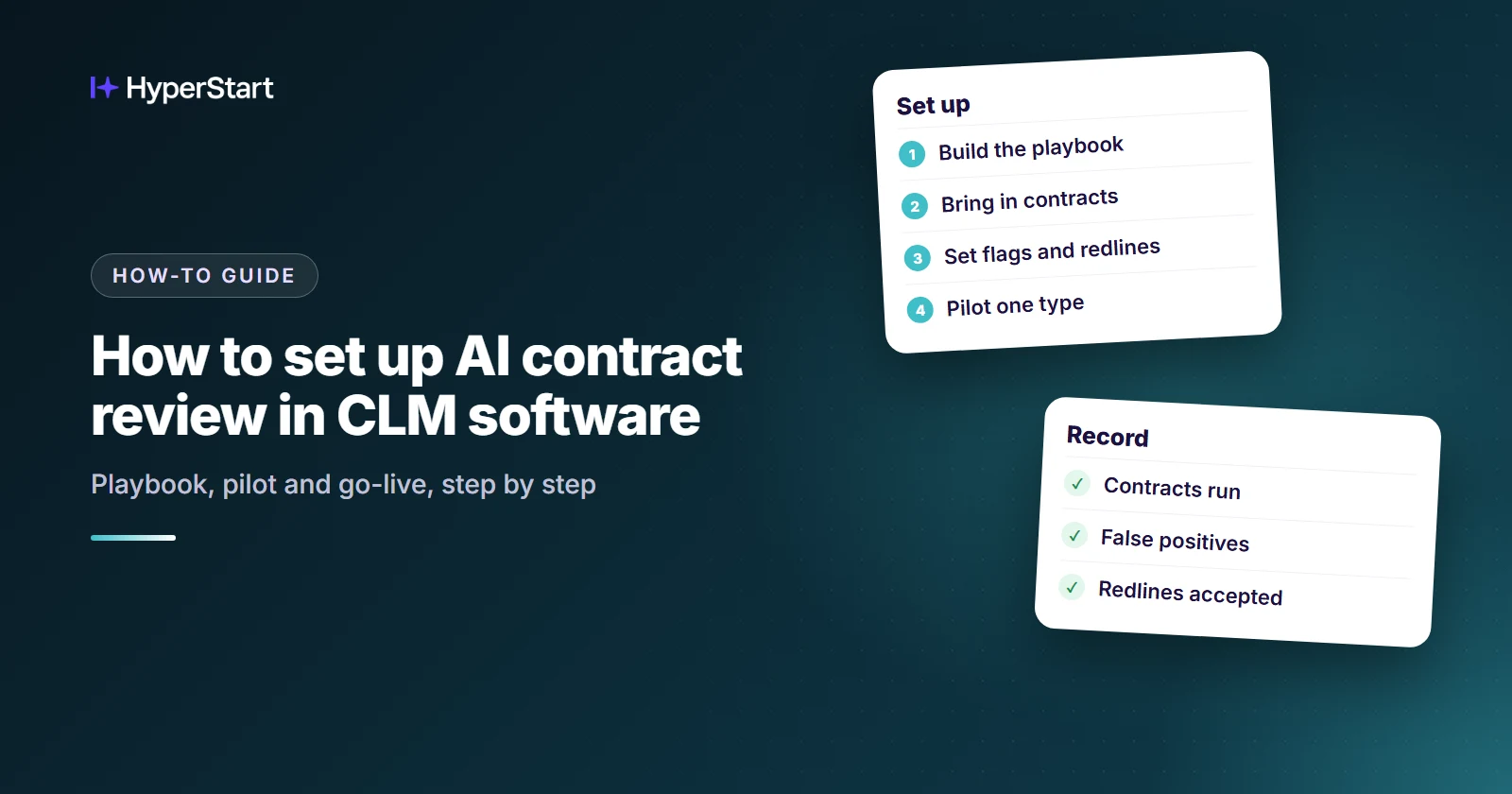
To set up AI contract review in contract lifecycle management (CLM) software, write a playbook of preferred and fallback positions, bring your contracts into the repository, and configure the AI to flag deviations and suggest redlining.
Legal counsel then approves flagged items through an approval workflow, and you pilot on one routine contract type, such as NDAs, before expanding. The steps below also cover what most setup guides skip: getting there from a shared drive.
HyperStart is CLM software from HyperVerge for mid-market legal and operations teams. It covers the whole contract lifecycle in one product and goes live in weeks, with no implementation partner. That matters during setup, because the playbook, the imported contracts and the flags you configure all live in the same place.
Start here if you’re inheriting contracts. Most setup guides assume a CLM is already running. If you have a shared drive and a folder of Word templates instead, you have one extra job: moving your existing paper into a repository.
Steps 1 and 2 can run side by side, so neither has to hold up the other.
- Set up AI review in a CLM in five steps: write the playbook, import and tag contracts, set flags and redlining, pilot, then go live.
- Write a preferred position, fallbacks and an escalation trigger for each clause before you configure anything.
- Use green, amber and red tiers so every flag leads to one action: proceed, negotiate or escalate.
- Pilot on one routine contract type, such as NDAs, and record issues caught, issues missed and false positives.
- HyperStart puts AI review, redlining in Word, the repository and contract families in one product, live in weeks with implementation included.
Step 1: Build the playbook of preferred and fallback positions
Your playbook turns legal standards into rules the AI can apply, so decide your risk appetite for one contract type before configuring anything. Mapping clauses in a spreadsheet first keeps the discussion on positions rather than software settings.
- Preferred position: The language you want for each key clause.
- Fallback positions: The alternatives you will accept for that clause, in the order you would offer them.
- Escalation trigger: The point where no fallback applies and a lawyer has to decide.
- Testable rule: One checkable rule per issue, with the AI required to cite the contract text behind each finding.
Step 2: Bring your contracts into the repository and tag them
Playbook review works best when your contracts sit in one repository with the key data extracted, because the same data later drives search, reporting and reminders.
- Bulk import: Move existing agreements off the shared drive in one batch, and load your current Word templates with them.
- OCR: Convert scanned, image-based PDFs into machine-readable text so the AI can read them.
- Metadata: Extract parties, effective dates, renewal dates and notice periods into fields you can track.
- Contract family: Link each amendment to its parent agreement so reviewers can see which terms currently apply.
Step 3: Set the flags, redlining output and approval workflow
Configure the AI to compare each contract against your playbook, flag deviations by risk level, suggest redlining from your approved fallbacks, and route the result to the right person.
What should each risk tier trigger?
A green, amber and red scale gives each finding one clear next action:
| Tier | What the AI found | Output | Next action |
| Green | Language matches your preferred position | Proceed | A reviewer confirms and moves on |
| Amber | Language departs from your position, but a fallback applies | Negotiate | A reviewer accepts, edits or rejects the suggested redlining |
| Red | No fallback covers the language | Escalate | Legal counsel decides through the approval workflow |
What should a flag contain?
A useful flag gives the reviewer enough to decide without rereading the whole agreement. Ask for a findings record with four parts. Here is an illustrative example:
- Issue: A counterparty NDA includes a non-solicitation clause.
- Source passage: The exact sentence, with its section number.
- Company position: Our NDAs do not include non-solicitation terms.
- Proposed fallback: Limit the restriction to people the recipient met through the discussions, with a comment explaining the change to the counterparty.
See HyperStart CLM on your own contracts
Bring a few of your own contracts, and we’ll run them through HyperStart with you in a live demo.
Book a DemoStep 4: Pilot the playbook on one contract type
Test the playbook on your own signed contracts of one routine type, such as NDAs, where your team already knows the right call. Agree your pass marks before the first contract runs, then correct the playbook and rerun the batch whenever the AI gets something wrong.
| Measure | What to record |
| Contracts run | How many contracts went through the playbook |
| Issues caught | Findings that match what your reviewers identified |
| Issues missed | Problems your reviewers found and the AI did not |
| False positives | Flags on language that was actually acceptable |
| Redline acceptance | How often reviewers kept a suggested edit unchanged |
Step 5: Go live with human review and renewal tracking
Once the playbook passes its pilot, turn it on for live contracts of that one type and keep a person responsible for the final decision.
- Human sign-off: Reviewers accept, edit or reject each suggestion before anything is final.
- Renewal tracking: Dates extracted in Step 2 feed reminders, so notice windows get seen before they close.
- Playbook upkeep: Treat repeated reviewer overrides as a signal that a position needs updating.
- Expansion: Add the next contract type only after the first runs cleanly, and give it its own pilot.
Which path fits: a playbook tool or review inside a CLM?
The choice depends on whether your problem is review alone or everything around it. A playbook tool that works in Word or the browser can suit a team focused on review, but check whether it also handles your inherited shared drive, renewal dates and amendments.
Review inside a CLM puts those jobs in one system. The trade-off is that there is more to evaluate up front and more to move in.
GC AI’s comparison of contract review tools describes LegalOn as an attorney-built review framework with custom playbooks in Word or the browser. It describes Ironclad as offering a Contract Review Agent for analysis and redlining.
Put the same four questions to every option:
- Who implements it? Your team, the vendor or a third party?
- How long until go-live? Ask for a typical time for a team your size, and what that time includes.
- Where does redlining happen? Does the contract leave the system during negotiation?
- How are contract families handled? Are amendments linked to their parent agreement, and does metadata roll up across them?
On cost, get license and implementation as separate numbers from each vendor, because a license quote alone is not what you will end up paying. Ironclad and SpotDraft both sell by quote and publish no prices on their pricing pages (as of Nov 2026). SpotDraft’s pricing page says in-house implementation is always included.
If you are setting up AI review while moving off a shared drive, here is how HyperStart answers those four questions. You deal with the HyperVerge people who make the product, and no outside implementer sits in between.
Setup takes weeks, and moving your contracts across is part of it rather than a separate bill. Redlining happens in Word inside the platform, so a contract never leaves the system mid-negotiation.
The amendments you import in Step 2 link to their parent agreement, and their metadata rolls up across the family. On cost, HyperStart prices by users or by contract volume, and never charges on both.
Your legal team still owns every playbook position, and you draw the approval route for red flags yourself. To test the setup, take ten signed contracts your reviewers have already marked. Run them through HyperStart and compare its flags and redlines with what your reviewers said.
Bring those ten contracts with you: Book a demo.
Which contract type should you set up first?
Start with the type that takes up the most of your team’s week and carries the least risk. For most teams, that means NDAs.
| Start with | When |
| NDAs | You want the shortest playbook and a high-volume, low-risk test |
| Standard order forms | Sales is waiting on legal and most deals start on your own template |
| Vendor agreements | Procurement’s biggest worry is contracts renewing without anyone deciding to renew them |
Which of those would give your team the most time back next month? That is your first playbook.
Try HyperStart CLM before you decide
The whole contract lifecycle in one product, live in weeks, with implementation included in the quote and no implementation partner.
Book a Demo