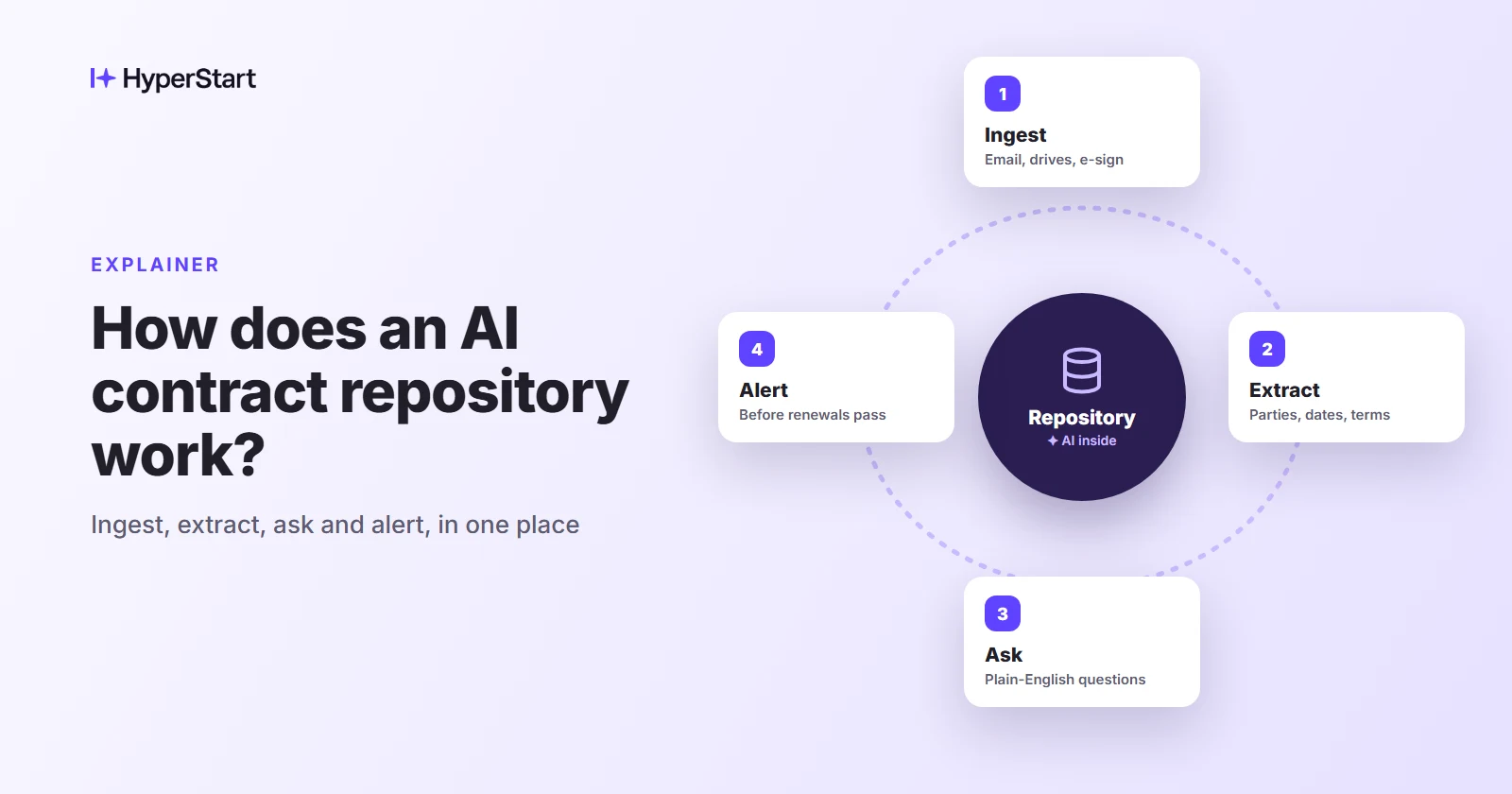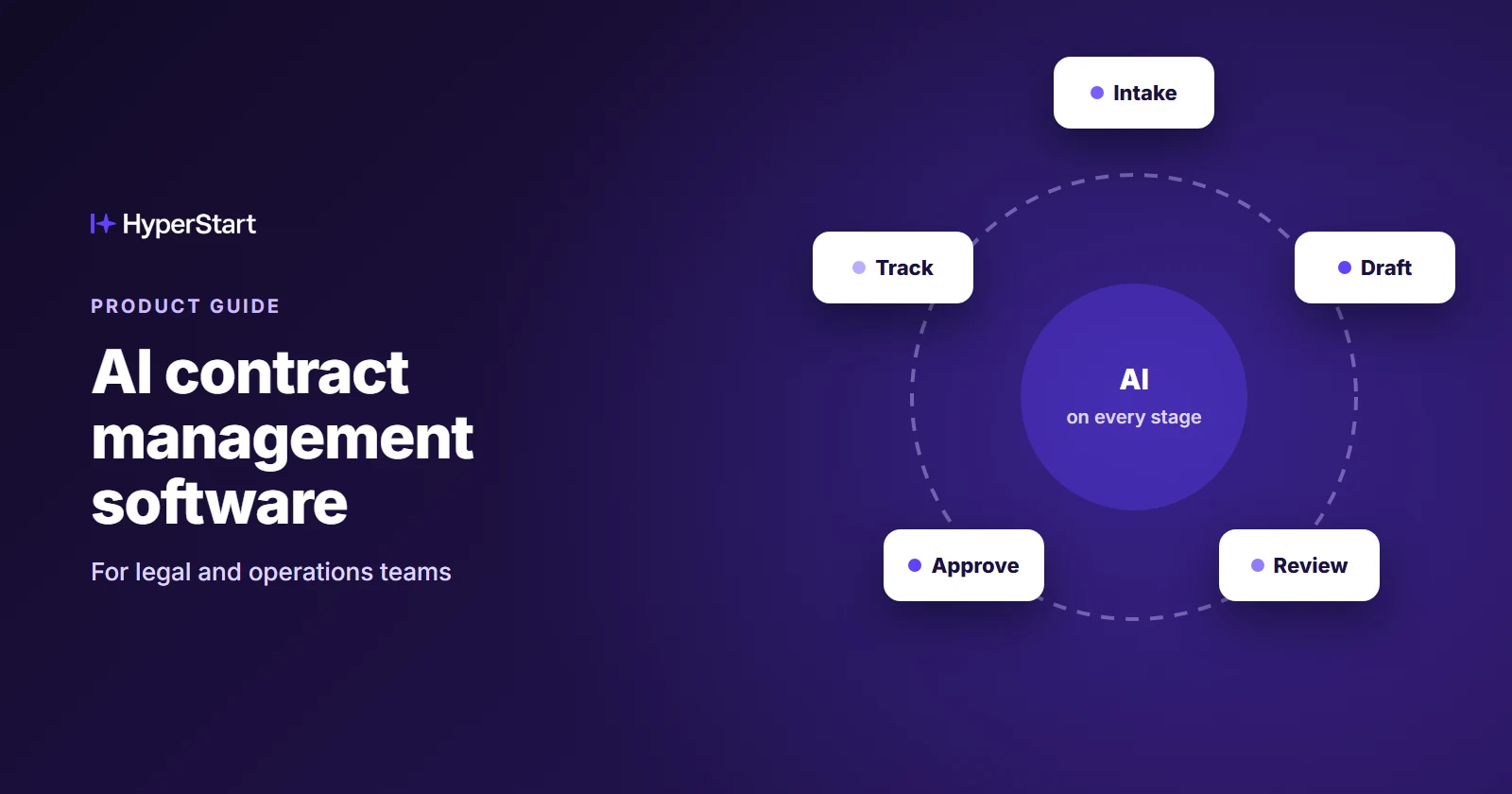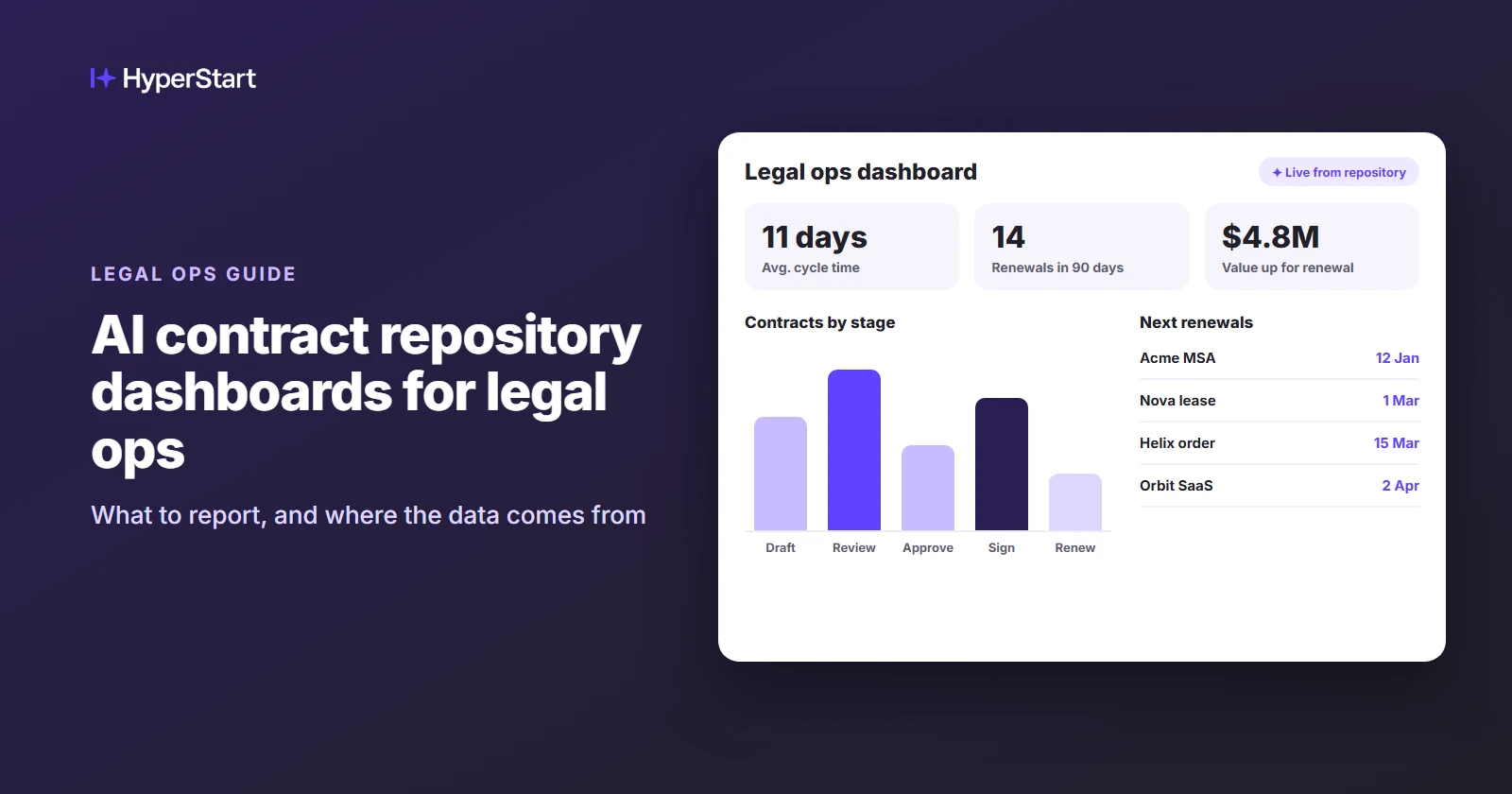
An AI contract repository with reporting dashboards uses AI to extract key data from each contract. It then turns that data into live views of status, renewals, obligations and risk for legal ops.
The dashboards read from the same contracts the team works on, so nobody keeps a separate tracking spreadsheet.
This guide covers what these dashboards are and where their data comes from. It also shows which views each team needs, how to set them up and which mistakes leave dashboards unused.
- A contract dashboard is only as reliable as the extracted data underneath it.
- Good reporting covers contracts still in negotiation, not only signed ones.
- Every number should open to the contracts behind it, or leadership will not trust it.
- A few trusted numbers get used, while a wall of thirty tiles gets ignored.
- Role-based access lets sales, procurement and finance answer their own questions without seeing every agreement.
What a reporting dashboard in a contract repository is
A reporting dashboard is a set of live views built on contract data. It shows counts, dates, stages and terms across many contracts at once, instead of one agreement at a time.
In an AI contract repository, the data comes from the contracts themselves. AI reads each agreement and fills fields for dates, parties, obligations and clauses. The dashboard then groups, counts and filters those fields. When a contract changes, the view changes with it.
That is the key difference from a status report someone builds by hand. A contract management dashboard answers questions on demand, rather than once a month when someone has time.
The questions legal ops gets asked every week
When contract data lives in files, every question about it lands on legal ops. The same four come up again and again.
- “Where is my contract?” Sales asks, and the answer means checking an inbox and a folder tree.
- “What renews next quarter?” Procurement asks, and the notice dates are buried in PDFs.
- “Why does review take so long?” Leadership asks, and there is no data on which stage holds contracts up.
- “What risky terms have we accepted?” The general counsel asks, and nobody can answer without reading every agreement.
A good dashboard turns each of these into a view that people can open themselves.
How AI fills contract dashboards with data
AI extraction turns contracts into reportable fields
A dashboard is only as good as the data under it. In an AI repository, AI reads each contract and fills fields for key terms, dates, parties, obligations and clauses, with no manual data entry.
Many CLM tools also let you add custom fields, columns, filters and views, so the data fits the questions your team gets.
People confirm the fields that drive reports
Extraction can misread unusual wording or a poor scan. Good tools let your team check and refine the extracted fields. Reports then rest on data someone has confirmed, which matters when a figure reaches leadership.
Pre-signature data comes from the workflow
Contracts in negotiation have no signed terms yet. Their data comes from the workflow instead: the stage, the number of turns, the time in review and who holds the draft.
Some vendors track this in an in-flight view, so legal ops can answer “where is it?” from one screen.
Reminders run on the same data as the reports
The dates that feed a dashboard can also drive email reminders. Owners then hear about renewals, expiries, obligations and compliance deadlines before they pass. Using one data set for both keeps reports and reminders in step.
Common dashboard views for legal ops
Most legal ops dashboards combine a handful of views. Each one serves a different reader.
| View | What it shows | Main reader |
| In-flight contracts | Status, turns, review time and current holder for each contract in negotiation | Legal ops, sales |
| Renewals and expiries | Upcoming end dates, renewal terms and notice deadlines | Procurement, finance |
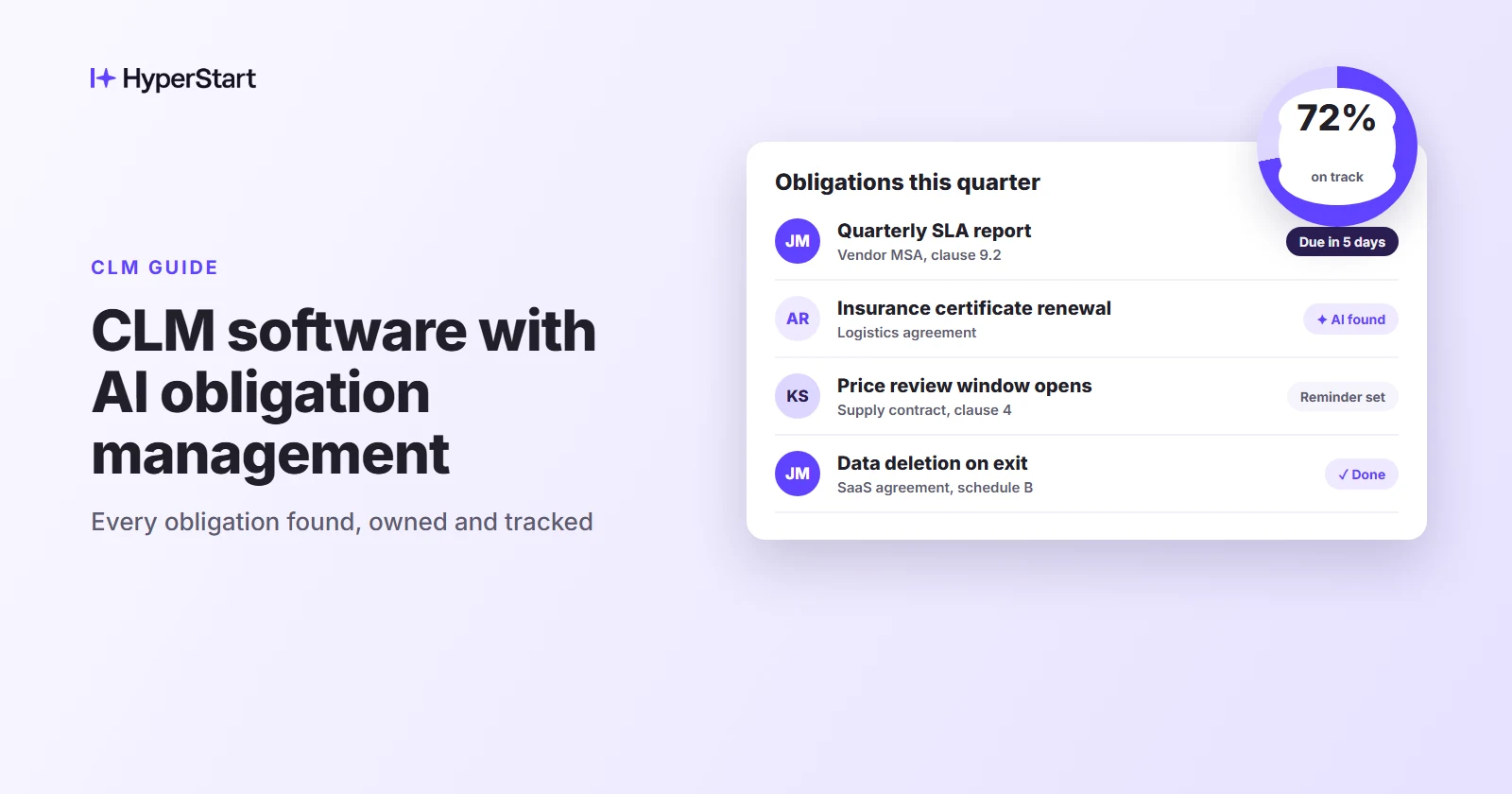
| Obligations | What each side must deliver, by date and owner | Legal ops, operations |
| Terms and risk exposure | Favorable and unfavorable terms across signed contracts | General counsel |
| Volume and cycle time | Contracts handled per quarter and time from request to signature | Leadership |
Legal ops sets up the views once. After that, each team reads its own answers, within the access its role allows.
See HyperStart CLM on your own contracts
Bring a few of your own contracts, and we’ll run them through HyperStart with you in a live demo.
Book a DemoHow to set up legal ops dashboards
- List the questions. Write down the contract questions legal ops gets each week and who asks them.
- Map each question to fields. Decide which extracted fields answer it, and add custom fields where needed.
- Check the key fields. Review renewal dates, notice periods and risky clauses on a sample before anyone reports on them.
- Build one view per reader. Start with the in-flight view and the renewals view, then add others.
- Set access by role. Decide who can open which contracts and reports before you share anything outside legal.
- Review the set each quarter. Drop views nobody opens, and add the next question people keep asking.
Mistakes that leave dashboards unused
- Building on typed-in data. Fields someone keys in by hand go stale fast. Use extracted data that updates with the contract.
- Reporting only on signed contracts. The questions about delay come from deals still in negotiation.
- Numbers you cannot open. A figure with no link to its contracts is hard to defend in a leadership meeting.
- Sharing before setting access. One wrong permission can expose a sensitive agreement to the whole company.
- Keeping the old spreadsheet. Two sources of truth means people stop trusting both.
Questions to ask any vendor about legal ops dashboards
Run each vendor through these checks before you sign, using contracts like your own.
| Question | Why it matters | HyperStart’s answer |
| Is the dashboard filled from extracted data or typed-in fields? | Typed-in data goes stale | Reports draw on AI-extracted metadata that your team can review and refine |
| Does reporting cover contracts before signature? | Delay questions come from deals in negotiation | An in-flight dashboard shows status, turns, total review time and who has each contract |
| Can you drill from a number to the contracts behind it? | A figure you cannot open is hard to defend | A drillable auto-generated dashboard shows favorable and unfavorable terms across contracts |
| Does it report on obligations and risk? | The general counsel needs exposure, not just dates | An intelligence dashboard shows obligation performance, common contract risks and key metrics; AI flags risky, ambiguous and missing clauses |
| Can you add your own fields and views? | Legal ops questions change every quarter | Custom metadata fields, columns, filters and views |
| Who can see each report? | Dashboards often reach teams outside legal | Role-based access control decides which contracts and reports each person can open |
| What does the quote cover? | Setup work can double the real cost | Custom annual quote by contract volume or users, never both, with implementation, integrations and migration included (pricing) |
Pick one number to track first
Track one number next quarter: total review time for contracts in negotiation. Leadership asks “why does review take so long?” more than any other contract question, and this number answers it.
It also shows which stage holds contracts up. Once that number is steady, add renewals caught before the notice date.
HyperStart’s in-flight dashboard shows the status, number of turns, total review time and current holder of every contract before signature. The number comes straight from the work, with no spreadsheet behind it.
Book a demo with your five most common contract questions, and we’ll show where each answer sits.
Try HyperStart CLM before you decide
The whole contract lifecycle in one product, live in weeks, with implementation included in the quote and no implementation partner.
Book a Demo