Secure contract repository software with AI stores agreements in one encrypted place and uses role-based access controls (RBAC), so AI search, extraction and assistants only show each user the contracts they are allowed to see. On a shared drive, folder placement decides who sees what instead.
Before signing, ask for audit trails, SOC 2 Type 2 certification and a written promise that contract data won’t train AI models. HyperStart is contract lifecycle management (CLM) software for mid-market legal and operations teams.
It covers the whole contract lifecycle in one product and goes live in weeks, with no implementation partner.
HyperStart protects contract data with role-based access control and encryption, and it is SOC 2 Type 2 and ISO 27001 certified, and HIPAA compliant.
Book a HyperStart demo and test access by role on your own contracts.
See HyperStart CLM on your own contracts
Bring a few of your own contracts, and we’ll run them through HyperStart with you in a live demo.
Book a DemoFolder permissions can’t tell an AI assistant what to keep quiet
If you’ve just inherited contracts on a shared drive, you probably don’t know who can see what. That matters more once AI can search and summarize those files.
- Permissions follow folders, not roles: A contract saved in the wrong place takes on the wrong audience, and nobody may notice.
- Sensitive paper sits among routine paper: Executive compensation, HR and M&A agreements need tighter limits than a standard NDA.
- Security questions are hard to answer: When IT asks who viewed or changed a contract, a shared drive and a stack of Word files rarely give a clear answer.
HyperStart keeps access questions and contract work in one place
A secure repository has two jobs: limit who can see each contract, and hold the work that happens around it. HyperStart covers the whole contract lifecycle in one product, so that work doesn’t scatter across inboxes and desktops.
Five controls to test in any secure repository
Ask every vendor, HyperStart included, to show each of these five controls working on your own contracts.
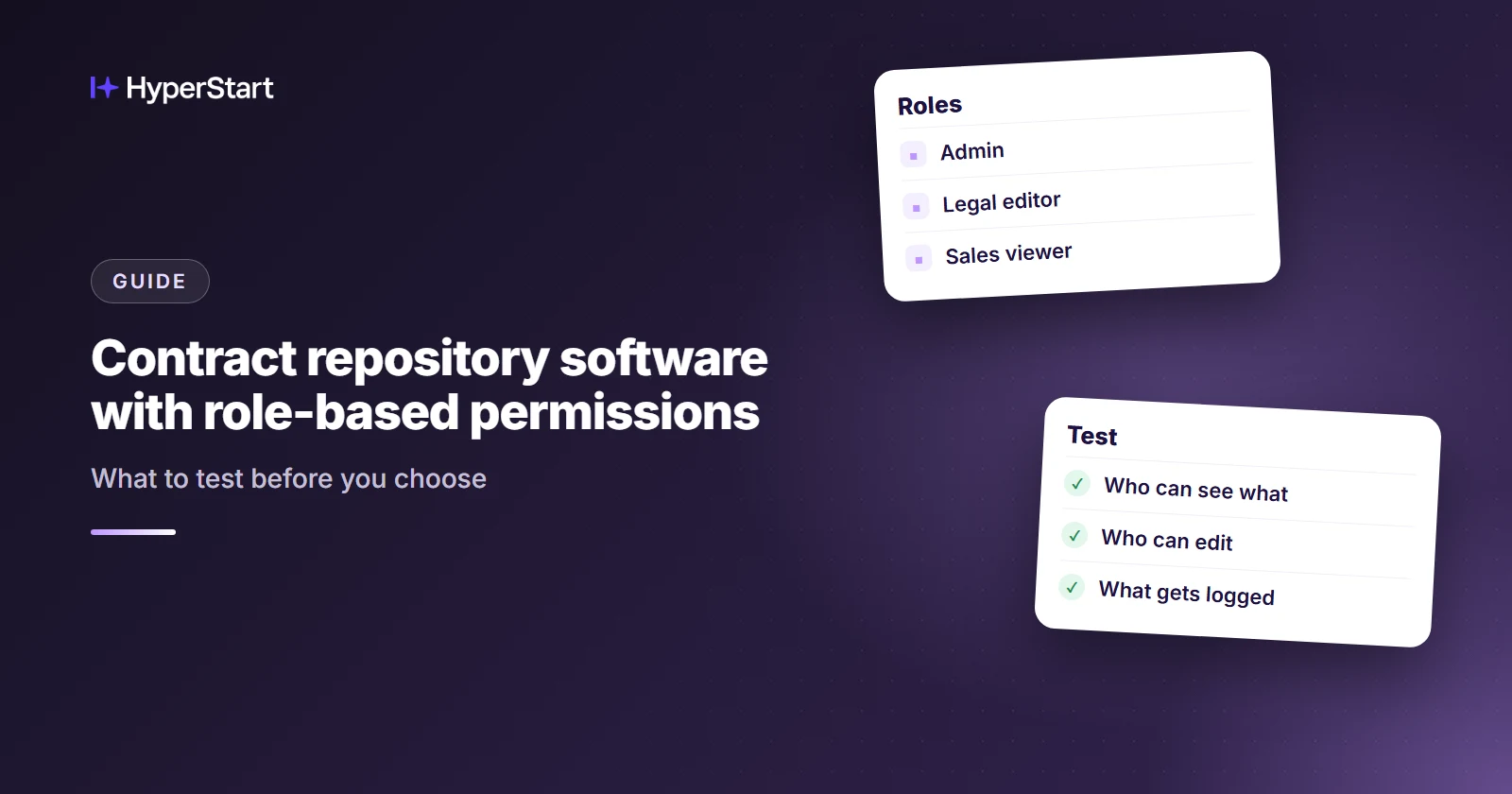
- Role-based access controls: RBAC governs who sees which contract according to the person’s role. Sales sees customer agreements, procurement sees vendor agreements, and finance sees revenue terms.
- Permission-aware AI retrieval: AI search and extraction only return what the user may open. Executive compensation or HR contracts stay hidden from the AI assistant for anyone without access.
- No model training: The vendor commits in writing that your contract data won’t train public AI models. Get that commitment before sensitive agreements go in.
- Audit trails: Audit trails record who viewed or changed what, ideally including AI queries. Legal ops can then answer an access question from a log instead of from memory.
- Certifications: SOC 2 Type 2 and ISO 27001 give IT and security independent evidence to review, so they aren’t relying on a vendor’s description of its own controls.
Templates and approval workflows your team can change
In HyperStart, business teams start standard agreements from templates, so they never need access to legal’s folders to find a good copy. Your team draws the approval workflow too, which means you decide who signs off on sensitive paper.
Redlining in Word that stays inside the platform
Drafts are where sensitive terms first appear, so where they live matters. In HyperStart, lawyers redline in Word inside the platform, so drafts stay in the access-controlled system instead of personal inboxes.
Signing through the tool you already own
IT vetted your signing tool long ago. HyperStart sends contracts out through it, whether that is DocuSign, Adobe Acrobat Sign or Zoho Sign, so signing adds nothing new to review.
A repository that keeps related contracts and dates together
HyperStart’s AI search finds a clause across your contracts, so test it signed in as a restricted role, as step 4 below describes. Contract families keep each amendment with its parent, and renewal reminders go to the owner you name.
A new legal or ops hire can start locking down access in week one
Most of this work is deciding who should see what, and it’s easier to do before contracts move. Here is a practical order for your team, ending at go-live.
- Map roles to contract types. List each role and what it needs to open across customer, vendor, HR and executive agreements.
- Flag restricted contracts first. Identify executive compensation, HR and M&A agreements before they enter any AI-searchable system.
- Import the contracts. Contract migration is part of HyperStart’s implementation, and AI extraction fills in each contract’s key fields.
- Test as a restricted user. Sign in with a limited role and ask the AI about a contract that role can’t open. Run the same test on ten of your own contracts to check extraction, review and redlining.
- Decide who sees contracts as they change. Agree the rules for drafts in redlining, amendments, renewals and linked contracts in a contract family.
- Go live. HyperStart goes live in weeks. Settle the access rules above before the AI starts searching.
HyperStart is built for the person inheriting the mess
HyperStart is built for the newly hired legal or ops lead who now owns a shared drive of contracts and Word templates. Week one, when you map roles to contract types, is spent with the engineers and product people at HyperVerge, not a partner.
Each team gets something different from the repository
- IT and security: SOC 2 Type 2 and ISO 27001 certified, and HIPAA compliant, with role-based access control and encryption. Ask for the security pack before contracts move, and walk through role setup in the demo.
- General Counsel: Executive, HR and M&A agreements stay limited to the people you name, while routine paper moves without legal.
- Legal Operations: One place answers who can see a contract and where it stands, instead of a folder audit.
- Procurement: Vendor agreements and their notice dates are visible to procurement without opening customer or HR paper.
- Finance: Revenue terms and total contracted value roll up across each family, visible to finance rather than to everyone.
How HyperStart compares with the alternatives
HyperStart suits mid-market teams that want the whole contract lifecycle in one product. The other tools below are often shortlisted for a secure contract repository with AI. Prices come from each vendor’s pricing page and Vendr, and ratings from G2. For anything not shown, run the five control tests above with each vendor.
| Option | Known for | Pricing | G2 rating |
| HyperStart | New legal or ops hires inheriting a shared drive; redlining in Word inside the platform, contract families with metadata rollup and visual approval workflows; SOC 2 Type 2 and ISO 27001 certified, and HIPAA compliant | Custom quote based on users or contract volume; implementation included; live in weeks (pricing page) | 4.5/5 on G2 (9 reviews, as of Nov 2026) |
| Shared drive plus Word | Tools the team already has; access follows folder permissions | No CLM license | Not applicable |
| Ironclad | Enterprise CLM; Jurist AI | Custom quote, no free trial (Ironclad pricing); Vendr median $40,875 a year, implementation $10,000 to $75,000+ (Vendr, as of Nov 2026) | 4.4/5 on G2 (332 reviews, as of Nov 2026) |
| LinkSquares | Granular security for in-house legal teams: encrypted private repository, role-based access controls; LinkSquares Analyze | Quote only (LinkSquares pricing); Vendr median $31,000 a year (Vendr, as of Nov 2026) | 4.7/5 on G2 (445 reviews, as of Nov 2026) |
| ContractWorks | Simple setup and unlimited users; SOC 2 Type II; AWS hosting | No public pricing page; sold by quote (as of Nov 2026) | 4.6/5 on G2 (95 reviews, as of Nov 2026) |
| ContractSafe | Ask AI with permission-based results; unlimited users | From $450 a month, billed annually (ContractSafe pricing, as of Nov 2026) | 4.6/5 on G2 (137 reviews, as of Nov 2026) |
Test the access rules on contracts you actually worry about
Pick the agreements you’d least want surfaced to the wrong person, then ask the HyperStart team to show how each role would see them. Bring your contract volume, current tools and compliance frameworks so the demo starts from your setup.
Book a demo to put those questions to us.
Try HyperStart CLM before you decide
The whole contract lifecycle in one product, live in weeks, with implementation included in the quote and no implementation partner.
Book a Demo