


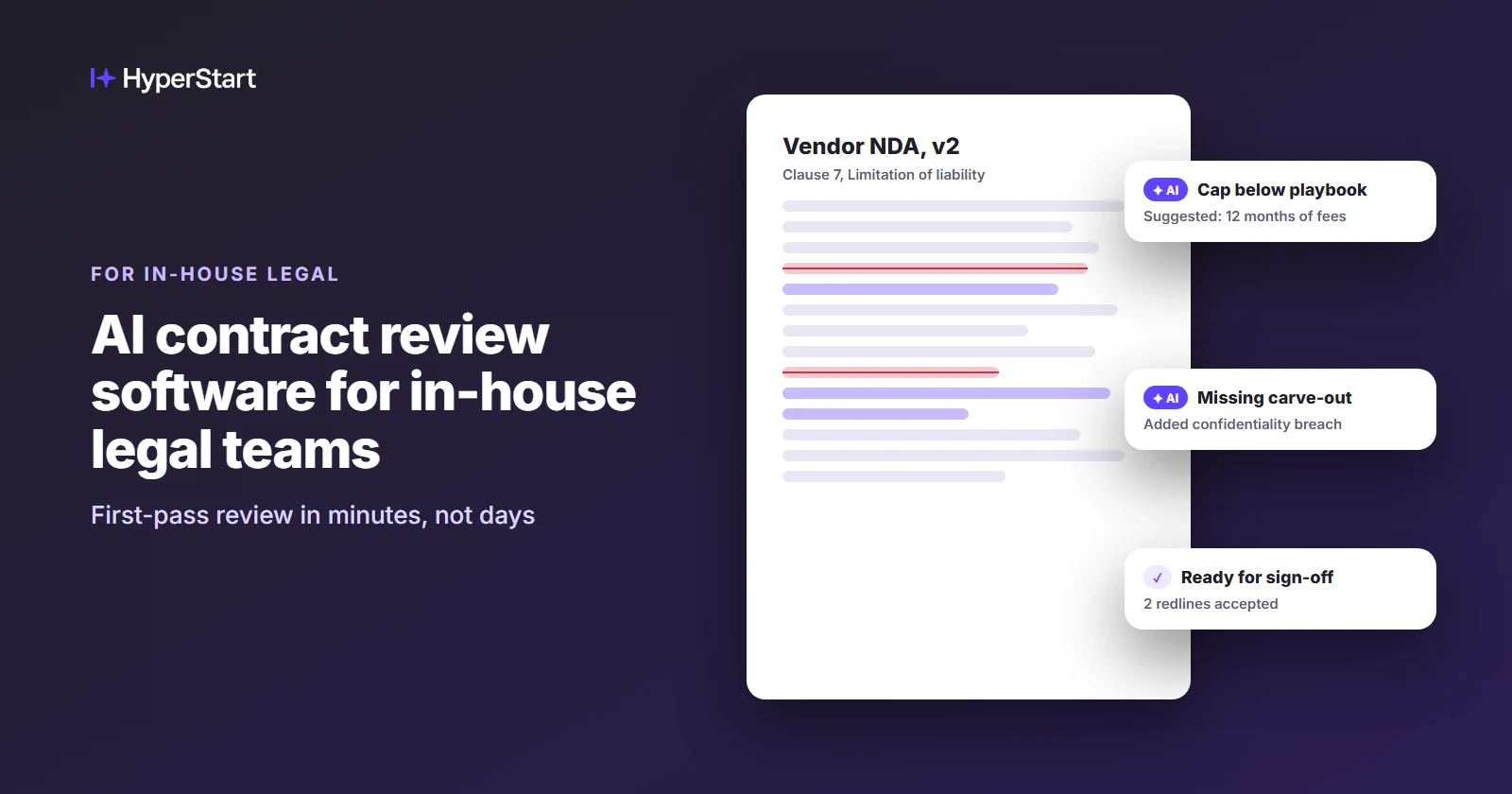
AI contract review software helps in-house legal teams speed up first-pass review and flag risky or non-standard clauses against the team’s playbook. Most tools also redline in Microsoft Word.
HyperStart is contract lifecycle management (CLM) software for mid-market legal and operations teams. It covers the whole contract lifecycle in one product and goes live in weeks, with no implementation partner.
In HyperStart, the AI review sits in the same system that handles intake, approvals and renewals, so a reviewed contract never has to leave it.
Bring ten of your own contracts and book a demo with our team.
First-pass review is where a small legal team loses its week
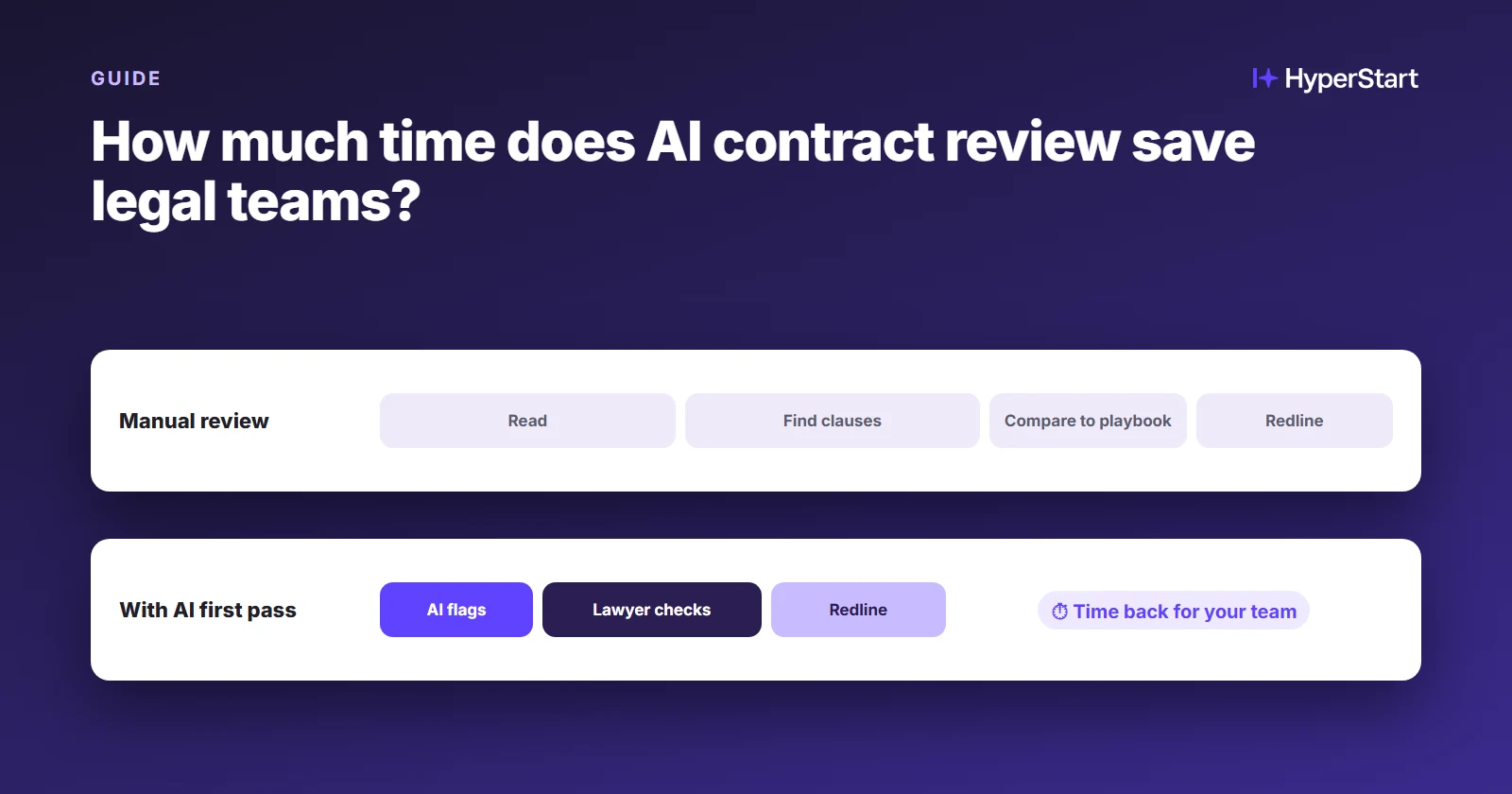
AI contract review exists because the routine paper and the risky paper arrive in the same queue. For an in-house legal team without a CLM, that queue usually looks like this:
- Routine paper takes lawyer time: NDAs and standard orders get read line by line because nothing sorts them from the agreements that carry real risk.
- Deviations slip through: A changed indemnity or a missing limitation of liability clause is easy to miss on the fortieth review of the month.
- Versions scatter: Redlines travel by email attachment, and nobody is sure which Word file is current.
- Dates hide in PDFs: Renewal and notice dates sit inside signed agreements until someone goes looking, which is often too late.
HyperStart reviews, redlines and tracks every contract in one product
AI review you can test on your own contracts
Good AI contract review flags clauses that deviate from your standards. HyperStart’s AI gives a first-pass review against your playbook, flags risky clauses and suggests redlines. It also pulls parties, dates and key terms into the contract record.
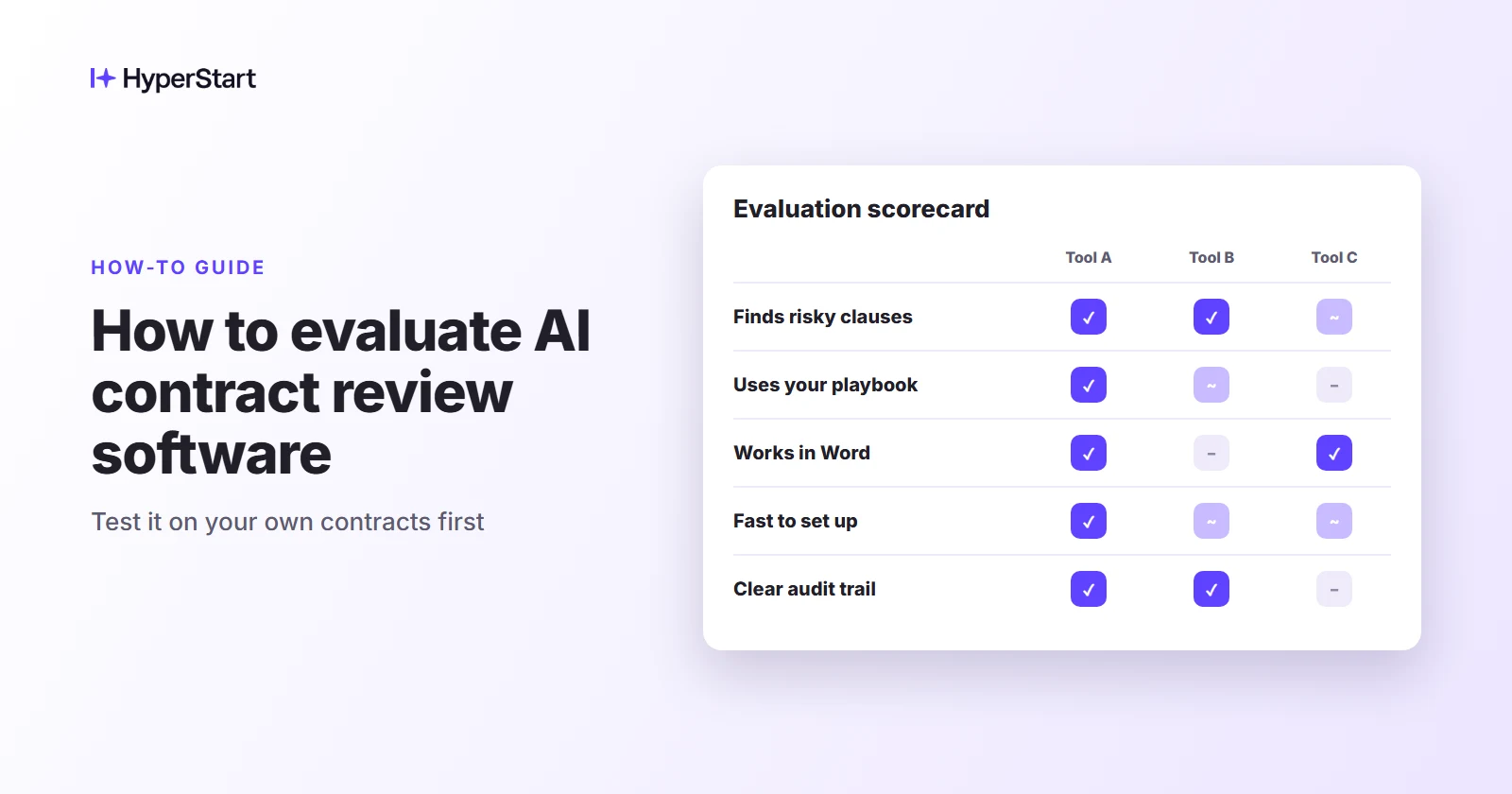
Don’t take a model claim on trust: run it on ten of your own agreements and note what it flags, what it misses and how often it raises a false alarm.
Redlines in Microsoft Word that stay in the system of record
Microsoft Word is where in-house lawyers negotiate, so HyperStart keeps redlining and editing in Word, inside the platform. Your counterparty still gets a familiar document.
Every version, comment and accepted change stays attached to the contract record, so the current draft is obvious and the email chain is not.
Templates and approval workflows the business runs on its own
Sales self-serves standard agreements from approved templates, so the same NDA is not rebuilt forty times. Each approval workflow is drawn visually, not coded, and your team changes it without a consultant or a change request.
Legal stays on the risk-carrying paper while the routine requests route themselves.
A repository with renewal dates, obligations and liability caps in view
Every signed contract lands in one searchable repository, where AI filters find any contract in seconds. Each renewal, expiry and obligation date gets an owner and a reminder.
Procurement sees vendor auto-renewal and notice dates before the window closes, and finance gets a renewal calendar it can read without a document hunt.
Amendments tracked inside each contract family
Each amendment links to the agreement it changes, and metadata rolls up across the contract family. When someone asks what the company actually agreed to with a vendor, the answer reflects every amendment, not only the original paper.
Going live with AI review takes weeks, in five steps
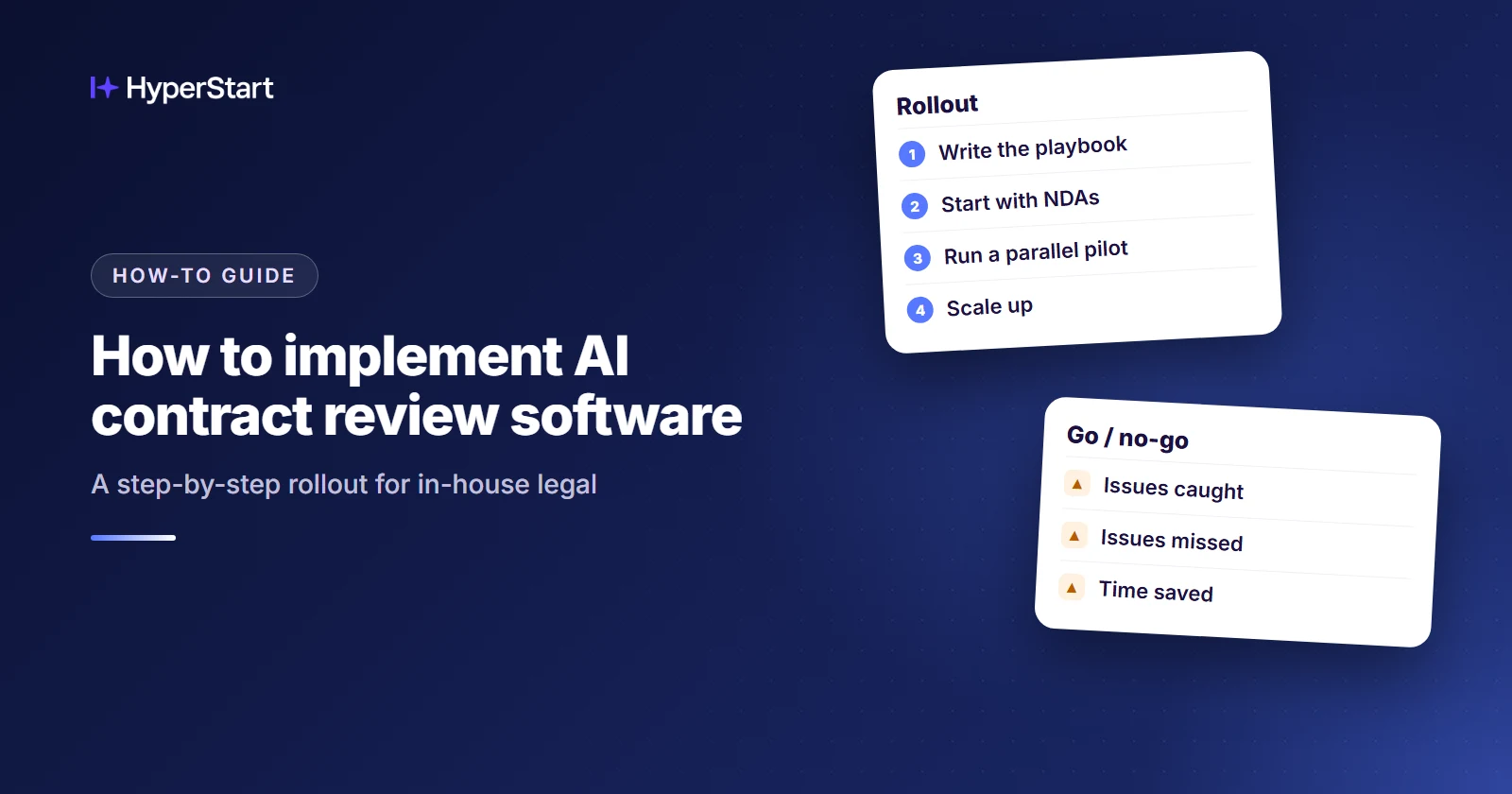
HyperStart goes live in weeks because smart one-click import and AI-based metadata tagging do most of the setup work, and implementation sits inside the quote. The order below starts with high-volume, lower-risk agreements, which is the standard advice for any AI review rollout.
- Import what you inherited: One-click smart import brings existing contracts into the repository, and AI metadata tagging records parties, dates and key terms.
- Start with NDAs and standard orders: Templates go live first for the paper you see most and worry about least.
- Draw the approval workflow: Map who signs off on what, visually, and adjust it as the team learns.
- Turn on review and redlining in Word: The AI flags risky clauses against your playbook, and the lawyer accepts, edits or rejects each suggested redline.
- Switch on renewal tracking: Reminders start running against the dates captured at import.
See HyperStart CLM on your own contracts
Bring a few of your own contracts, and we’ll run them through HyperStart with you in a live demo.
Book a DemoSecurity review before the AI reads your contracts
Before AI reads a single contract, your IT team will ask where the text is stored and who can see it. HyperStart answers that early: it is SOC 2 Type 2 and ISO 27001 certified, and HIPAA compliant.
Role-based access control and encryption decide who can open each agreement.
That matters most for healthcare, pharma and life sciences teams whose contracts carry patient or trial data.
HyperStart fits teams that need the contract run, not only reviewed
You work directly with the people who build the product
There is no implementation partner, systems integrator or configuration project. The people who build HyperStart load your playbook and templates with your team, and after launch, support answers in under 2 hours.
A Word add-in reviews the draft, a CLM runs the contract around it
This is the decision most AI review buyers face. A short rule:
- A Word add-in fits when: your contracts already live in a system you trust, and you only want faster review and redlining of drafts.
- A CLM fits when: contracts live in folders and inboxes, renewals get missed, and the same team owns intake, approvals and tracking as well as review.
- Watch for this signal: if the questions you field are “where is it?” and “when does it renew?” more often than “is this clause acceptable?”, you need a CLM.
A Word add-in and three CLMs, compared on the same terms
A Word add-in and a CLM differ mostly in where redlining happens and how much setup they need. The table compares one add-in with the CLM platforms named most often for in-house AI review.
| Option | What it does | Where redlining happens | Implementation | G2 rating (as of Nov 2026) |
| Spellbook (Word add-in) | AI drafting, review and redlining against your standards | Inside Microsoft Word | An add-in, with no CLM to set up | 4.7/5, 29 reviews (G2) |
| Ironclad | CLM with AI review (Contract Review Agent), a clause library and approval routing | Microsoft Word integration | A separate cost; Vendr puts it at $10,000 to $75,000+ (as of Nov 2026) | 4.4/5, 332 reviews (G2) |
| SpotDraft | CLM with playbook-based AI review (VerifAI) | VerifAI works inside Word | Included, with no extra fees (SpotDraft pricing, as of Nov 2026) | 4.5/5, 203 reviews (G2) |
| HyperStart | CLM with AI review against your playbook, plus intake, approvals, repository, contract families and renewal tracking | In Word, inside the platform | Included in the quote; live in weeks | 4.5/5, 9 reviews (G2) |
Other Word-first tools in this group include Gavel Exec, Law Insider and LegalSifter.
Conclusion
AI contract review software earns its place when it clears routine paper quickly and leaves a lawyer to judge every flag. A Word add-in such as Spellbook suits teams that already trust where their contracts live.
A CLM suits teams that also field questions about where a contract is and when it renews.
HyperStart is built for that second group, with playbook review, Word redlining and renewal tracking in one place. Once the demo is done, your lawyers can use the 7-day free trial on live work.
Book a demo and send ten contracts that match your real volume, so the review runs on paper you know.
Try HyperStart CLM before you decide
The whole contract lifecycle in one product, live in weeks, with implementation included in the quote and no implementation partner.
Book a Demo