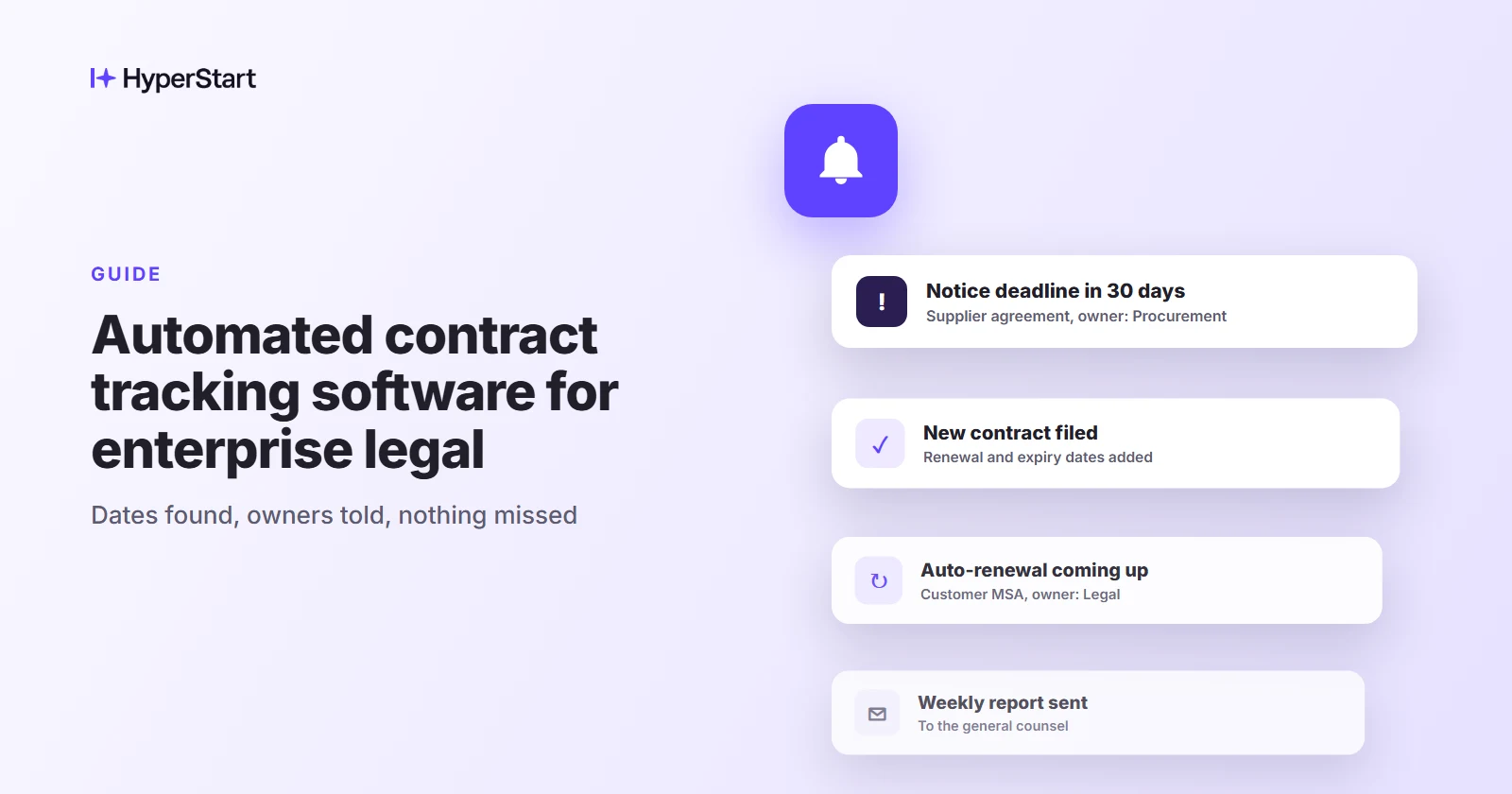
Automated contract tracking software reads every signed agreement, files its renewal, expiry and notice dates in one searchable repository, and alerts the owner while there is still time to act. For enterprise legal teams, it replaces folders, email threads and spreadsheets that cannot warn anyone about what is coming.
This kind of software is usually sold as part of contract lifecycle management (CLM). The hard part for large legal teams is rarely the features. It is getting tracking live without a project that runs for months while dates keep slipping past.
- Automated contract tracking pulls dates and terms out of signed contracts and sends reminders before each window closes.
- Missed notice dates on auto-renewing agreements are the most common and most avoidable cost.
- AI extraction, escalating reminders and an audit trail are the core features to automate first.
- A long CLM rollout carries its own risk, because dates keep slipping while the system is being built.
- Compare vendors on license and implementation as separate lines, plus a written go-live plan.
What does automated contract tracking do?
Automated contract tracking captures the dates and obligations in each contract and acts on them without anyone keeping a spreadsheet. It records what was agreed, flags what is coming up, and tells the right person in time.
Most tools automate four jobs:
- Date capture: Renewal dates, expiry dates, notice periods and obligations are captured per contract and shown on one calendar you can filter.
- Alerts: The contract owner gets each deadline alert first.
- Escalation: If the owner does not respond, the alert goes up a chain you define.
- Auto-renewal flags: Every agreement with an auto-renewal clause is flagged, so the decision to renew is made on purpose.
Read our wider guide to contract tracking for the basics behind these jobs.
What does manual contract tracking cost an enterprise legal team?
Manual tracking costs money through missed dates and costs time through constant searching. Contracts kept in folders, email and spreadsheets cannot warn anyone, so the risk shows up in a few predictable places.
- Auto-renewals: A vendor agreement renews for another term because nobody saw the notice date in time to decide.
- Obligations: Payment terms, escalators and commitments sit in executed PDFs where finance and procurement cannot see them.
- Versions: Nobody is sure which file is the signed one, so every question about a contract becomes a search.
- Approvals: Sign-off moves by email and chat, and the legal team spends its day chasing rather than reviewing.
In an enterprise, these gaps multiply across business units. A general counsel ends up collecting spreadsheets from each team just to see total exposure.
Which parts of contract tracking should you automate first?
Automate the record first, then the reminders, then the audit trail. Each step depends on the one before it, so getting the order right saves rework.
Build the contract record with AI extraction
Most CLM tools with AI extraction read executed contracts and pull out key dates, financial terms, clauses and obligations, so nobody types the record in by hand. Effective dates, renewal terms, payment terms and liability provisions become searchable fields instead of text buried in a PDF.
Test it on your hardest paper. Use heavily amended agreements, the ones with side letters and order forms, and check each field yourself.
Turn dates into reminders that escalate
Once the dates exist, reminders can run on their own. Many contract tracking tools send each reminder to a named owner first and let you define a chain that silence escalates to. This is what stops an auto-renewal from deciding itself.
Keep an audit trail and linked amendments
Most CLM tools log every change and approval, so audit questions are answered from the record rather than a document hunt. Many also link each amendment, renewal and statement of work to the agreement it belongs to. Total contracted value and key dates then roll up across the whole contract family.
Clause search matters here too. Many tools let you search the whole contract estate for a change-of-control or termination clause and get every match, with the current version marked.
See HyperStart CLM on your own contracts
Bring a few of your own contracts, and we’ll run them through HyperStart with you in a live demo.
Book a DemoWhat should enterprise legal teams require before buying?
Enterprise legal teams should require a clear security position, a fit with existing systems, and a named team for the rollout. These three decide whether tracking goes live this quarter or next year.
| Requirement | What to ask any vendor | HyperStart’s answer |
| Security certifications | Which reports can you send now: SOC 2 Type 2, ISO 27001, HIPAA compliance? | SOC 2 Type 2 and ISO 27001 certified, and HIPAA compliant |
| Access control | How is role-based access set, and can we check it before rollout? | Role-based access control |
| Signing tool | Do you send contracts through the tool we already use, such as DocuSign, Adobe Acrobat Sign or Zoho Sign? | Signing through DocuSign, Adobe Acrobat Sign or Zoho Sign |
| Other systems | Do you connect to our CRM, email, storage and chat tools? | Integrations are set up as part of implementation |
| Approval workflows | Can legal operations change a workflow when policy changes, without a consultant? | Your team changes its own workflows |
| Rollout team | Who runs implementation, and are they still our contact after go-live? | The HyperStart team, with no implementation partner |
Many CLM tools also let legal operations draw approval workflows on screen, and let sales, HR and procurement send standard paper such as NDAs from approved templates. Anything that departs from the template routes back to legal.
Healthcare, pharma and life sciences legal teams should treat the security review as a gating step. Get the reports at the start, so the vendor-risk review runs alongside the rollout plan instead of delaying it. Our guide to contract approval workflows explains what to map before the workflow question comes up.
Why does CLM rollout time matter as much as features?
Rollout time matters because every month spent configuring is another month of missed dates. A tracking tool only starts saving money once it holds your existing contracts.
Several legal software vendors say the same thing about long projects:
- Pactly’s guide for small legal teams says long CLM configuration projects are too heavy for smaller teams.
- Xakia says CLM takes months to implement.
- Dilitrust’s CLM pricing guide lists implementation and migration as fees separate from the license.
Large legal departments often expect a tracking rollout to take quarters. It does not have to. Some CLM vendors include import, AI tagging and setup in the quote, which makes for a shorter path:
- Scope and quote: Agree what is in scope and get a quote that names implementation as its own line.
- Import existing contracts: Bring signed agreements into one repository as part of contract migration.
- Tag the metadata with AI: Fill in dates, terms and parties so tracking starts from a complete record.
- Configure workflows and integrations: Set up approval workflows, templates and the signing connection.
- Go live and keep the same team: Ask that the people who ran the rollout stay your contact afterward.
How do enterprise contract tracking tools compare?
Enterprise CLM platforms are mostly sold by quote, and implementation is often extra. Lighter trackers focus on a repository and renewal reminders, with simpler pricing.
| Option | Known for | Pricing and implementation (as of Nov 2026) | G2 rating (as of Nov 2026) |
| HyperStart | Whole lifecycle for mid-market legal and ops teams: intake, approval workflows, redlining in Word, signing through DocuSign, Adobe Acrobat Sign or Zoho Sign, contract families, renewal and obligation tracking; live in weeks | Custom quote based on users or contract volume, on an annual plan. Implementation, integrations and contract migration included (pricing page) | 4.5/5 on G2 (9 reviews) |
| Ironclad | Workflow-led digital contracting | No public price; sold by quote (pricing page). Vendr median $40,875 a year; large enterprise over $200,000 a year; implementation extra at $10,000 to $75,000+ | 4.4/5 on G2 (332 reviews) |
| LinkSquares | Post-signature analytics and repository | Sold by quote (pricing page). Vendr median $31,000 a year, range $5,999 to $79,180 | 4.7/5 on G2 (446 reviews) |
| DocuSign CLM | A CLM product tied to DocuSign eSignature | Sold by quote. DocuSign’s IAM plans are a separate product line, from $40 per user a month billed annually (IAM plans) | 4.3/5 on G2 (504 reviews) |
| Agiloft | Highly configurable, no-code enterprise CLM with AI obligation management and clause extraction | Sold by quote. Vendr median $67,132 a year, range $62,629 to $80,344 | 4.5/5 on G2 (113 reviews) |
| Icertis | Enterprise contract intelligence platform built on Microsoft Azure | No public price list; sold by quote | 4.2/5 on G2 (93 reviews) |
| ContractWorks | Repository and renewal reminders without heavy configuration | No public pricing page; sold by quote | 4.6/5 on G2 (95 reviews) |
| ContractSafe | Repository and renewal reminders without heavy configuration | From $450 a month billed annually (or $540 month to month), unlimited users, no implementation charge (pricing page) | 4.6/5 on G2 (138 reviews) |
Ratings are from G2, and prices are from each vendor’s pricing page or Vendr, checked November 2026.
Whichever vendors you shortlist, ask for the license and the implementation as separate lines. A license quote on its own is not the number you will end up paying.
Enterprise control without an enterprise project
Enterprise legal teams often assume automated tracking means a long implementation with a systems integrator. It doesn’t have to. What matters is that every date is captured, every owner is alerted in time, and the record holds up in an audit.
HyperStart is contract lifecycle management (CLM) software for mid-market legal and operations teams that need that level of control. It is SOC 2 Type 2 and ISO 27001 certified, and HIPAA compliant. Teams go live in weeks, with implementation included in the quote. Book a demo to test it against your security review.
Try HyperStart CLM before you decide
The whole contract lifecycle in one product, live in weeks, with implementation included in the quote and no implementation partner.
Book a Demo