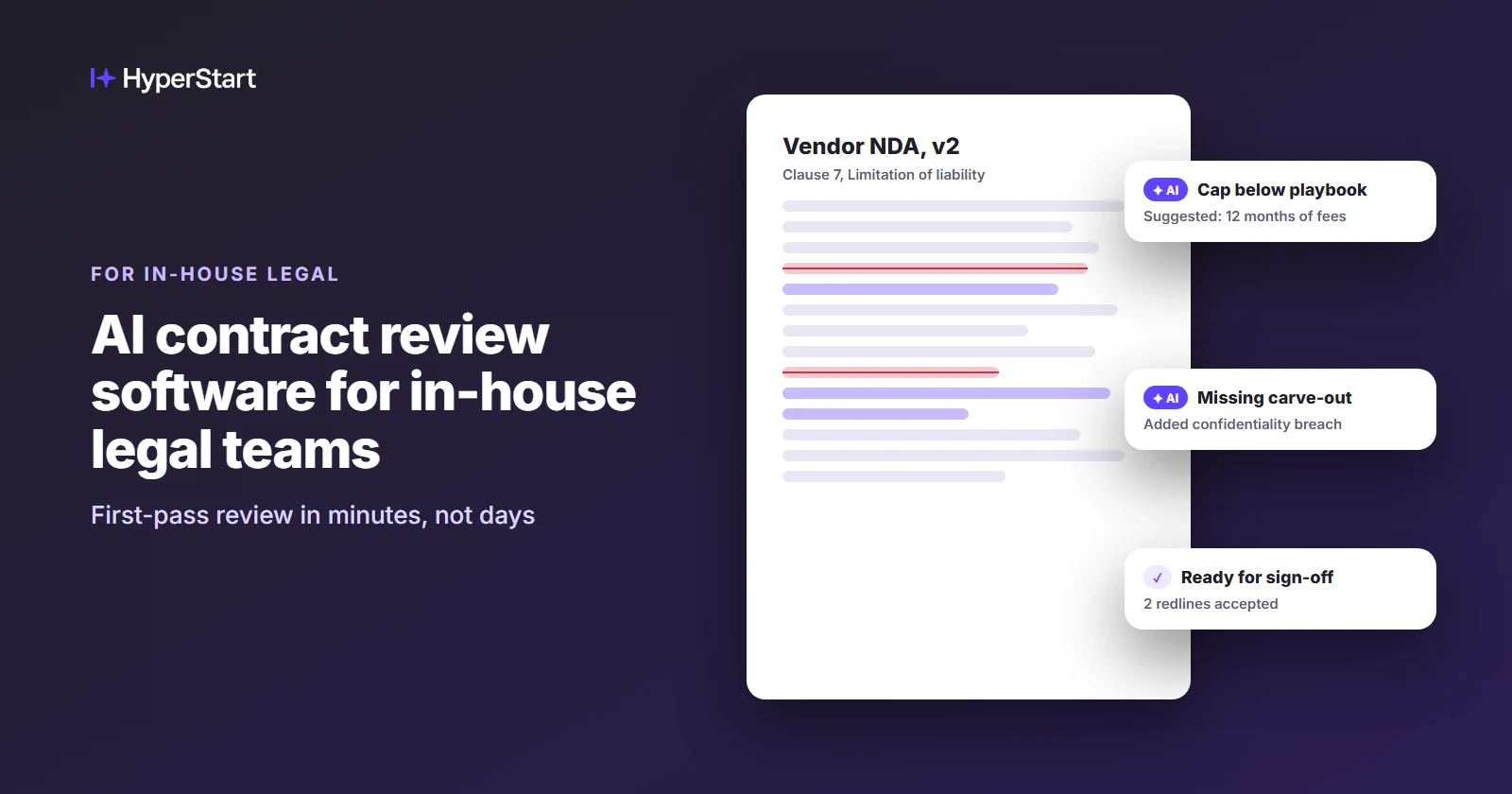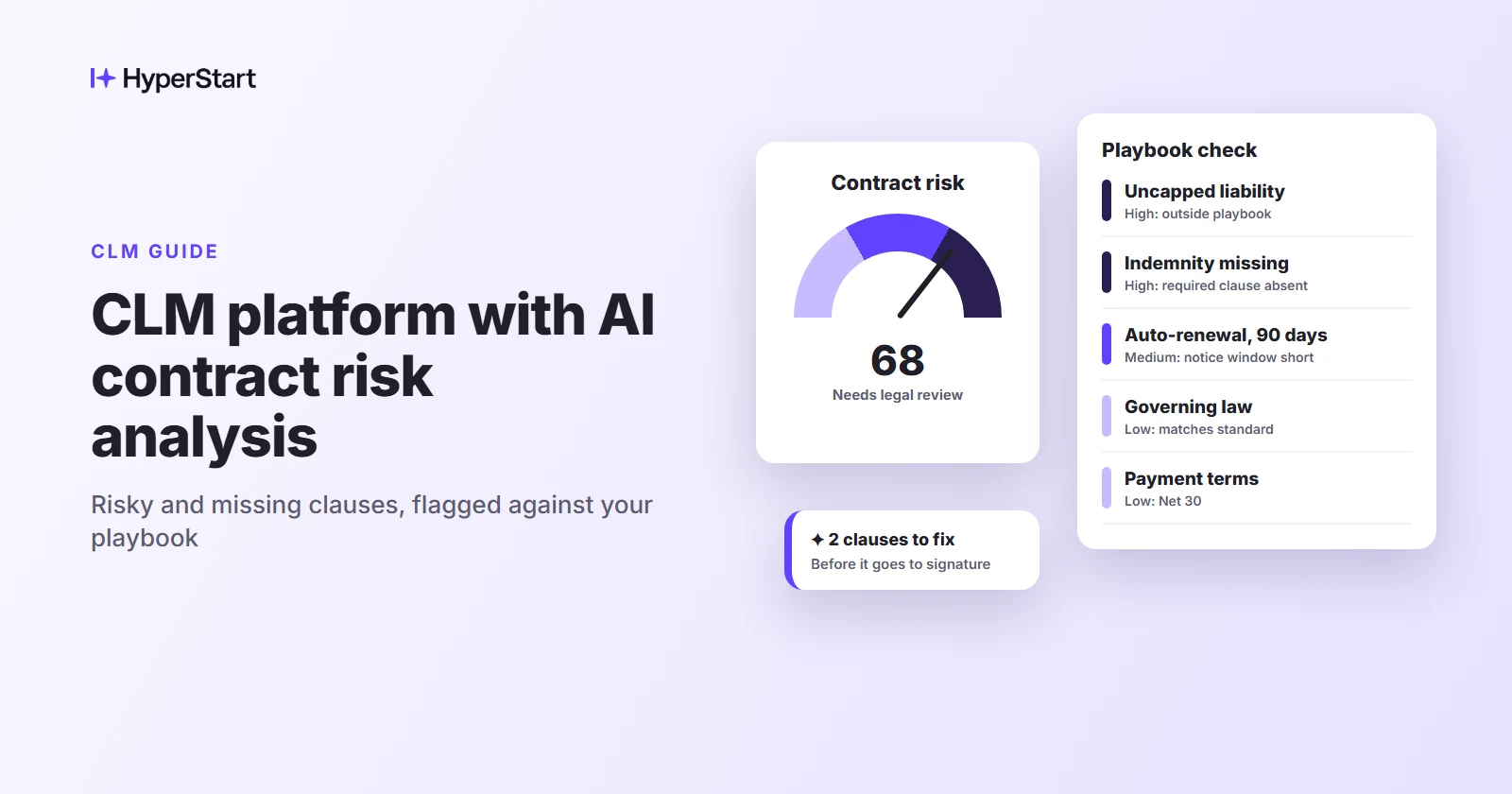
HyperStart is a CLM platform with AI contract risk analysis: it checks each agreement against your playbook and flags non-standard or missing clauses, such as liability caps and indemnification. After signing, it tracks obligations and renewal dates.
Your approval workflow decides which contracts need a lawyer: high-risk paper goes to legal, and a standard NDA moves on without one.
HyperStart is contract lifecycle management (CLM) software for mid-market legal and operations teams. It covers the whole contract lifecycle in one product and goes live in weeks, with no implementation partner.
See the risk review run on your own contracts: Book a demo.
Liability terms and renewal dates hide on a shared drive
When contracts live in folders and Word files, nobody can see the risk until something goes wrong. These are the costs the team carries:
- Liability caps go unchecked: a counterparty’s paper can lower or remove your cap. Unless someone rereads every draft against your standard position, nobody notices.
- Indemnification drifts deal by deal: each negotiated version moves a little further from your template, and no one holds a record of what was actually agreed.
- Auto-renewal and notice dates pass quietly: a vendor agreement renews because the notice window closed before anyone opened the PDF.
- Every NDA waits behind the risky deal: legal reviews standard paper as carefully as a high-value agreement, so the queue grows and the business treats legal as the bottleneck.
Key capabilities of AI risk analysis in HyperStart
HyperStart’s AI reviews each contract against the positions your team has already set and flags anything that departs from them. Legal decides what to do with each flag, and the contract stays tracked after signature.
Playbook and fallback position comparison
Incoming contract language is compared against your playbook, meaning your preferred positions and the fallback positions you will accept.
- Preferred and fallback positions: a termination for convenience clause is checked against the notice period you require and the one you would accept under pressure.
- Positions from your own templates: your playbook can start from the language already in your Word templates.
Flags for non-standard and missing clauses
The review flags clauses that depart from your standard and clauses that should be present but are not.
- Non-standard language: an indemnification clause that adds obligations your template does not include is flagged before anyone signs.
- Missing terms: a services agreement that arrives with no limitation of liability clause is flagged as missing, not passed as clean.
Liability caps, indemnification and termination checked on every draft
The risk review names the specific clause at issue, so your lawyers know where to look first.
- Liability caps: a cap set below your minimum, or removed entirely, is surfaced along with the language that changed it.
- Termination: termination rights that favor only the counterparty are flagged against the position in your playbook.
Renewal, notice date and obligation tracking after signature
After signature, HyperStart keeps watching the contract, because some risks only arrive later.
- Auto-renewal and notice dates: reminders go out before the notice window closes, so no one has to chase them.
- Obligations: commitments in executed paper, such as reporting duties owed to a customer, are tracked with an owner and a deadline.
Approval routing you set by contract type
You decide in the approval workflow which contracts need a lawyer. A standard NDA can move through without waiting on legal, while a high-value services agreement goes to a lawyer for review.
Workflows are drawn, not coded, so you change a routing rule yourself without a consultant.
Redlining in Word inside the platform
When a flagged clause needs negotiating, your lawyer redlines it in Word inside HyperStart. The contract never leaves the system of record between review and signature.
Contract families roll up risk and renewal dates
Each amendment is linked to the agreement it amends, so you can read risk and renewal dates across the whole contract family instead of one PDF at a time.
From shared drive and Word templates to live AI risk review in weeks
Risk review in HyperStart goes live in weeks, with no implementation partner or systems integrator. You work with the people who build the product through the six steps below.
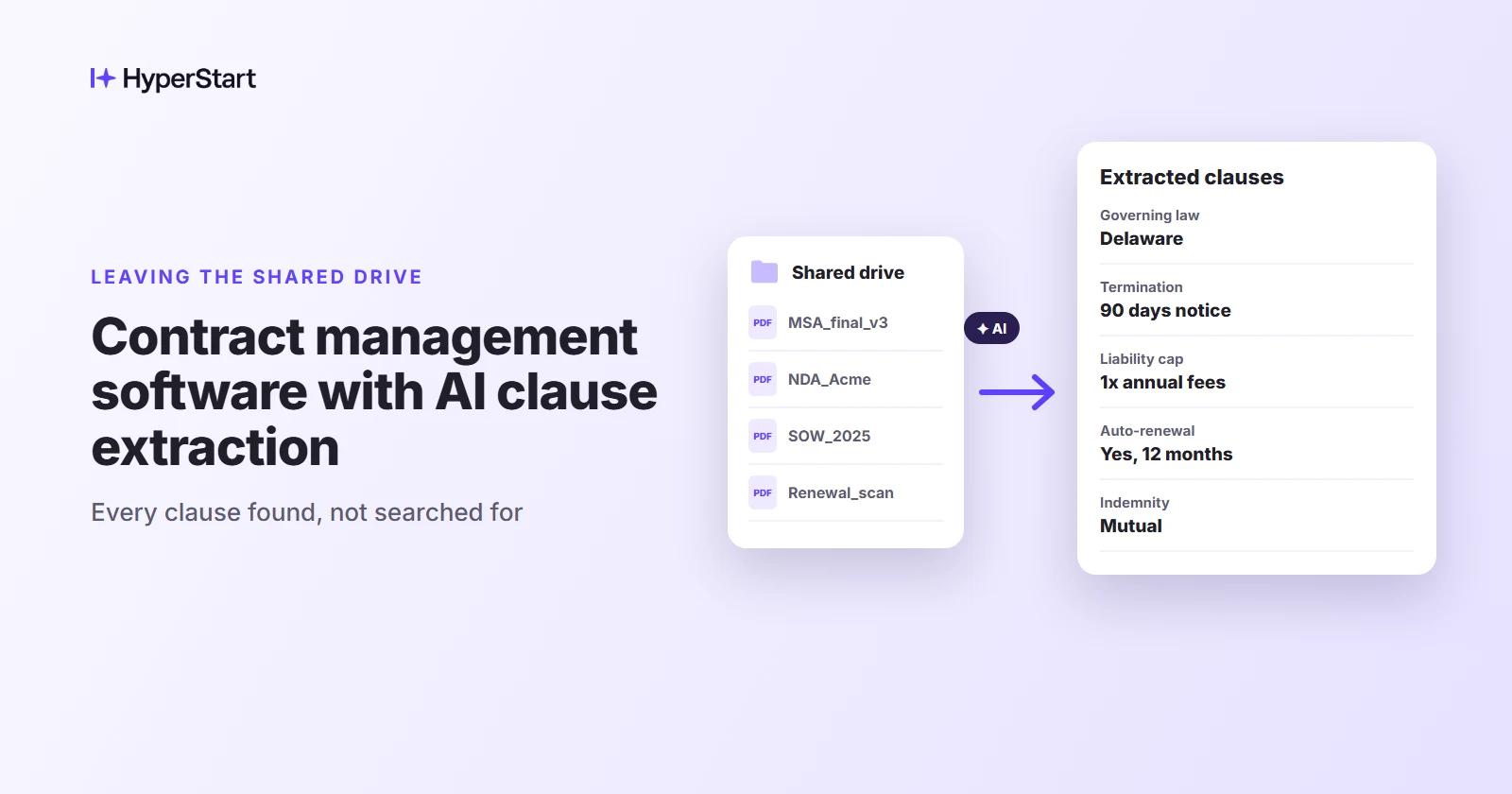
- Import your existing contracts. Smart one-click import moves legacy contracts from the shared drive into the repository, so older paper is reviewed and tracked alongside new drafts.
- Let AI tag the metadata. AI metadata tagging organizes the imported contracts, so renewal and notice dates are tracked from the first week.
- Set your playbook. Write down your preferred and fallback positions for the clauses that carry your risk, starting with liability caps, indemnification, termination and auto-renewal.
- Draw the approval workflow. Decide which paper goes straight through, such as standard NDAs, and which goes to legal for review.
- Review the first flagged risks. Run the review on ten of your own contracts. Legal confirms or corrects each flag, and the playbook is tuned before go-live.
- Go live and keep tracking. New contracts are reviewed as they arrive, and signed ones stay under renewal and obligation tracking.
See HyperStart CLM on your own contracts
Bring a few of your own contracts, and we’ll run them through HyperStart with you in a live demo.
Book a DemoSecurity review already in place
Before HyperStart’s AI reads a single contract, your security team will want proof, and it is ready: HyperStart is SOC 2 Type 2 and ISO 27001 certified, and HIPAA compliant. Sharing those documents early keeps security review from delaying your go-live.
HyperStart goes live without an implementation project
Setup is part of the HyperStart quote, so there is no separate implementation project to buy or run. HyperStart prices risk review by users or by contract volume, whichever fits you, never a mix of the two.
Workflows, integrations and moving your contracts across are included at no extra fee. See the pricing page.
What each team sees once risk review is live
Each team gets its own view of the same reviewed contracts.
- General Counsel: routine paper is handled without the team touching it, and lawyer attention goes to agreements carrying indemnification or liability risk.
- Legal Operations: each in-flight contract shows its owner and stage in a single view, and reminders go out automatically, so nobody has to chase.
- Procurement: every vendor agreement, amendment and auto-renewal date sits in one view, visible before the notice window closes.
- Finance: renewal dates and total contracted value, rolled up across each contract family.
- IT and Security: the security pack arrives before the questionnaire does.
CLM platforms with AI risk analysis: where each fits
Five platforms come up often for AI risk analysis, and each suits a different team.
- HyperStart: Best for mid-market legal and operations teams starting a CLM from a shared drive and Word templates, with risk review live in weeks and implementation included.
- Ironclad: Best for teams that want a broad AI CLM platform and plan an implementation project alongside the license.
- Juro: Best for small teams signing mostly standard paper who prefer editing contracts in the browser.
- LinkSquares: Best for teams whose main need is analytics and reporting across a repository of signed contracts.
- DocuSign CLM: Best for teams that want CLM from the same vendor as their DocuSign e-signature.
The table lists license and implementation separately, because a license quote without implementation is not the number you will pay.
| Platform | Implementation | License pricing (as of Nov 2026) | G2 rating (as of Nov 2026) |
| HyperStart | Included at no extra fee; no implementation partner | Quote based on users or contract volume, not both | 4.5/5 on G2 (9 reviews) |
| Ironclad | Separate project; Vendr puts it at $10,000 to $75,000+ | Sold by quote (Ironclad pricing); Vendr puts the median at $40,875 a year | 4.4/5 on G2 (332 reviews) |
| Juro | Deeper integrations (Salesforce, HubSpot, Workday) cost extra | No public prices; based on contract volume and integration complexity (Juro pricing) | 4.5/5 on G2 (247 reviews) |
| LinkSquares | Vendr puts it at $10,000 to $75,000+ | Sold by quote; Vendr puts the median at $31,000 a year | 4.7/5 on G2 (445 reviews) |
| DocuSign CLM | Ask for it as a separate line in the quote | Sold by quote | 4.3/5 on G2 (503 reviews) |
Conclusion
A CLM platform with AI contract risk analysis should measure every draft against your own playbook and flag what is non-standard or missing. It should also keep watching the contract after signature.
Ironclad fits teams planning an implementation project alongside a broad AI CLM. Juro fits small teams on standard paper, LinkSquares fits repository analytics, and DocuSign CLM fits teams buying from their e-signature vendor.
HyperStart fits a mid-market team starting from a shared drive, where approval routing sends risky paper to a lawyer and lets standard NDAs pass.
Book a demo and bring the agreement that worries you most, such as one missing a liability cap, to see each flag raised live.
Try HyperStart CLM before you decide
The whole contract lifecycle in one product, live in weeks, with implementation included in the quote and no implementation partner.
Book a Demo