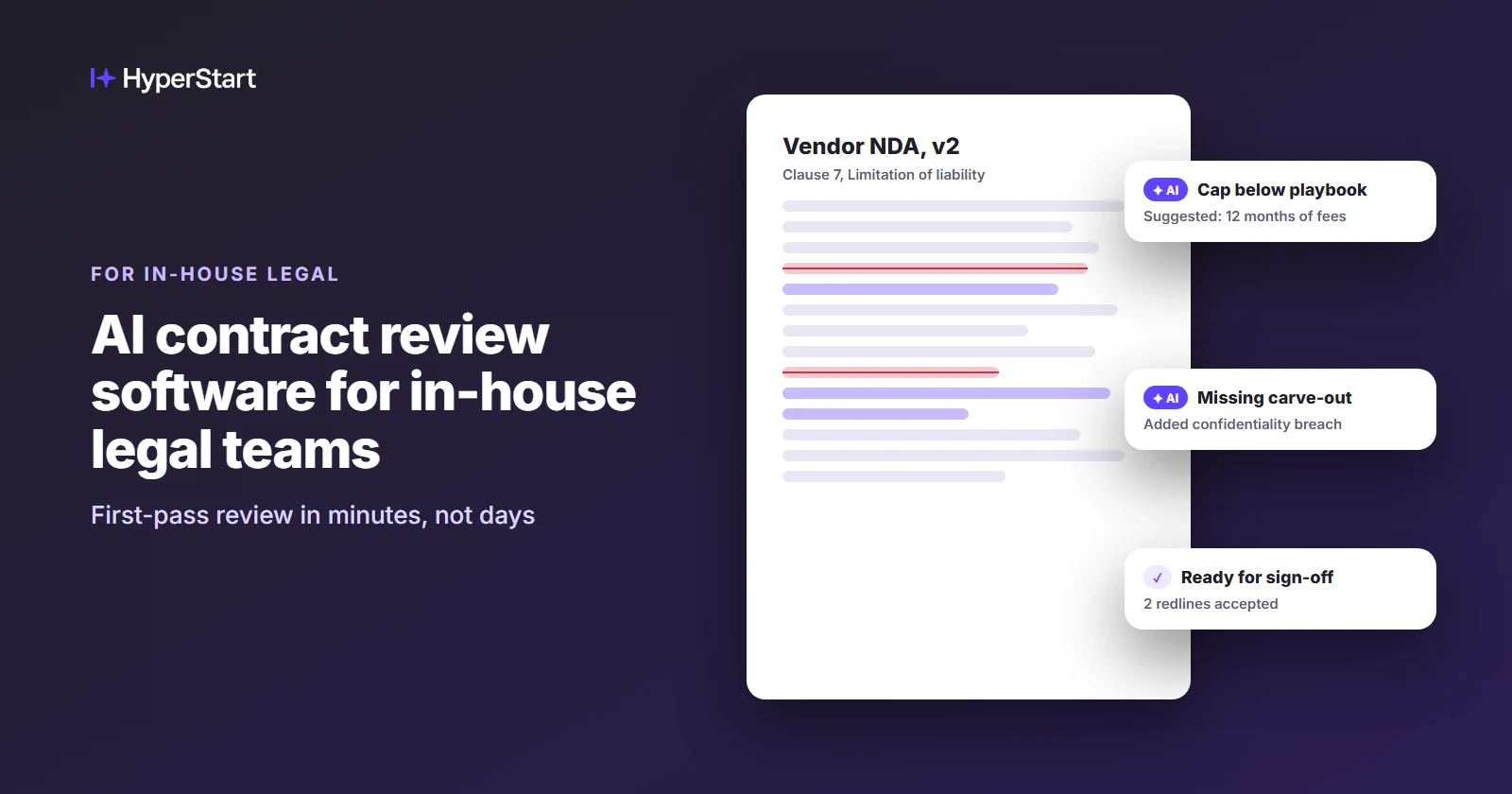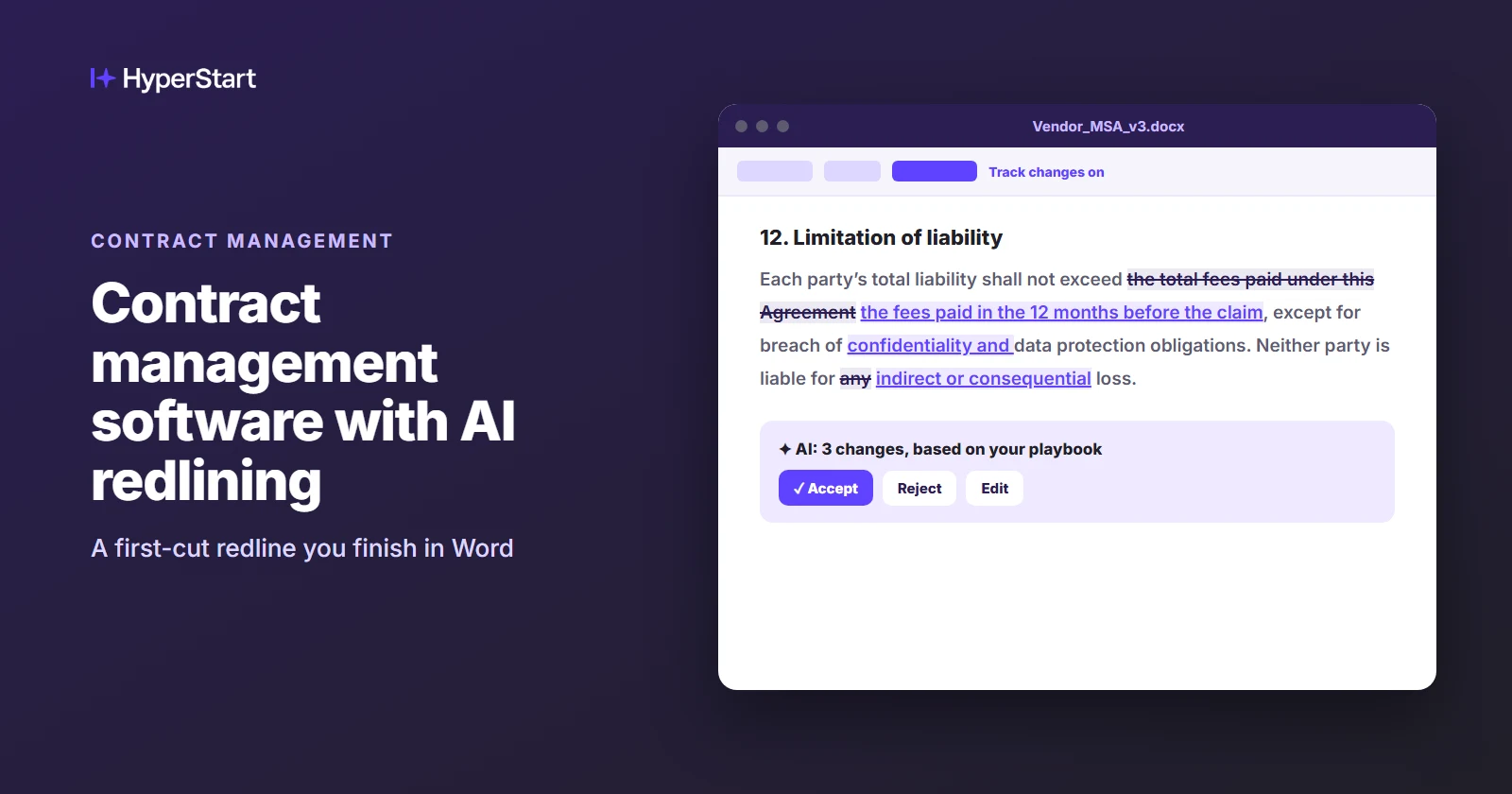
HyperStart is contract management software with AI redlining: its AI checks each incoming draft against your playbook and gives a first-cut redline that your team finishes in Word.
HyperStart is contract lifecycle management (CLM) software for mid-market legal and operations teams. It covers the whole contract lifecycle in one product and goes live in weeks, with no implementation partner.
The redline then stays in the same system as the approval and the renewal that follow it.
- Playbook first: clauses are measured against your preferred and fallback positions, not a generic standard.
- Edits, not just flags: the AI’s first-cut redline goes into the draft, and your team refines it in Word.
- A person decides: a lawyer or contract manager accepts, edits or rejects every change before it goes out.
- Nothing is lost at signature: the executed agreement joins its contract family in the repository.
Book a demo and bring a contract you are negotiating right now.
A playbook that lives in someone’s memory cannot redline at scale
Without a written playbook, every draft is negotiated from scratch and the results scatter across inboxes.
- Positions without a home: When preferred and fallback positions sit in one lawyer’s memory or an old email thread, every NDA and order form gets negotiated from scratch. Legal ends up treated as the bottleneck for paper that should be routine.
- Templates without a version of record: Word templates on a shared drive drift. Nobody can say which fallback clause was accepted last quarter, so the same concession gets argued twice.
- Redlines that disappear after signature: Once the final Word file lands in a folder, its amendments, renewal date and obligations are tracked somewhere else, if they are tracked at all.
HyperStart redlines in Word and carries the contract through signature and renewal
Playbook review and first-cut redlines in Word
HyperStart reads the counterparty’s draft, compares each clause with the positions in your playbook, and gives a first-cut redline in the Word document inside the platform. Negotiation never leaves the system of record.
The version legal approved is the version that sits in the repository, so nobody emails a file out and hunts for it later.
Fallback language your team approves
When a clause misses your preferred position, your reviewer swaps in the fallback wording your playbook allows, in Word, without leaving HyperStart. Change only the words that need to change rather than the whole clause.
The counterparty then sees a small redline that is easy to explain.
Approval workflows you draw and change yourself
When a redline needs sign-off, HyperStart sends it through an approval workflow you draw yourself. Your legal operations lead changes that workflow directly, without a consultant or a change request. While the redline waits, the dashboard shows who has it and at what stage.
Signing through DocuSign, Adobe Acrobat Sign or Zoho Sign
Once the redlines are settled, HyperStart sends the agreement for signing through DocuSign, Adobe Acrobat Sign or Zoho Sign, whichever you already use. The signed copy comes back into the repository with its earlier versions attached.
Contract families, amendments and renewal tracking after signature
After signing, HyperStart links each agreement into its contract family, and every later amendment attaches to the agreement it amends. Metadata rolls up across the family, so finance sees total contracted value in one place.
Renewal, expiry and obligation tracking then sends reminders without anyone chasing.
Templates that sales and procurement start from
Sales and procurement start standard agreements from approved templates instead of rebuilding the same NDA again. Legal’s attention goes to the agreements that carry real risk, and routine paper follows the playbook by default.
AI redlining runs in five steps, and your reviewer has the final say
In HyperStart, a draft moves through five steps, and a person approves every change.
- Ingest: The counterparty draft comes into the platform and opens in Word.
- Compare to the playbook: Each clause is checked against your preferred and fallback positions.
- Flag: Clauses that miss a position, or required clauses that are absent, are marked for attention.
- First-cut redline: The AI gives a first-cut redline on the flagged clauses, and your reviewer adds the fallback wording the playbook allows.
- Reviewer decides: A lawyer or contract manager accepts, edits or rejects each redline. The decision stays on the contract’s record in the repository.
See HyperStart CLM on your own contracts
Bring a few of your own contracts, and we’ll run them through HyperStart with you in a live demo.
Book a DemoSecurity and go-live facts your IT team can check
IT usually asks three things about an AI redlining tool: how it protects data, how long setup takes and who supports it.
SOC 2 Type 2, ISO 27001 and HIPAA compliant
Counterparty drafts carry prices, liability terms and sometimes personal data. For teams redlining that kind of paper, HyperStart is SOC 2 Type 2 and ISO 27001 certified, and HIPAA compliant.
Live in weeks without an implementation partner
Your first AI redline in HyperStart can happen within weeks, not quarters. One-click smart import and AI metadata tagging do most of the loading work, and there is no systems integrator or configuration project.
Supported by the people who build it
Customers work directly with the team that builds the product, before go-live, during it and after it. Nobody hands you off to a third party, and the people who answer your questions are the people who can change the product.
HyperStart suits teams choosing their first CLM with AI redlining
HyperStart suits a team buying its first CLM, because redlining, approvals and renewal tracking come in one product.
Six capabilities to check in any AI redlining tool
Check these six things in any AI redlining tool, including ours.
- Playbook control: Your team sets the preferred and fallback positions, and the AI applies them consistently on every draft.
- Redlines in the document: Proposed edits appear in Microsoft Word where negotiation happens, not in a separate report.
- Fallback language: The tool proposes approved wording, not only a warning that a clause is off-standard.
- Explained edits: Every redline shows the playbook rule behind it, so a reviewer can decide in seconds.
- Reliability on your own paper: Run the tool on ten of your own contracts. Demo contracts prove very little about how it handles yours.
- Life after signature: The redlined agreement should feed amendment linking, renewal tracking and obligations, not end in a folder.
A full CLM or a Word add-in sets your shortlist
The decision that shapes the shortlist is whether you need contract lifecycle management around the redlining or a standalone Word add-in.
Word add-ins work on the draft itself, so ask each one which of intake, approvals and signing it covers. Juro is browser-native, so its redlining happens in its own editor rather than in Word.
| Option | Where redlining happens | What comes with it | Best for |
| Word add-ins (e.g. Spellbook, Gavel Exec, LegalSifter ReviewPro, BlackBoiler) | Inside Microsoft Word | AI review and redlining on the draft; ask which of intake, approvals and signing each one covers | Lawyers who want AI help on the draft and already run approvals and signing elsewhere |
| Browser-native CLM (Juro) | In Juro’s browser editor | Contract creation and management in the browser | Simple, repeatable contracts |
| HyperStart CLM | In Word, inside the platform | Templates, approval workflows, repository, contract families, renewal and obligation tracking; signing through DocuSign, Adobe Acrobat Sign or Zoho Sign | Mid-market teams moving off a shared drive and Word templates |
Three questions usually settle the choice:
- Scope: Do you need intake, approvals, signature and renewals in one place, or only help drafting in Word?
- Users: Will only lawyers use it, or will sales, procurement and finance work in it too?
- Volume: How many contracts do you handle each month, and how many follow a standard template?
One quote, with license and implementation shown separately
HyperStart quotes on users or contract volume, never both at once, tailored to your team and how many contracts you handle (HyperStart pricing). Implementation is included every time: workflows, integrations and contract migration come at no extra fee.
When you compare quotes, set any implementation fee beside the license figure, because the license alone is not what you will pay.
Conclusion
Contract management software with AI redlining is most useful when it applies your own playbook, proposes approved wording, and leaves a person to decide each change.
Word add-ins such as Spellbook, Gavel Exec, LegalSifter ReviewPro and BlackBoiler suit lawyers who already run approvals and signing elsewhere. Juro suits simple, repeatable contracts edited in its browser.
HyperStart is the fit for a mid-market team moving off a shared drive. The redline, its approval and the later renewal reminder all share one contract record.
Book a demo and bring a live counterparty draft and your current positions to see the first-cut redline on it.
Try HyperStart CLM before you decide
The whole contract lifecycle in one product, live in weeks, with implementation included in the quote and no implementation partner.
Book a Demo