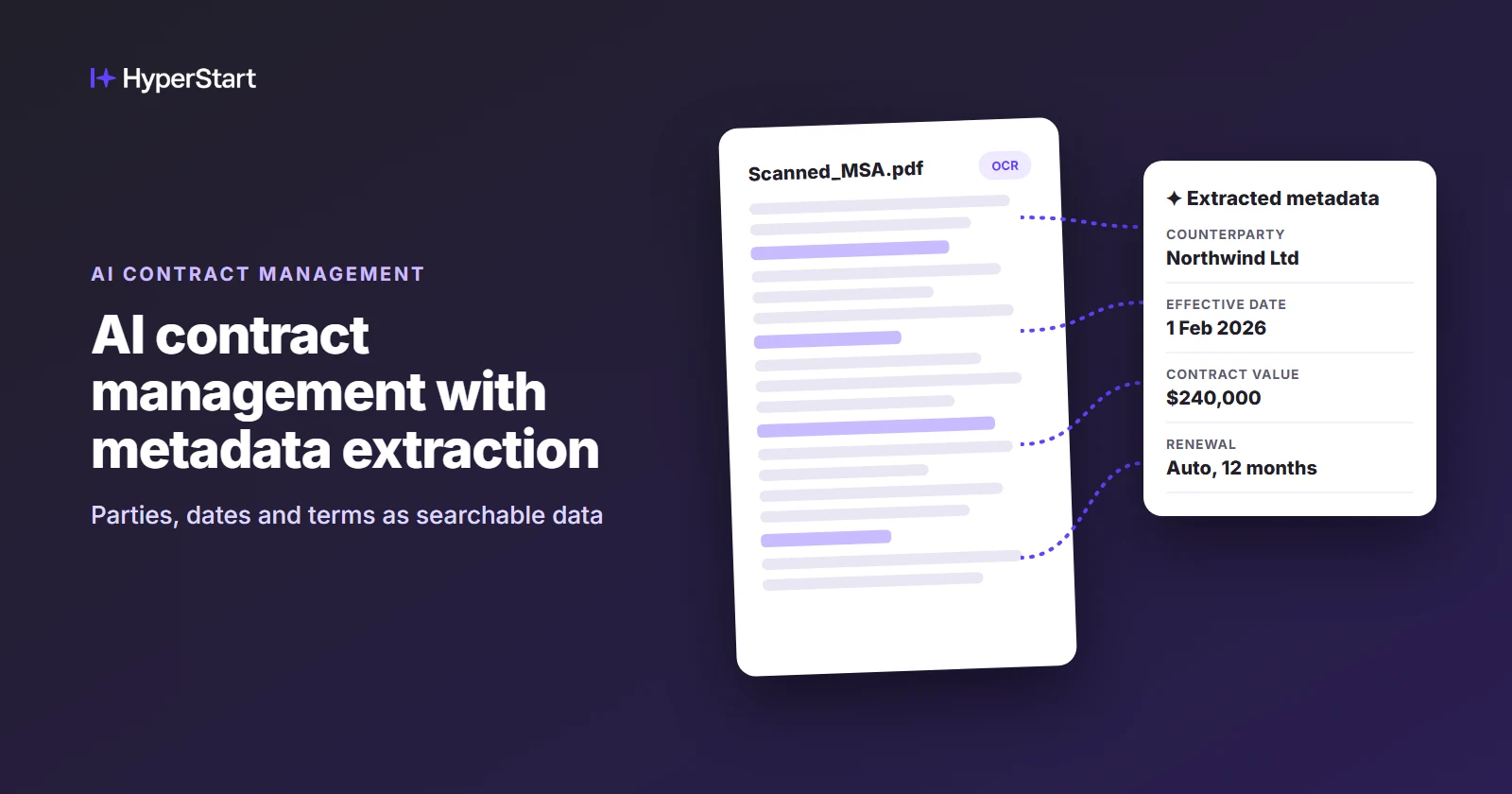
Contract repository software with OCR (optical character recognition) turns scanned contracts into searchable text, then uses AI to pull key terms into structured fields. Scanned PDFs and old paper agreements then sit next to your digital files, and every word in them can be found.
This guide explains what OCR does to a contract, how AI extraction builds on it, where scans cause trouble and what to test in any tool. It ends with a plan for moving a scanned backlog in without losing the dates that matter.
- A scanned PDF is a picture of text, so normal search cannot read the words inside it.
- OCR turns the image into text, and AI extraction then fills fields such as parties, expiry dates and renewal terms.
- Scan quality drives the result, so test any tool on your faded, stamped and skewed files.
- A person should check auto-renewal, notice and termination fields before reminders depend on them.
- Scanned amendments should link to their parent agreement, so the terms in force read as one record.
What OCR does in a contract repository
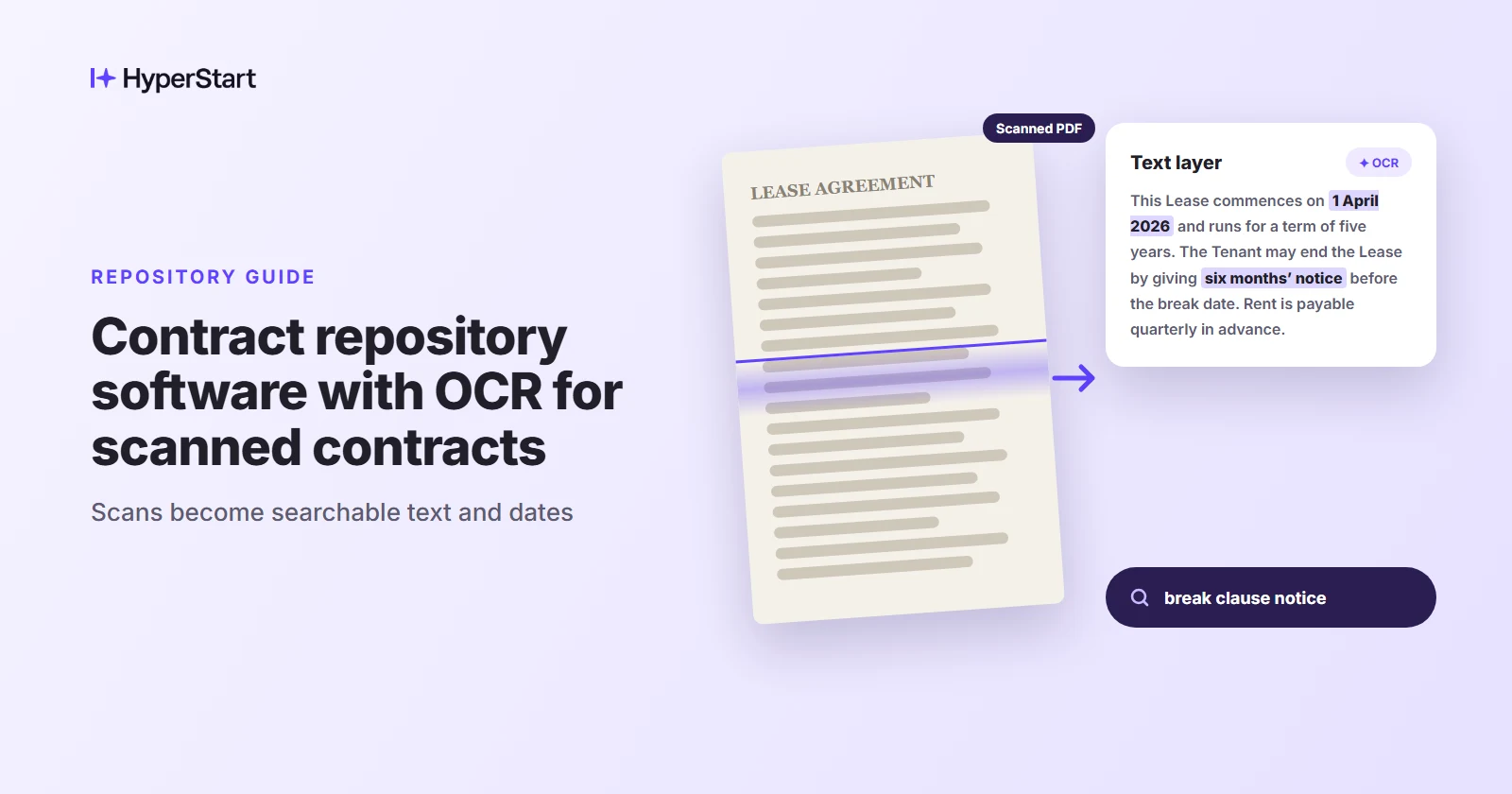
OCR reads the shapes of letters in an image and turns them into text a computer can process. In a contract repository, it is the step that makes a scanned agreement behave like a digital one.
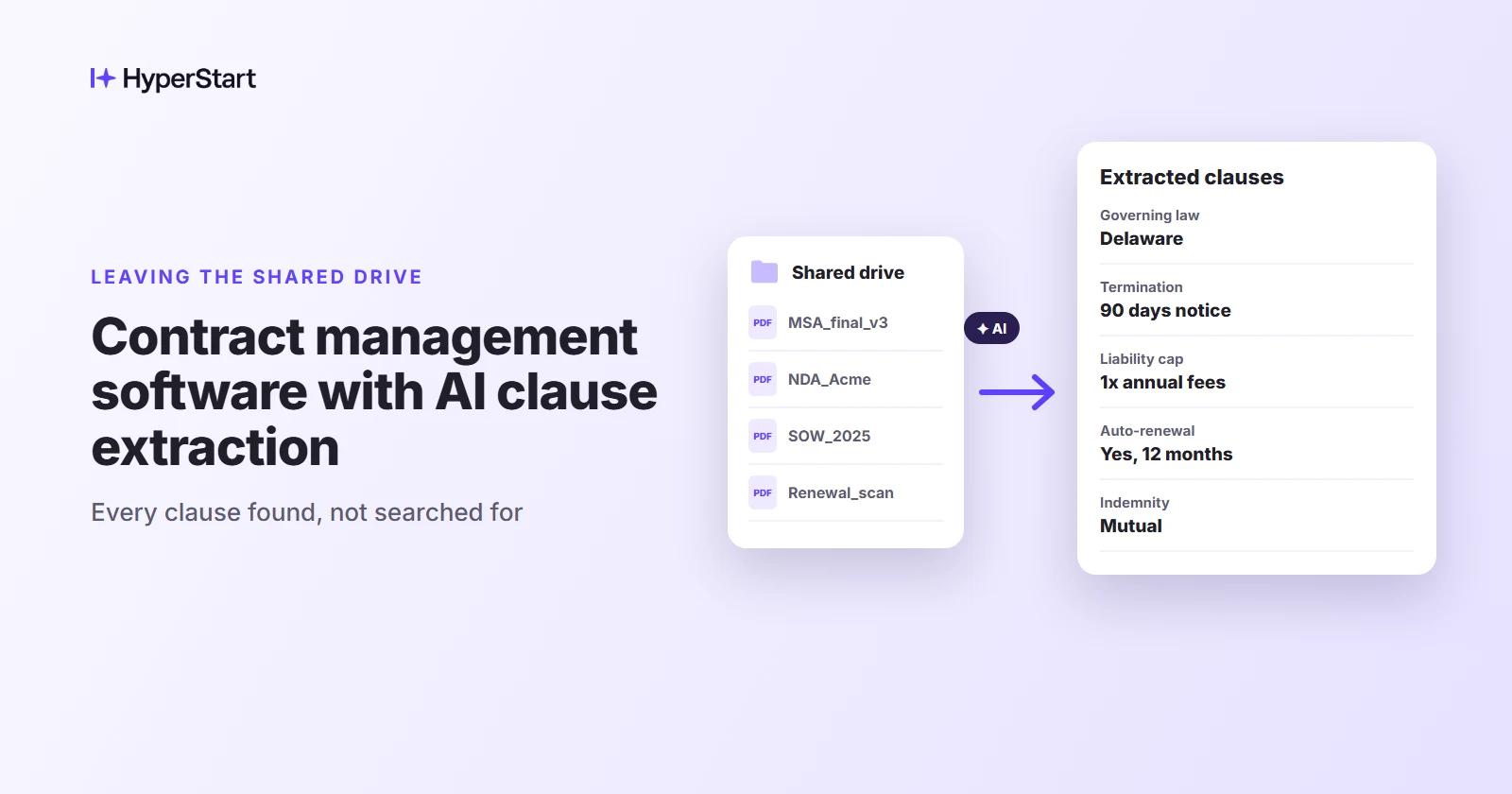
Without OCR, a scanned PDF is only an image. Shared-drive search matches the file name, so an auto-renewal clause on page nine stays invisible. Someone has to open the file and read it.
With OCR, every word becomes searchable. A search for a clause or a counterparty finds the wet-signed agreement from years ago as well as last month’s PDF. Scans and born-digital files then sit in one contract repository and are searched the same way.
Why scanned contracts cause trouble on a shared drive
Search is only the first problem. Most legal teams inherit a scanned archive with three more issues.
- Amendments are scattered. They get scanned on different days and saved under different names. The current terms of a supplier relationship end up spread across several files, and none of them states the whole deal.
- Dates live only on paper. Notice periods and renewal dates are buried in the text. Nobody tracks them until a renewal has already happened.
- Access is loose. Old scans often hold pricing and liability terms, yet anyone with a folder link can open them.
How OCR and AI extraction work together
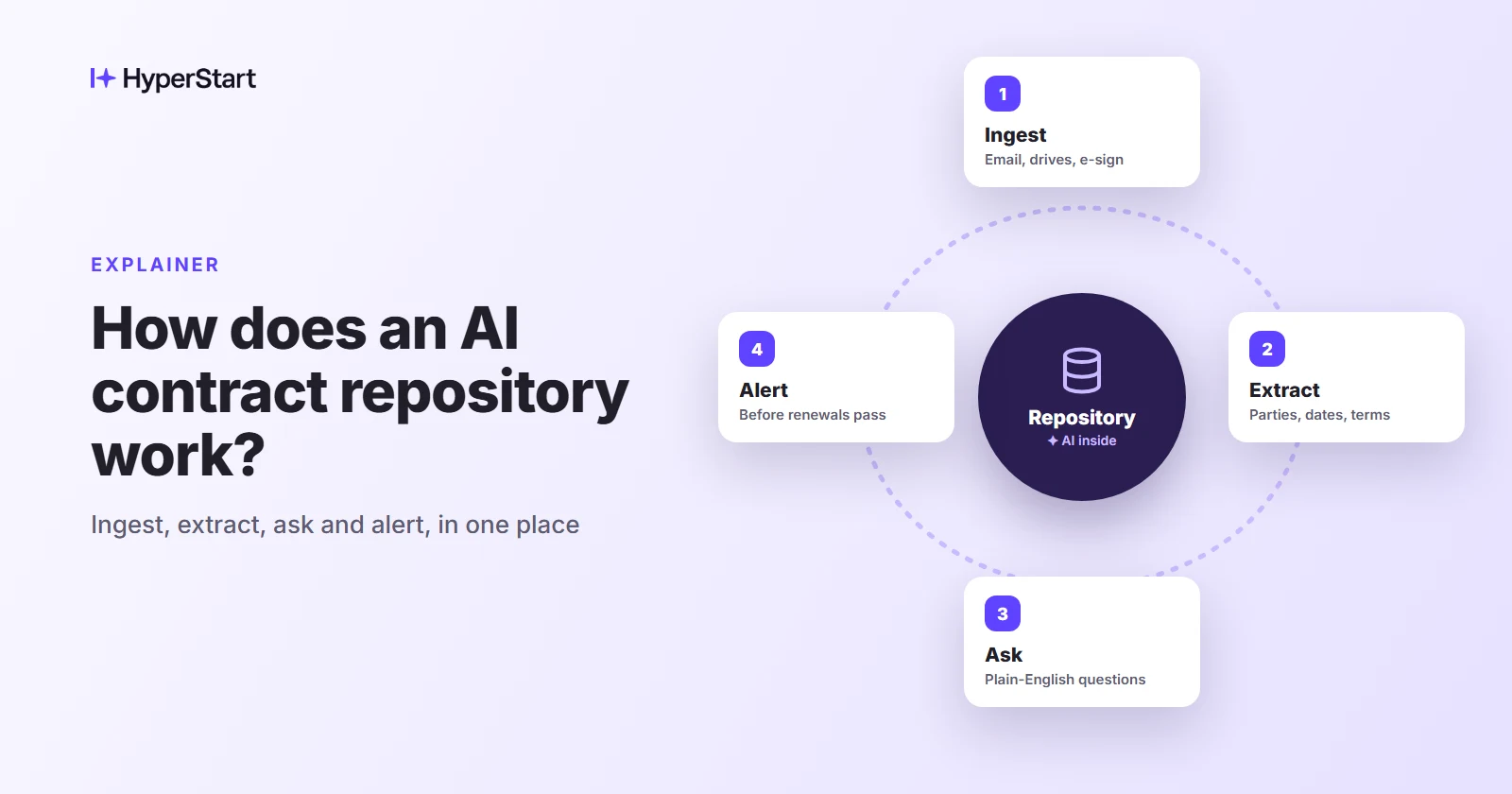
Contract repository software with OCR usually runs a short chain of steps on each scanned file. Each step depends on the one before it.
OCR converts each scanned page into text
Many repository tools run OCR as files are imported, so scans become text as they arrive. Some run it only when a person asks. A tool that reads files on import saves a second pass through the archive.
AI extracts the fields people ask about
After OCR, AI reads the text and pulls key terms, dates, parties, obligations and clauses into metadata fields. Nobody has to type them in. Many CLM tools also let you add custom fields, columns, filters and views for the terms your business tracks.
People review and correct the results
Every OCR engine misreads some pages. Good tools let your team review and correct each extracted field, so a misread date gets fixed before anyone relies on it. Check auto-renewal, notice and termination fields first, because a mistake there costs the most.
Amendments link to the agreement they change
Some vendors group a parent agreement and its amendments into a contract family, with metadata rolled up across the family. A scanned master agreement and three scanned amendments then read as one record. The terms in force are no longer split across four PDFs.
Reminders run on the extracted dates
Once dates sit in fields, tracking can start. Many repository tools email the owner before renewals, expiries, obligations and deadlines, based on the extracted metadata.
What affects how well OCR reads a contract
Scan quality matters more than most buyers expect. A clean, straight, high-contrast scan reads well. A faded, stamped or skewed photocopy gives OCR less to work with.
| Scan issue | What goes wrong | What to do |
| Faded or low-contrast ink | Letters drop out or run together | Rescan the worst pages at a higher resolution |
| Stamps and seals over text | Words under the stamp are lost | Check the fields near stamps by hand |
| Skewed or curved pages | Lines merge or break in odd places | Straighten or rescan before import |
| Photocopies of photocopies | Noise reads as stray characters | Compare key dates with the paper original |
| Tables and multi-column layouts | Values attach to the wrong label | Check fee and payment schedules |
| Mixed languages | Names and dates in the second language are misread | Include those files in your test batch |
See HyperStart CLM on your own contracts
Bring a few of your own contracts, and we’ll run them through HyperStart with you in a live demo.
Book a DemoHow to move a scanned backlog into a repository
A scanned archive does not need a big clean-up project first. Most teams follow five steps.
- Import the backlog where it sits. Bring files in bulk from email, a Drive or SharePoint folder, a CRM or a local device. You don’t need to tidy the folders first.
- Let OCR read the scanned files. Image-based PDFs become searchable text next to your digital contracts.
- Let AI tag the metadata. Dates, parties, terms and obligations land in fields on each contract record.
- Check the fields that carry risk. Review auto-renewal, notice and termination dates before reminders depend on them.
- Switch on tracking. Renewal and deadline reminders start from the reviewed dates.
Ask early whether migration of the scanned archive is part of implementation or a separate project. That one answer changes the real cost of the tool.
Mistakes to avoid with scanned contracts
- Testing on clean demo files. A vendor’s sample PDF tells you little about your archive. Bring your worst scans to the trial.
- Trusting every extracted date. Reminders built on a misread notice date fire too late. Review the high-risk fields first.
- Importing amendments as loose files. Without a link to the parent agreement, people keep quoting the old terms.
- Opening the archive to everyone. Old scans hold sensitive terms. Set access by role before other teams start searching.
What to ask any vendor about OCR for scanned contracts
Put these questions to every tool on your shortlist, and hold each vendor to the same standard.
| Question | Why it matters | HyperStart’s answer |
| Does OCR run on scanned files in the repository? | Scans should become text without a manual step | Scanned contracts are converted to searchable text with OCR, and digital and scanned papers are auto-tagged |
| Does extraction work on scans or only on digital PDFs? | Most legacy contracts are scans | Metadata extraction works on scanned legacy contracts |
| Can your team fix a wrong field? | Every OCR tool misreads some pages | Extracted fields can be reviewed and refined by your team |
| How does the backlog get in? | Gathering files by hand slows the project | Bulk import through email sync, a Drive or SharePoint URL, a CRM import or a local device |
| What happens to scanned amendments? | Terms in force are split across files | Contract families link amendments to the parent agreement and roll up metadata |
| Who can open the archive? | Old scans hold sensitive terms | Role-based access control and encryption; SOC 2 Type 2 and ISO 27001 certified, and HIPAA compliant |
| Is migration in the quote? | A separate migration project changes the cost | Implementation, integrations and migration are included in the annual custom quote (pricing) |
From scanned PDF to searchable record
Before: a scanned archive is a folder of pictures. Nobody can search it, renewal dates hide on page nine, and amendments sit in separate files that tell different stories.
After: every page is text, and key dates sit in fields your team has checked. HyperStart converts scans to searchable text with OCR and extracts metadata from scanned legacy contracts.
Rentomojo used it on 500+ legacy contracts and got a structured export “within hours”. Bring ten of your worst scans when you book a demo.
Try HyperStart CLM before you decide
The whole contract lifecycle in one product, live in weeks, with implementation included in the quote and no implementation partner.
Book a Demo