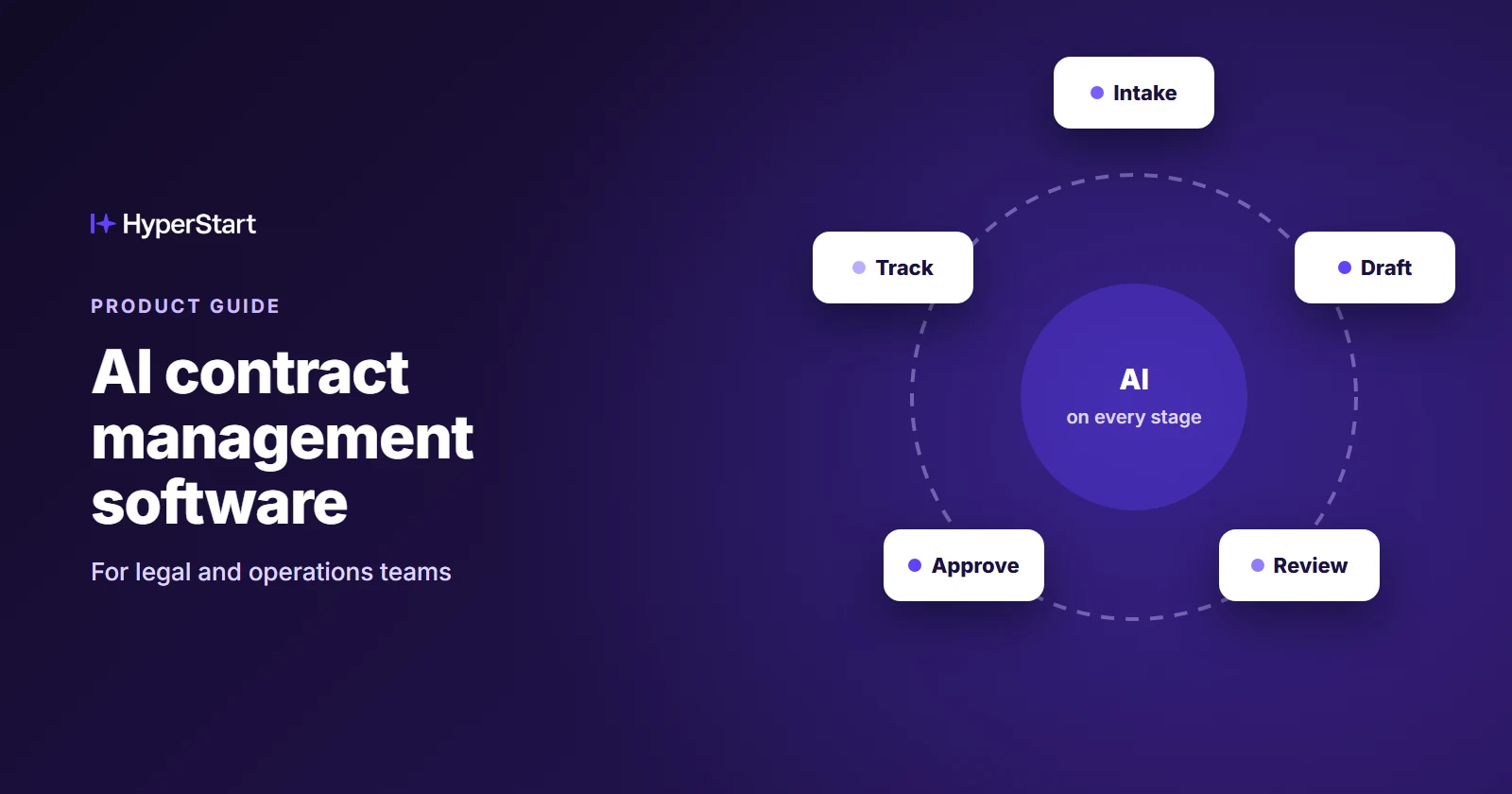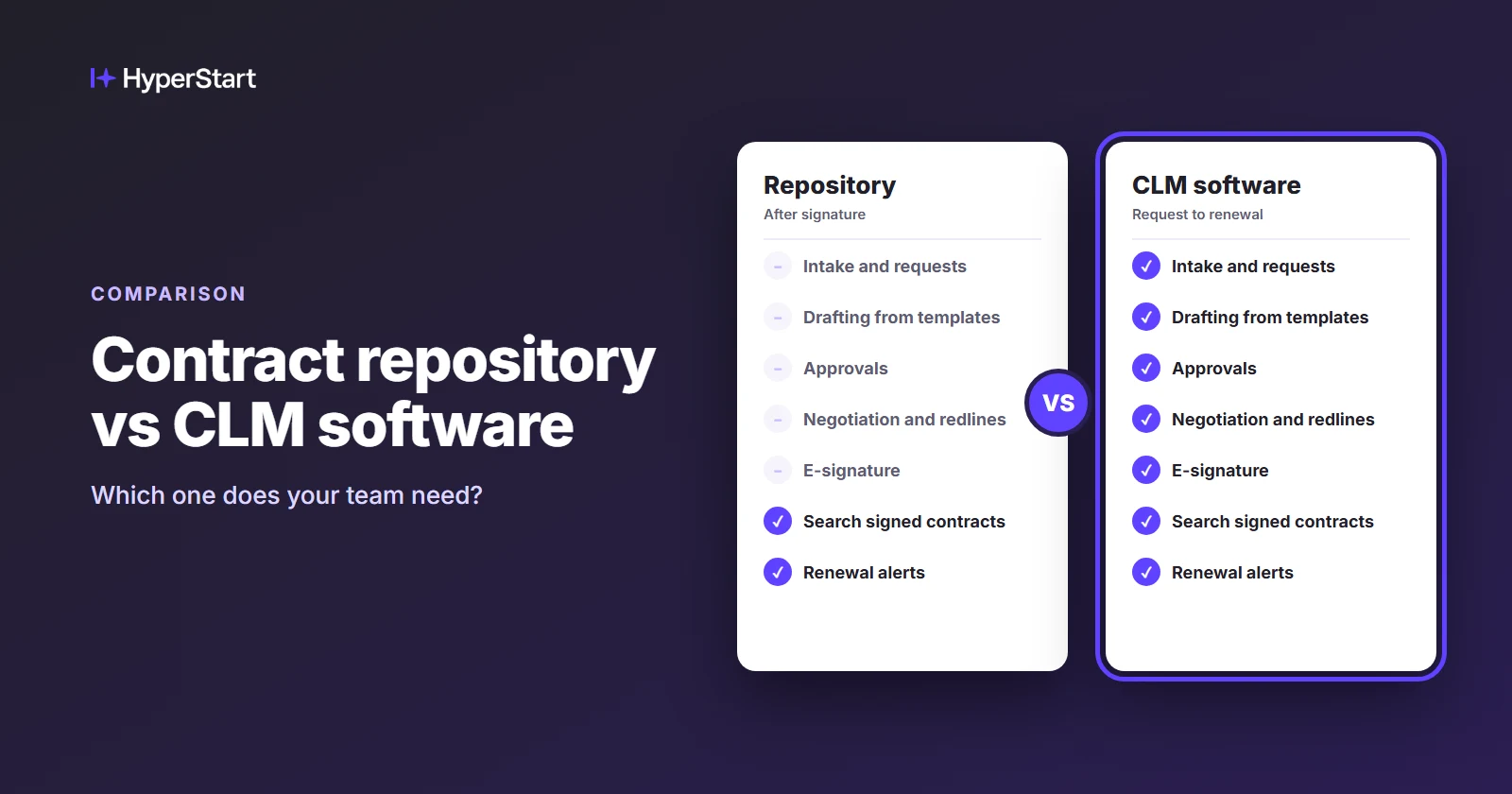
A contract repository stores and tracks contracts after they are signed. Contract lifecycle management (CLM) software runs each contract from the first request to renewal, and it includes a repository.
Choose a repository when drafting already works and the problem is finding signed contracts and catching renewals.
Choose CLM when contracts stall before signature, in drafting, negotiation or approvals.
Think of a contract repository as a well-labeled filing cabinet for executed agreements. CLM is the assembly line that produces those agreements and then files them in the same cabinet.
The repository answers “what have we signed, and where is it?” CLM also answers “where did this contract stall before signature?”
- A contract repository covers contracts after signature: storage, search, metadata and renewal alerts.
- CLM software covers each contract from request and drafting through approval, signature and renewal, and it includes a repository.
- A repository alone is enough when drafting and approvals already run smoothly and the trouble starts after signature.
- CLM is the better fit when contracts stall before signature, in templates, redlining or approvals.
- HyperStart is one example of the CLM side, with its repository, templates, approval workflows and Word redlining in one product.
How do a contract repository and CLM compare side by side?
The core difference is scope. A contract repository covers the period after signature. CLM covers the time before, during and after signature.
HyperStart is contract lifecycle management (CLM) software for mid-market legal and operations teams. It covers the whole contract lifecycle in one product and goes live in weeks, with no implementation partner. The table below compares a repository-only tool with HyperStart.
| Repository only | HyperStart (CLM) | |
| Where it sits in the lifecycle | After signature only | The whole lifecycle, from intake to renewal |
| Searchable repository | Yes. This is its core job, usually with OCR search and metadata fields | Yes, with AI metadata tagging on import |
| Templates | Not included. Drafting stays in Word files | The business self-serves approved templates |
| Approval workflow | Not included. Approvals run through email | Drawn visually, and your team changes it without a consultant |
| Redlining | Not included. Negotiation happens outside the tool | Redlining in Microsoft Word, inside the platform |
| Signing | Stores the signed copy once someone uploads it | Sent for signature through DocuSign, Adobe Acrobat Sign or Zoho Sign |
| Contract family and amendment linking | Varies by tool. Check whether an amendment links to the agreement it amends | Each amendment linked to its parent agreement, with metadata rolled up across the family |
| Renewal and obligation tracking | Renewal alerts are standard | Renewal and obligation tracking with reminders |
| Security review | Varies by vendor. Request the security reports before you shortlist | SOC 2 Type 2 and ISO 27001 certified, and HIPAA compliant |
| Go-live | Usually quick, since there is no drafting setup | Live in weeks, with implementation included in the quote |
Repository-only tools such as ContractSafe and ContractWorks are a fair fit for teams whose only job is to find and track signed paper.
What does a contract repository handle?
A contract repository is the central, searchable home for executed contracts. A shared drive, Google Drive or SharePoint folder stores signed PDFs well, but it does not track what is inside them. A repository does.
OCR makes scanned PDFs searchable, and metadata fields capture parties, dates and values. Renewal alerts go out before notice windows close. Role-based access and version history control who can see and change each contract.
- Key capabilities: OCR search across scanned and native files, metadata on every agreement, renewal alerts, role-based access and version history.
- Best for: Teams whose signed contracts are scattered and whose renewals are slipping, but whose drafting and approvals already run smoothly.
- Limit: It starts at signature. Drafting, approvals and negotiation all happen somewhere else, so the repository cannot show you a contract that is still in progress.
What does CLM software add?
CLM software adds the work that happens before signature and links it to what happens after. Requests come in through intake, drafts start from approved templates, and an approval workflow routes each contract to the right people.
Redlining stays inside the system, the contract goes out for signature, and the signed copy lands in the repository with its metadata already captured.
- Key capabilities: Intake, templates, approval workflow, redlining, routing for signature, the repository, renewal and obligation tracking, and contract family linking. Many CLM tools also connect to CRM and ERP systems such as Salesforce, NetSuite, SAP or HubSpot.
- Best for: Teams where sales waits on legal for standard paper, approvals depend on someone remembering to forward an email, and procurement and finance cannot see what is in flight.
- Limit: CLM asks more of a team than a repository does. Some CLM products also need a systems integrator and a configuration project before anyone uses them, so ask how long go-live takes and who does the work.
Is a contract repository part of a CLM?
Yes. Every CLM includes a contract repository as one of its components. So a CLM can do what a repository does, but a repository cannot do what a CLM does. The practical difference is where contracts enter.
In a CLM, a contract is drafted, approved and signed inside the system, so it reaches the repository with its version history and metadata already attached. In a repository-only tool, someone has to upload and tag it after the fact.
See HyperStart CLM on your own contracts
Bring a few of your own contracts, and we’ll run them through HyperStart with you in a live demo.
Book a DemoWhen is a contract repository alone enough?
A contract repository alone is enough when your contracts get drafted and signed without trouble, and the pain only starts once they are signed. Look for these three signs:
- Signed paper is scattered. Executed contracts sit across inboxes, a shared drive and personal folders, and finding the final version means asking around.
- Renewals get missed. Auto-renewals and notice dates pass before anyone decides whether to renew.
- Drafting already works. Standard paper such as NDAs and MSAs goes out from approved templates without delay, and approvals are not the holdup.
If all three describe your team, a repository solves your problem, and paying for drafting tools you will not use makes little sense.
When do you need CLM?
You need CLM when contracts slow down before they are signed, not after. Look for these three signs:
- The same NDA gets rebuilt repeatedly. People copy the last Word file instead of starting from an approved template, and each copy drifts a little further from it.
- Deals wait for legal review. Standard paper gets routed to the legal team because there is no approval workflow to send it anywhere else.
- Redlining happens by email. Versions multiply across inboxes, and nobody can say with confidence which draft is current.
If these describe your team, a repository will store the finished contract neatly but leave the cause of the delay untouched.
Can you start with a contract repository and add CLM later?
Yes, but a repository-only tool means moving every contract a second time when you outgrow it. Teams that fit the repository profile today often need templates and approval workflows once contract volume grows.
The other route is to start with the repository inside a CLM, where the drafting tools already sit in the same product. In HyperStart, the repository side works from the first import:
- Import existing contracts. HyperStart offers smart one-click import options to bring agreements in from the shared drive.
- Tag metadata automatically. AI-based metadata tagging fills in parties, dates and renewal terms, so nobody types them in.
- Track renewals. Renewal reminders run off those dates, so finance and procurement can see what renews and when.
Templates, approval workflows and redlining in Word are part of the same product. When drafting becomes the bottleneck, there is no second system to move your contracts into.
How do you tell which one you need?
Answer these three questions before you take any demo:
- How many contracts do you handle, and how many are non-standard? A large volume of standard paper points toward templates. A small volume of signed paper that is hard to find points toward a repository.
- Where is your biggest bottleneck? If it is after signature (finding contracts, catching renewals), start with a repository. If it is before signature (drafting, approvals, negotiation), you need CLM.
- Which tools does the contract need to connect to? List the e-signature, CRM and finance systems involved, and ask each vendor to show those connections working.
Conclusion
A contract repository and CLM software differ in scope. The repository looks after contracts once they are signed, while CLM runs them from the first request to renewal.
A repository-only tool such as ContractSafe or ContractWorks suits a team whose drafting already works and whose pain is finding signed paper. CLM suits a team whose contracts wait on templates, approvals or redlines.
HyperStart sits on the CLM side for mid-market legal and operations teams, and its repository is useful from the first import. Book a demo and bring two signed contracts and one that is still in negotiation.
Try HyperStart CLM before you decide
The whole contract lifecycle in one product, live in weeks, with implementation included in the quote and no implementation partner.
Book a Demo