AI contract review software helps in-house counsel automate, speed up and standardize the review of routine, high-volume agreements. It reads incoming NDAs, MSAs and vendor contracts and flags missing, non-standard or high-risk clauses against your playbook.
It drafts redlines with the reasoning attached and pulls key terms into a searchable repository. The lawyer keeps final judgment throughout.
In practice it works as a first-pass reviewer. It reads every page so your team can spend its attention on the clauses that carry real risk.
- AI contract review gives counsel a first-pass read that lists missing, unusual and risky clauses.
- Checking contracts against your own written playbook is what makes the flags specific to your company.
- Extracted terms become searchable fields, so finance and procurement can answer their own questions.
- The software does not replace legal judgment, and it only reviews the contracts it can see.
- Set up a repository and a playbook before you switch review on, or the flags stay generic.
Key capabilities for in-house counsel
AI contract review software does seven jobs for in-house counsel: first-pass review, playbook checks, redlines with comments, term extraction, portfolio questions, routing and template-based drafting.
First-pass review
The software reads an incoming agreement and highlights clauses that are missing, unusual or risky. A typical example is a counterparty NDA with a one-sided indemnity, an uncapped liability provision or no confidentiality term at all.
Counsel starts from a list of issues instead of a blank first read. Fully standard paper gets confirmed quickly.
Playbook alignment
Review is checked against your company’s approved positions, not generic “market standard” language. The playbook records your preferred clause, acceptable fallbacks and walk-away points for each term. The software marks every deviation.
A vendor contract with 90-day payment terms is flagged because your standard is 30.
Automated redlining and comments
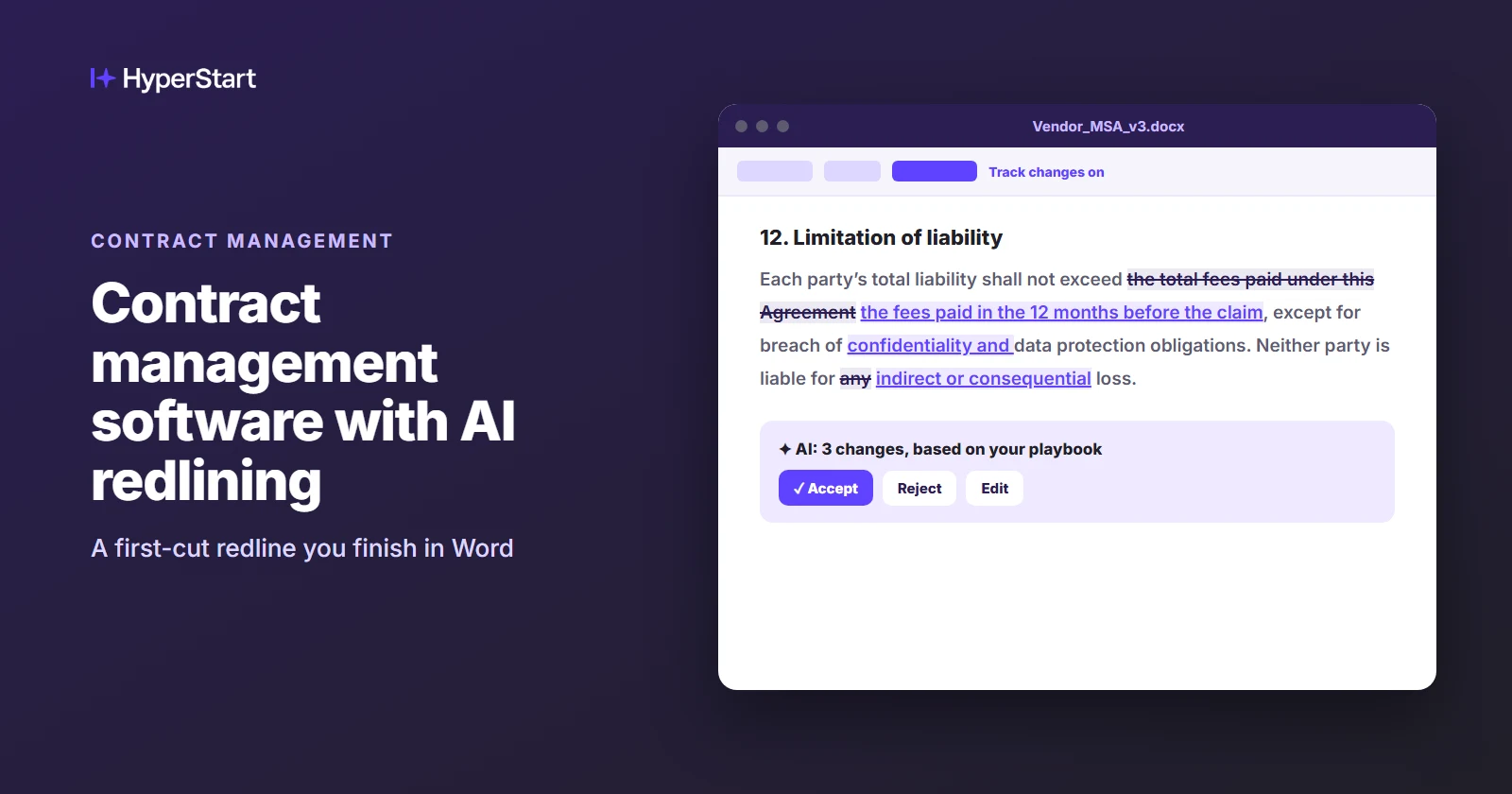
For each deviation, the software proposes alternative wording and a comment explaining why the change is needed. It usually suggests your fallback position first. The comments matter as much as the edits.
They tell the counterparty, and your own reviewer, which playbook rule triggered the redline, so negotiation is faster and easier to defend.
Clause and metadata extraction
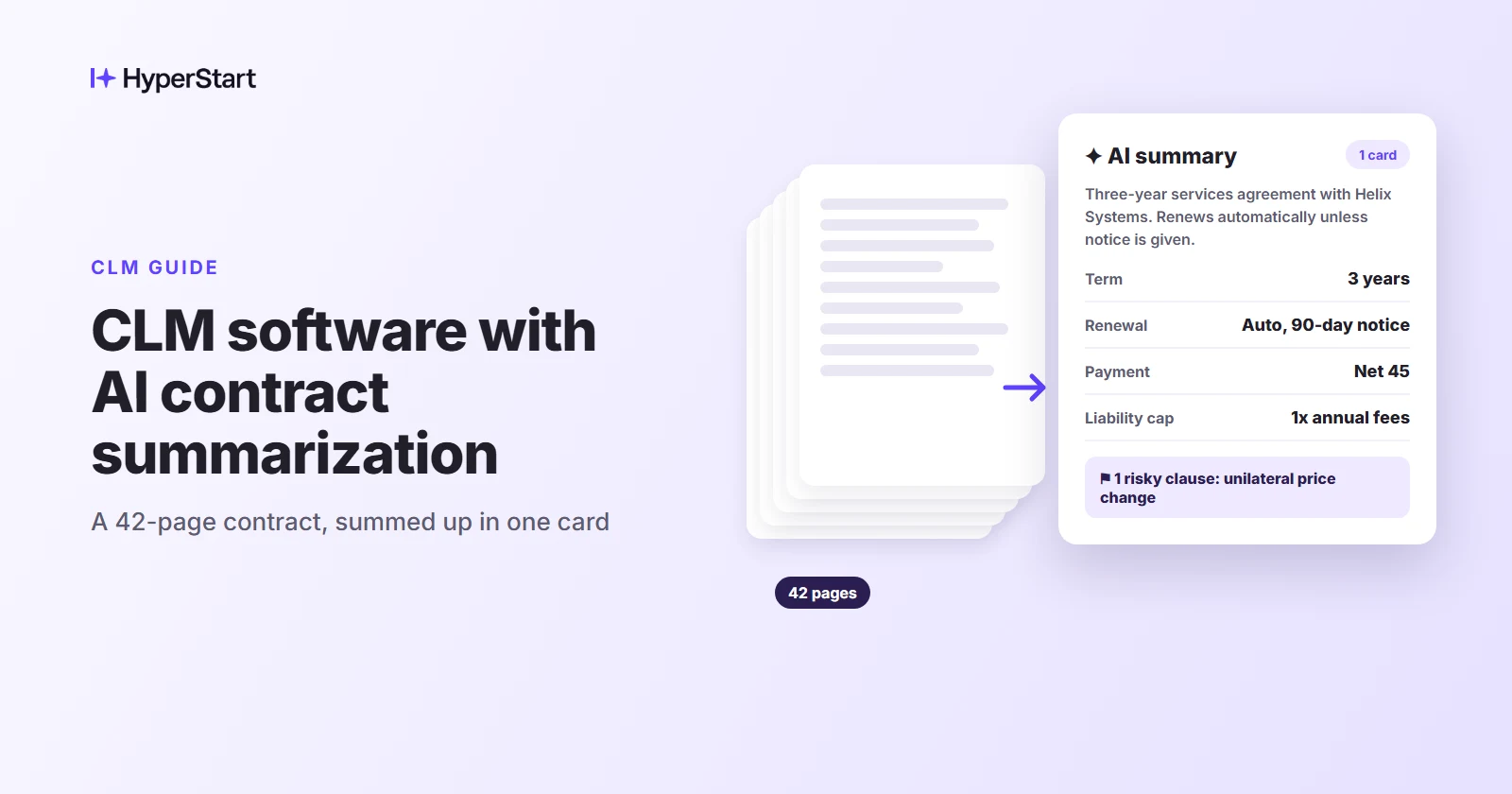
The software pulls out the facts each contract carries: parties, effective date, renewal terms, notice period, payment terms, liability cap and governing law. These become structured fields in a repository.
You no longer have to dig through PDFs, and finance and procurement can find what they need without asking legal.
Cross-contract portfolio analysis
Once agreements are extracted, you can search and filter the whole repository rather than open one contract at a time. Typical questions in-house counsel ask:
- Which contracts require renewal within 30 days?
- Which amendments change the liability cap in this contract family?
- Which vendor contracts auto-renew without a notice requirement?
Workflow and routing
Intake requests are sorted by deal size or contract type and sent to the right person. A standard NDA on your own template goes straight through. A vendor contract with non-standard indemnities goes to counsel.
An approval workflow records sign-off before anything is sent, so legal stops being the inbox every request passes through.
Template-based document generation
Sales, HR and procurement can generate routine agreements from approved templates without drafting help. Routine NDAs are the usual starting point. The language is locked to what legal approved.
The business moves on its own, and nobody rebuilds the same NDA from an old Word file.
What AI contract review cannot do
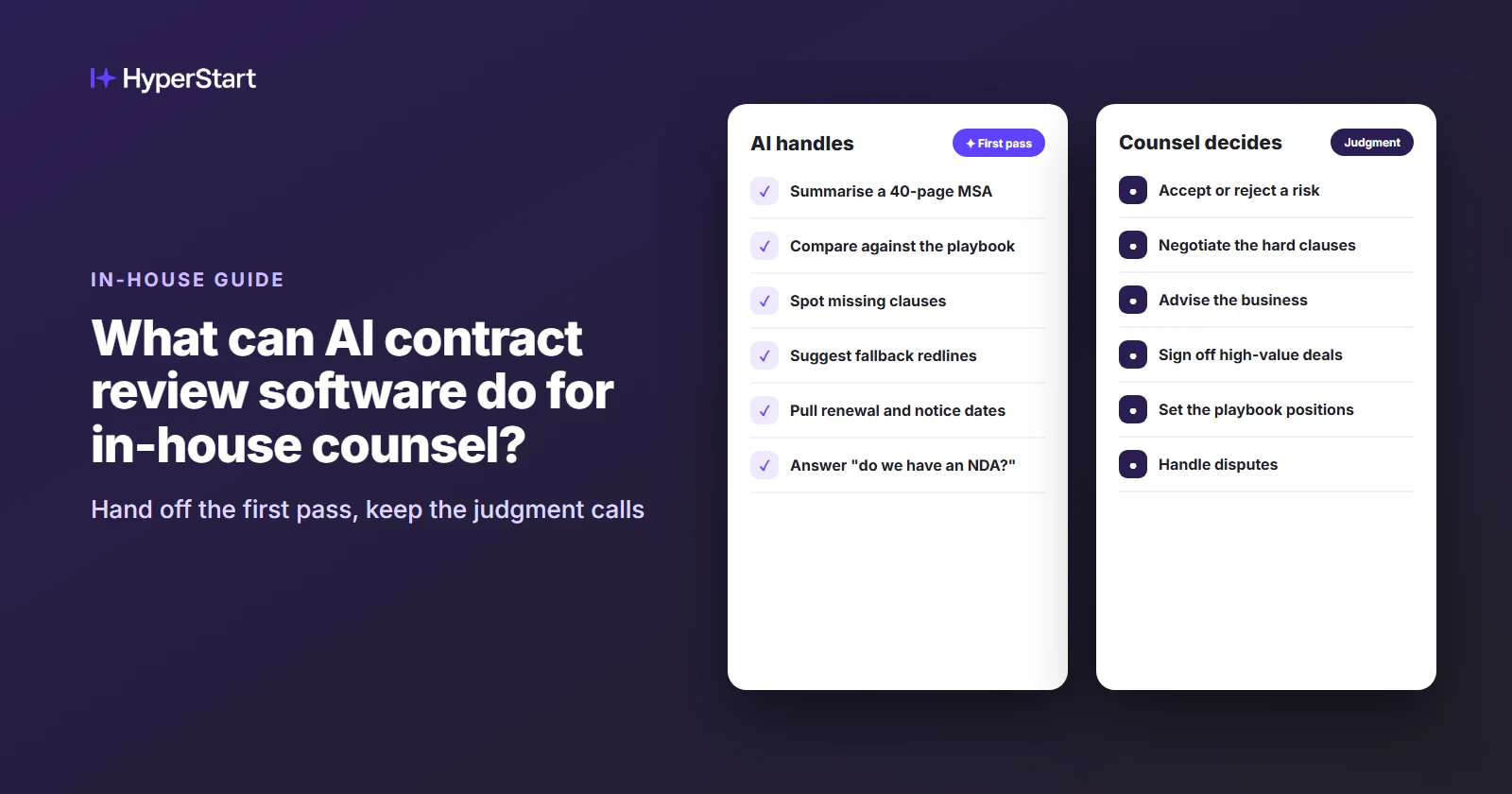
AI contract review cannot make the legal judgment call, fix a weak playbook, review contracts it never sees or know history that sits outside the repository. Knowing these limits is what makes the tool trustworthy in daily use.
- It does not replace human review. The software spots deviations. Deciding whether a deviation is acceptable for this deal, this customer and this quarter is still a lawyer’s call. Every redline should pass a person before it goes out.
- It is only as good as your playbook. Vague or outdated positions produce vague or outdated flags. With no written playbook, the tool falls back on generic risk patterns, which miss what is specific to your company.
- It cannot review what it never sees. If the business keeps emailing Word files around outside the system, review only covers part of your contracts. Adoption is a process question as much as a software one.
- It does not know the history. A side letter on the shared drive, or a verbal commitment from sales, stays invisible unless it is in the repository and linked to the agreement it changes.
How should in-house counsel evaluate AI contract review software?
Ask every vendor the same questions and run the tool on your own paper. The table lists what to ask, why it matters, and one vendor’s answers.
| Question | Why it matters | HyperStart’s answer |
| Will it run on our own contracts, not demo contracts? | Ten of your executed agreements, including a messy one, tell you more than any model claim | Yes. After a demo, you can test a custom proof of concept on a 7-day free trial |
| Can we load and edit our own playbook? | Generic positions produce generic flags | AI review runs against your playbook and flags risky, ambiguous and missing clauses |
| Do redlines come with reasons? | Comments make each change faster to accept or defend | AI redlining, with “Suggest, rollback & comment” on internal and external changes |
| Where does redlining happen? | Many teams negotiate in Microsoft Word, and documents that leave the system lose their history | In Microsoft Word inside the platform |
| Can we see who changed what, and which version is current? | Audit trails and version control protect the record | Version tracking and audit trails on every contract |
| What will our IT team need for the security review? | Confidential paper shouldn’t be uploaded before the review passes | SOC 2 Type 2 and ISO 27001 certified, and HIPAA compliant |
Whatever the answers, check that each flag points to the exact source text, so a reviewer can confirm it in seconds.
See HyperStart CLM on your own contracts
Bring a few of your own contracts, and we’ll run them through HyperStart with you in a live demo.
Book a DemoWhere does AI review fit in the contract lifecycle?
AI contract review is the analysis step: it reads a contract and tells you what is in it and what is off. Contract lifecycle management (CLM) covers the whole lifecycle: intake, templates, approval workflow, negotiation, signing, a repository, and renewal and obligation tracking after signature.
That distinction matters most to teams moving off a shared drive. A review tool used alone can tell you a contract has a risky clause.
When review sits in the same system as the rest of the lifecycle, everything stays on one record. That covers the flagged clause, the redline, the signed version and the renewal date.
Which kind of tool fits your team?
Tools for AI contract review fall into four groups. For every group, ask for license and implementation as separate lines.
| Tool group | Focus | Fits when | What to check |
| Word add-ins (for example Spellbook and Gavel Exec) | Review and redlining inside Microsoft Word, where many lawyers already negotiate | Contracts are already organized elsewhere and the main need is faster review of single documents | Where executed contracts, renewal dates and amendments are stored once the document is signed |
| AI-first review tools (for example LegalOn and GC AI) | AI review against playbooks, with drafting and research help for in-house teams | The team wants a dedicated AI reviewer and has a playbook ready to load | How reviewed contracts connect to intake, approvals and post-signature tracking |
| Intake-first tools | Legal intake, triage and routing of requests from the business | The bottleneck is the request queue more than the reading | How deep the clause-level review and redlining go, and where executed contracts are stored |
| Full lifecycle platforms (for example Ironclad) | The whole lifecycle in one system, from intake through signature to renewal | The team wants review, workflow, repository and tracking in one place | Time to go live, and who does the implementation work |
| HyperStart (G2 4.5/5, 9 reviews, as of Nov 2026) | CLM software for mid-market legal and operations teams, with AI review inside the whole lifecycle | A small legal team wants review and the contract record in one place | Implementation, integrations and migration are included in the quote, and teams go live in weeks |
What to set up before you switch on AI review
Most advice on AI contract review assumes a playbook already exists and contracts are already organized. A new legal or operations hire often finds neither: a shared drive of executed PDFs, loose amendments and Word templates nobody owns.
Turning review on first flags generic issues on contracts you cannot yet see as a whole. The order below fixes that.
- Inventory the shared drive. List the paper types you hold (NDAs, MSAs, vendor contracts, order forms) and where amendments and side letters are stored. Separate executed agreements from drafts.
- Get executed contracts into one repository. Import them with AI metadata tagging, then spot-check the extracted terms against the source text. Our guide How to bulk review legacy contracts with AI CLM software covers this step in detail.
- Write a playbook for your top two paper types. Start with NDAs, because they are the highest-volume and most standard. Record preferred positions, fallbacks and walk-away points, then add your second paper type.
- Switch on review. AI review now has a real playbook and a complete repository behind it. Its flags reflect your company, not a generic template.
What changes in a counsel’s week
A morning without AI review: You open three counterparty NDAs and a vendor MSA and read each one from page one. Sales has asked twice where its contract is. Finance’s renewal question waits until Thursday.
An afternoon with it: The NDAs arrive with standard terms confirmed and two deviations listed. You spend your time on the MSA’s indemnity and liability cap. Finance finds the renewal date in the repository without asking you.
HyperStart’s AI reviews each contract against your playbook and flags risky, ambiguous and missing clauses, and the signed contract’s dates then drive renewal reminders. Book a demo and bring your NDA playbook and two recent counterparty contracts.
Try HyperStart CLM before you decide
The whole contract lifecycle in one product, live in weeks, with implementation included in the quote and no implementation partner.
Book a Demo