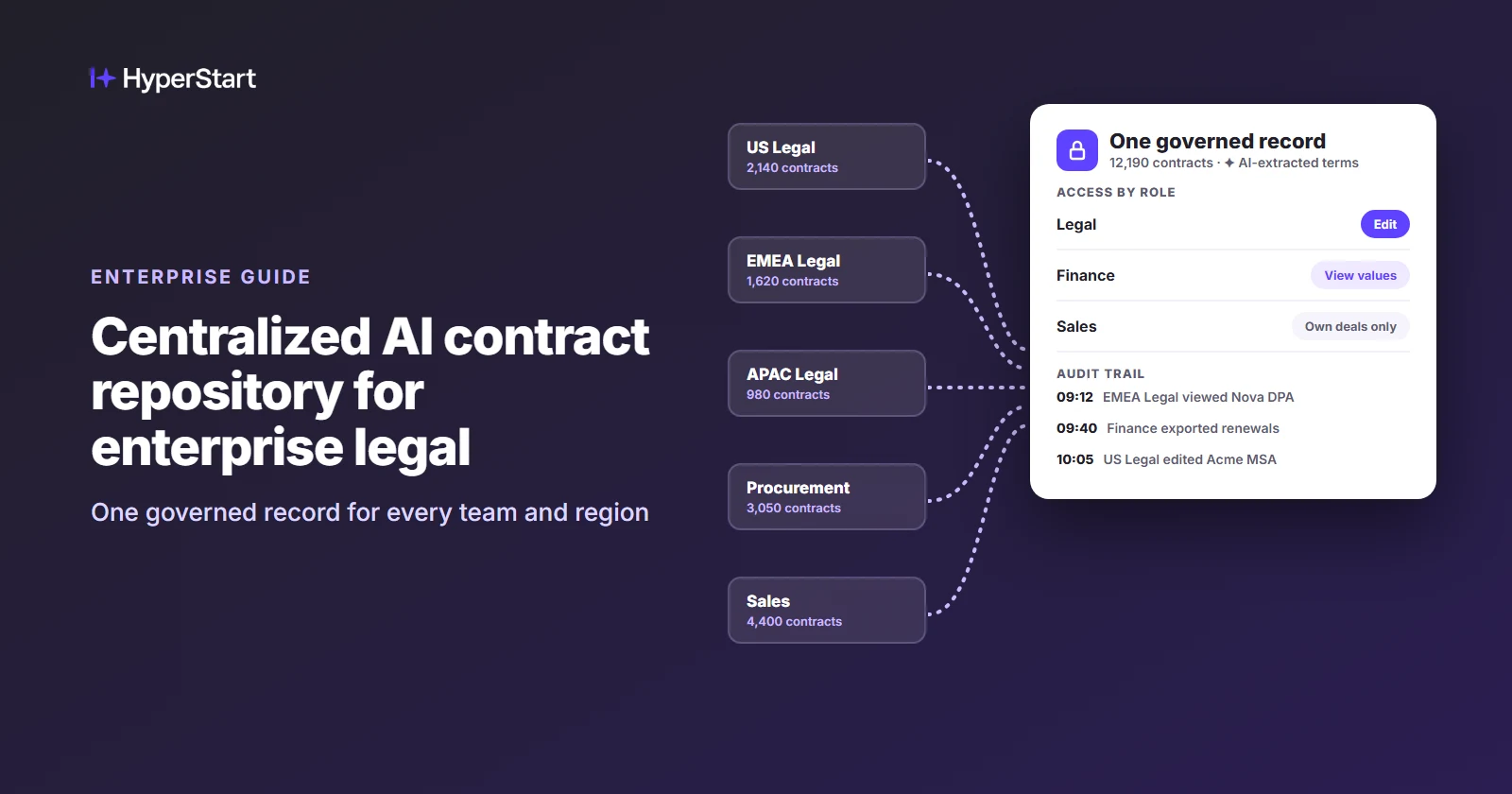
A centralized AI contract repository puts every agreement in one governed system. It uses AI to extract terms, dates and obligations, and it controls who can see and change each contract.
For enterprise legal teams, it replaces copies scattered across inboxes, drives and regional folders with one record everyone trusts.
This guide explains what centralization means in practice and how AI keeps the data consistent. It also covers the security controls enterprise reviews expect, how to roll a repository out and the mistakes that stall the project.
- Centralization means one governed record per agreement, not one more shared folder.
- AI extraction gives every contract the same set of fields, whichever team signed it.
- Role-based access, encryption and audit trails are what carry a repository through a security review.
- Amendments must link to the original agreement, or people keep quoting outdated terms.
- The size of the rollout project matters as much as the feature list.
What a centralized AI contract repository is {#what-a-centralized-ai-contract-repository-is}
A centralized contract repository is one system that holds every signed agreement a company has, with consistent data about each one. “Centralized” means there is one place to look and one version of the facts.
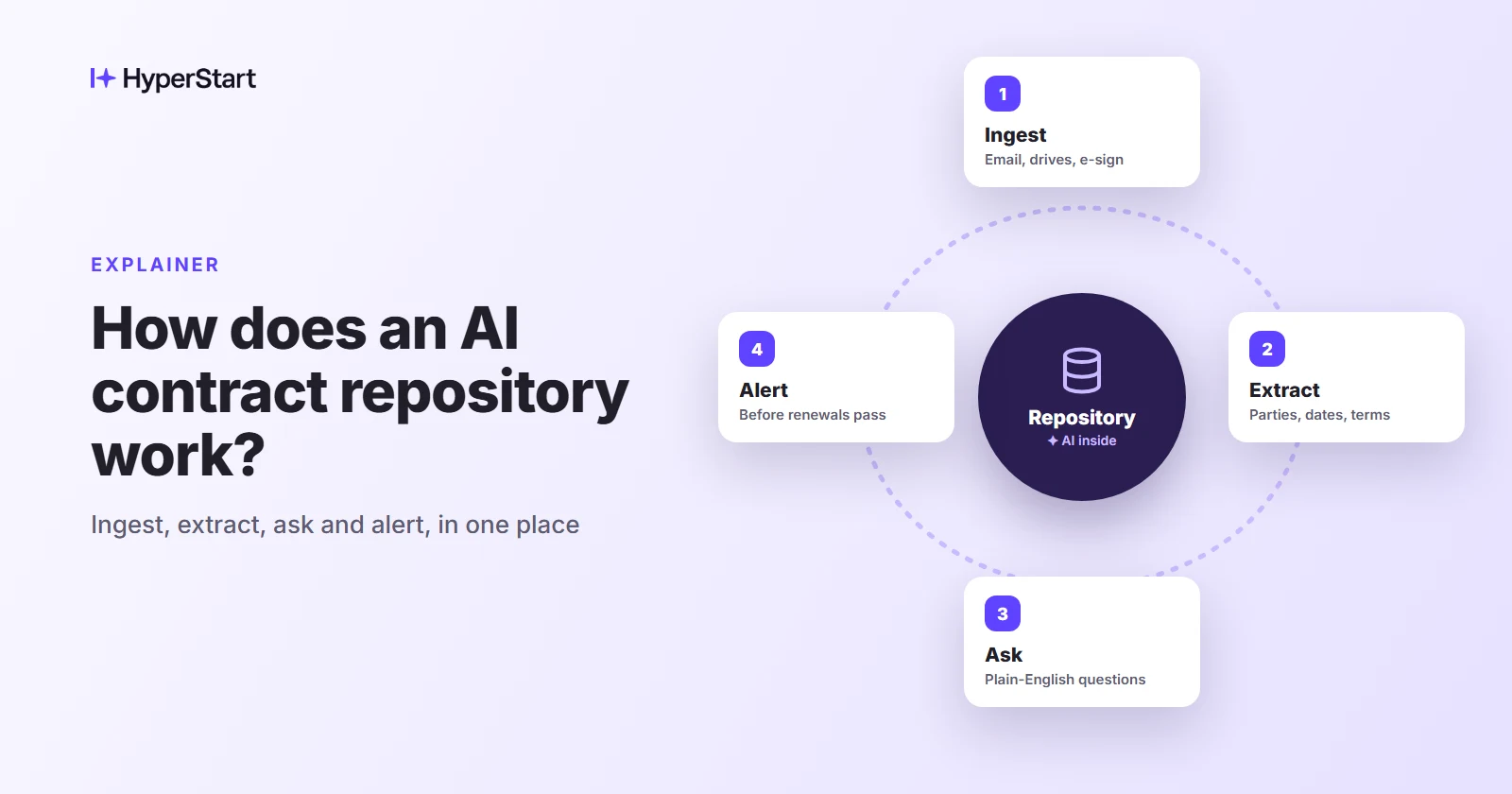
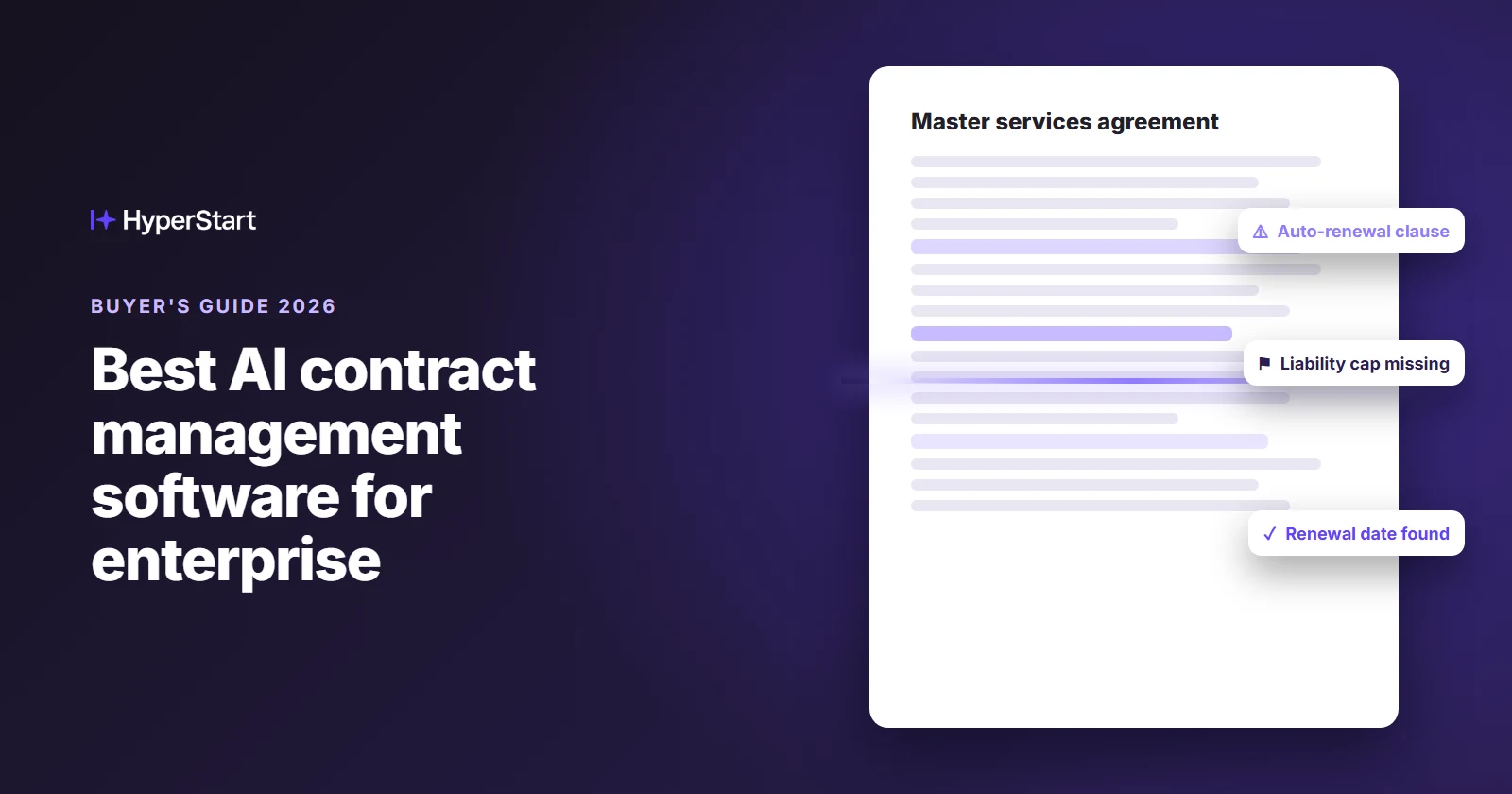
The AI part fills that data in. AI reads each agreement and records its parties, key dates, obligations, clauses and other key terms. Every contract ends up with the same fields, which makes search, reports and reminders work across the whole portfolio.
For enterprise legal, the governance part matters just as much. The repository decides who can open each contract and keeps a record of every change.
Why contracts kept in many places give no single answer
A growing company signs contracts in many teams, and each team files them its own way. The result is a set of partial records that disagree.
- Copies everywhere. Signed agreements sit in inboxes, shared drives, the CRM and regional team folders.
- Terms split across files. An amendment changes the liability cap, but people still quote the original agreement.
- Loose access. Anyone with a folder link can open a sensitive agreement.
- No record of changes. Nobody can show who edited a contract record, or when.
How a centralized AI repository works
One searchable home for every agreement
Every contract sits in one repository with search and filters. People find agreements by clause, counterparty or any metadata field, instead of asking whoever filed them. Many tools let each team keep its own views without creating its own copy of the data.
AI gives every contract the same fields
AI extraction records the same fields for every agreement. Legal can review and adjust any value the AI entered before other teams rely on it. Custom fields cover terms specific to your business.
Contract families keep amendments with the original
Some vendors link each amendment to its parent agreement and roll the family’s metadata up. A master agreement and its amendments then read as one relationship. The terms in force are visible without opening every file in the chain.
Renewals and obligations are tracked from the central record
Once dates and obligations sit in one place, tracking follows. Many repositories send email reminders on renewal, expiry, obligation and compliance dates, so owners act before a deadline passes. See how contract tracking builds on the repository.
Integrations connect the repository to existing tools
A central repository works best when teams keep their own tools. Common integrations include signing tools such as DocuSign, Adobe Acrobat Sign or Zoho Sign, a CRM such as Salesforce, and storage such as SharePoint or Google Drive.
Security controls enterprise legal should expect
Security review is often the longest step in buying a repository. These are the controls reviewers usually ask about.
| Control | What it does | How to test it in a demo |
| Role-based access | Limits each person to the contracts their role allows | Set up two roles and compare what each can open |
| Encryption | Protects contract data stored in the system | Ask how data is encrypted and who holds access |
| Audit trail and version control | Records who changed what, and when | Open the history of one contract record |
| Security certifications | Shows independent review of the vendor’s controls | Ask for current reports for your security team |
| Sub-processor list | Names the companies that process your data for the vendor | Ask for the published list |
See HyperStart CLM on your own contracts
Bring a few of your own contracts, and we’ll run them through HyperStart with you in a live demo.
Book a DemoHow to roll out a centralized repository
- Name an owner. Legal or legal ops owns the repository, with one person accountable for data and access rules.
- Agree the access model. Work out roles with IT and security before any contract moves.
- Pass the security review. Send the vendor’s certifications and sub-processor list to your security team early.
- Import by source. Bring contracts in from inboxes, drives and the CRM, with amendments linked to their parents.
- Check the key fields. Review renewal dates, notice periods and liability caps before teams rely on them.
- Switch on tracking and open the views. Give each team its own views and reminders.
Mistakes to avoid when centralizing contracts
- Treating a shared folder as a repository. A folder with tighter permissions still has no fields, no audit trail and no reminders.
- Moving contracts before agreeing access. Sensitive agreements end up visible to the wrong people.
- Skipping amendment links. The central record then shows outdated terms with full confidence.
- Ignoring the project size. A long rollout can stall before the repository holds enough contracts to be useful.
Questions to ask any vendor for a centralized contract repository
Use these buyer tests on every tool you shortlist, with your own contracts.
| Question | Why it matters | HyperStart’s answer |
| Which security certifications do you hold? | Your security team needs evidence, not claims | SOC 2 Type 2 and ISO 27001 certified, and HIPAA compliant |
| How is access controlled? | Sensitive agreements must stay restricted | Role-based access control at every step, plus encryption |
| Can you show one record’s history? | You must prove who changed what | Version control and audit trails record every change |
| Who processes our data for you? | Vendor reviews ask for sub-processors | A published sub-processor list |
| How are amendments handled? | Terms in force are split across files | Contract families link amendments to the parent and roll up metadata |
| Can legal correct AI-extracted data? | AI misreads some wording and scans | Legal can review and refine every extracted field |
| Which tools does it connect to? | Teams keep their own tools | Signing through DocuSign, Adobe Acrobat Sign or Zoho Sign; Salesforce, HubSpot, Google Drive, OneDrive, SharePoint, Slack, Microsoft Teams and Microsoft Word |
| How big is the rollout? | A long project delays every benefit | Live in weeks; custom annual quote with implementation, integrations and migration included (pricing) |
Control without a long project
Legal teams usually face a trade-off when they centralize contracts. Tight control means role-based access, audit trails and a security review, and that often means a long rollout. Speed means a shared folder that is ready tomorrow and never passes review.
You should not have to choose. HyperStart is built for mid-market legal teams that face enterprise-style security reviews.
It is SOC 2 Type 2 and ISO 27001 certified, and HIPAA compliant, and it goes live in weeks with migration included. Bring your security questionnaire when you book a demo, and we’ll answer it first.
Try HyperStart CLM before you decide
The whole contract lifecycle in one product, live in weeks, with implementation included in the quote and no implementation partner.
Book a Demo