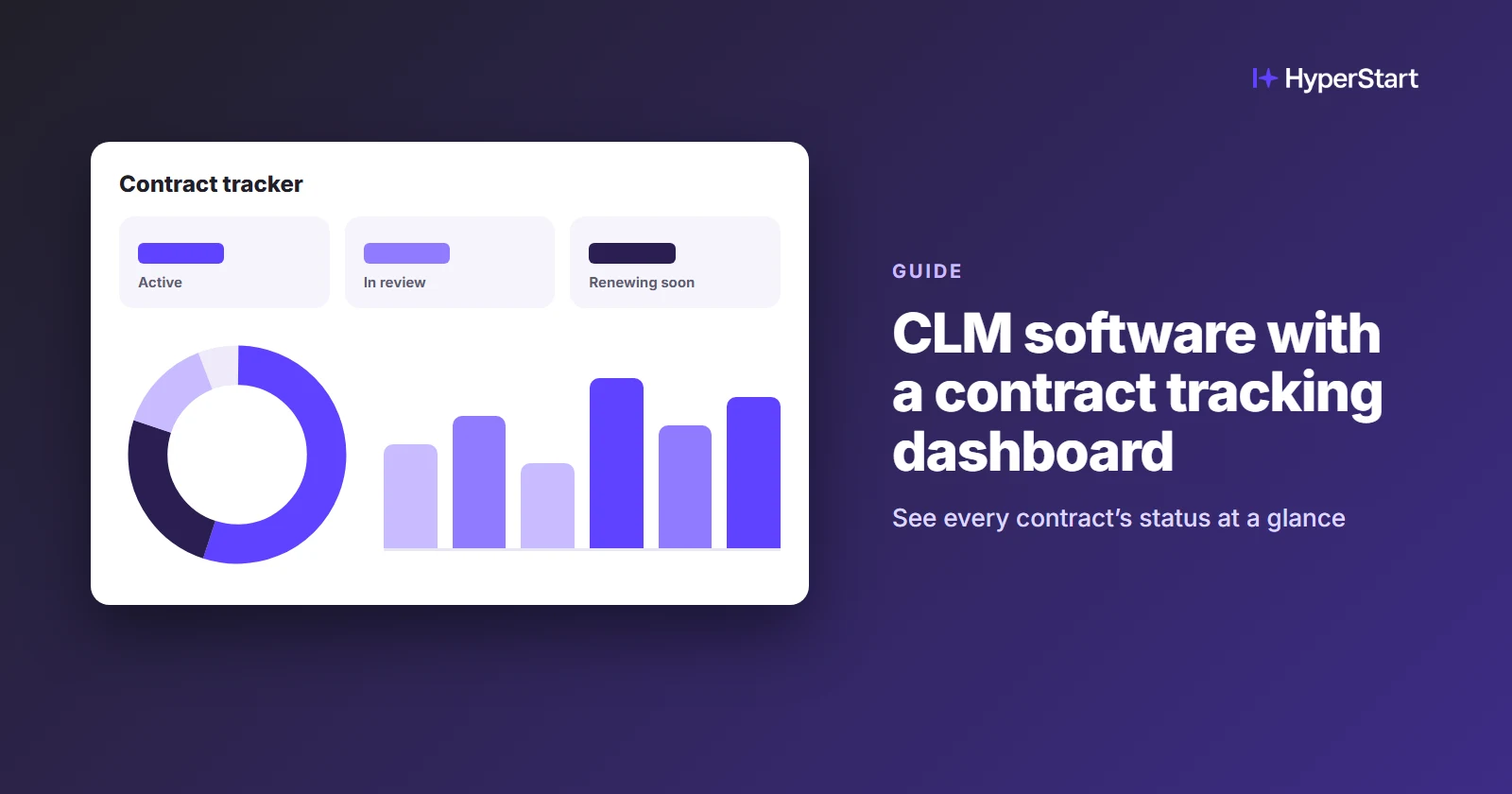
A CLM contract tracking dashboard shows legal ops every contract in flight, the key dates and obligations coming up, and where contracts stall. It draws on one searchable repository, so each number traces back to a clause and a current version.
A dashboard is only as good as the data behind it, though. When signed agreements sit as PDFs in folders, the reports stay empty. This guide explains what a contract tracking dashboard should show, where its data comes from, and how to choose contract lifecycle management (CLM) software with one.
- A contract tracking dashboard should show contracts by stage, owner and age, plus renewals, obligations and cycle times.
- Dashboard data should come from the contract work itself, not from a second round of manual entry.
- AI metadata extraction is what fills the dashboard with legacy contracts on the day you go live.
- Contract families keep the numbers right by rolling amendments into the agreement they change.
- Check the dashboard against contracts you know well before you trust it in a leadership meeting.
Why do contract reports stay empty without a CLM?
Contract reports stay empty because folders hold files, not data. Without dates and terms in structured fields, nobody can answer the questions the business keeps asking.
The gaps look like this:
- Renewals decide themselves: Auto-renewal and notice dates are buried in executed paper, so a vendor agreement can roll over before anyone chose to renew it.
- Status becomes a help desk: Sales asks where a deal’s contract is, finance asks what renews next quarter, and legal ops answers each one by hand.
- Bottlenecks stay invisible: Without cycle-time data, you cannot show where contracts wait, or show that legal is not the cause.
- Obligations drift: What a vendor owes you, and what you owe a customer, sits in clauses nobody is tracking.
What should a contract tracking dashboard show?
A contract tracking dashboard should show five views: work in flight, cycle times, bottlenecks, upcoming dates and open obligations. Together they answer most questions without anyone opening a contract.
| Dashboard view | What it shows | Question it answers |
| In-flight list | Every open contract by stage, owner and age | Where is this contract, and who has it? |
| Turnaround report | How long contracts take from request to signature | Are we getting faster or slower? |
| Bottleneck report | Which stages and approvers hold contracts longest | Where do contracts stall, and is legal the cause? |
| Renewal calendar | Renewal, expiration and notice-period dates with owners | What renews soon, and has anyone decided? |
| Obligation tracker | Obligations and milestones with owners and due dates | What do we owe, and what are we owed? |
Most CLM tools with reporting send reminders and escalations to named owners before each renewal window closes. Many let legal ops pull turnaround and bottleneck reports without filing a ticket. If every new report needs the vendor or IT, the dashboard will fall behind the questions.
Where does a CLM dashboard get its data?
A CLM dashboard gets its data from two sources: AI extraction from signed contracts, and events recorded as contracts move through the system. Both should feed one repository, so nobody keys the same data twice.
AI extraction fills in legacy contracts
Most CLM tools with AI extraction read legacy and active contracts and pull out parties, dates, renewal terms, payment terms, escalators and penalties. Many pair this with bulk import from a shared drive.
It tags them as searchable metadata, which is what populates the renewal calendar and the reports. Without this step, the dashboard shows only contracts created after go-live.
Contract work records cycle times
In most CLM tools, each request, approval, redline and signature updates the record as it happens. Intake records when a request arrived. The approval workflow records who held it. Some tools keep redlining in Word inside the platform, so the negotiation stays in the same record. That is what makes turnaround and bottleneck reports possible.
Contract families keep the numbers right
Many CLM tools link amendments to the agreement they change and roll up metadata such as total contracted value across the contract family. Reports then reflect the terms that bind you today, not the original paper. Our guide to contract renewal management covers how renewal dates fit into this.
See HyperStart CLM on your own contracts
Bring a few of your own contracts, and we’ll run them through HyperStart with you in a live demo.
Book a DemoHow should each team use the dashboard?
Each team should get its own answer from the same data. That stops legal ops from acting as a help desk for status questions.
- General counsel: A short read of what is overdue, what renews soon and where approvals slow down, ready for the next leadership meeting.
- Legal operations: Turnaround and bottleneck reports that show where contracts wait, and whether legal is the cause.
- Finance: Upcoming renewals on a readable calendar, each showing value totaled across its contract family.
- Procurement: Vendor auto-renewals with their notice dates and latest amendments, before the window closes. See our guide to vendor agreements for what to track in them.
- Sales: The status of a deal’s contract without asking anyone.
Set access by role. A dashboard that shows contract values across the company will get a close look from IT, so each viewer should see only what their role allows.
How do you test a contract dashboard before you buy?
Test a dashboard by running contracts you already know through it and comparing the results with the signed paper. If the fields are wrong on contracts you know, they will be wrong on the ones you don’t.
- Pick ten contracts you know well: Include amended agreements and third-party paper, not just your own templates.
- Run the AI extraction: Compare each date, term and value with the executed copy.
- Check the family rollup: Confirm that amendments link to the right parent and that total value adds up.
- Trace a number back: Click a figure on the dashboard and check that it leads to the clause and current version it came from.
- Ask for a report yourself: Build one turnaround or bottleneck report without vendor help.
How do CLM tools with tracking dashboards compare?
Most CLM tools with tracking dashboards are sold by quote, and few publish a list price. The difference is often what the quote includes, so ask for implementation as its own line.
| Product | Pricing and implementation (as of Nov 2026) | G2 rating (as of Nov 2026) | How it is commonly described |
| HyperStart | Custom quote based on users or contract volume, on an annual plan. Implementation, integrations and contract migration included (pricing page) | 4.5/5 on G2 (9 reviews) | CLM covering the whole lifecycle for mid-market legal and ops teams, with dashboards and auto-generated reports |
| Ironclad | No public price; sold by quote (pricing page). Vendr median $40,875 a year; implementation extra at $10,000 to $75,000+ | 4.4/5 on G2 (332 reviews) | Frequently shortlisted CLM platform for tracking and analytics |
| SpotDraft | Priced on contract volume, with in-house implementation always included (pricing page). Vendr median $25,278 a year | 4.5/5 on G2 (203 reviews) | CLM for in-house legal teams, priced on contract volume |
| Juro | Custom plan based on contract volume and integration complexity; unlimited users (pricing page). Vendr median $31,164 a year | 4.5/5 on G2 (248 reviews) | Browser-native editor for small teams on standard paper |
| LinkSquares | Sold by quote (pricing page). Vendr median $31,000 a year | 4.7/5 on G2 (446 reviews) | Analytics and repository platform |
| DocuSign CLM | Sold by quote. DocuSign’s IAM plans are a separate product line, from $40 per user a month billed annually (IAM plans) | 4.3/5 on G2 (504 reviews) | The CLM product from DocuSign, frequently shortlisted |
| Agiloft | Sold by quote. Vendr median $67,132 a year | 4.5/5 on G2 (113 reviews) | Highly configurable no-code platform with custom tracking workflows and alerts |
| Icertis | No public price list; sold by quote | 4.2/5 on G2 (93 reviews) | Enterprise contract intelligence with AI data extraction and portfolio analytics |
Ratings are from G2, and prices are from each vendor’s pricing page or Vendr, checked November 2026.
Four questions narrow the shortlist before you book demos:
- Company size: How many people will use the CLM, and how many work outside legal?
- Contract volume: Roughly how many active agreements, and how many new ones each month?
- Team: Who owns contracts today (legal, legal ops, procurement, finance or sales), and who will run the system?
- Integrations: Which e-signature tool, CRM and storage do contracts need to connect to?
Build the dashboard around your questions
Before you compare tools, write down the three questions your leadership asks most. For many legal ops teams these are: what is stuck, what renews soon, and how long contracts take. A dashboard is worth buying only if it answers those questions without anyone updating a spreadsheet.
HyperStart is contract lifecycle management (CLM) software for mid-market legal and operations teams. Its dashboards and auto-generated reports draw on the same contracts your team drafts, approves and tracks in the platform. Book a demo and bring your three questions.
Try HyperStart CLM before you decide
The whole contract lifecycle in one product, live in weeks, with implementation included in the quote and no implementation partner.
Book a Demo