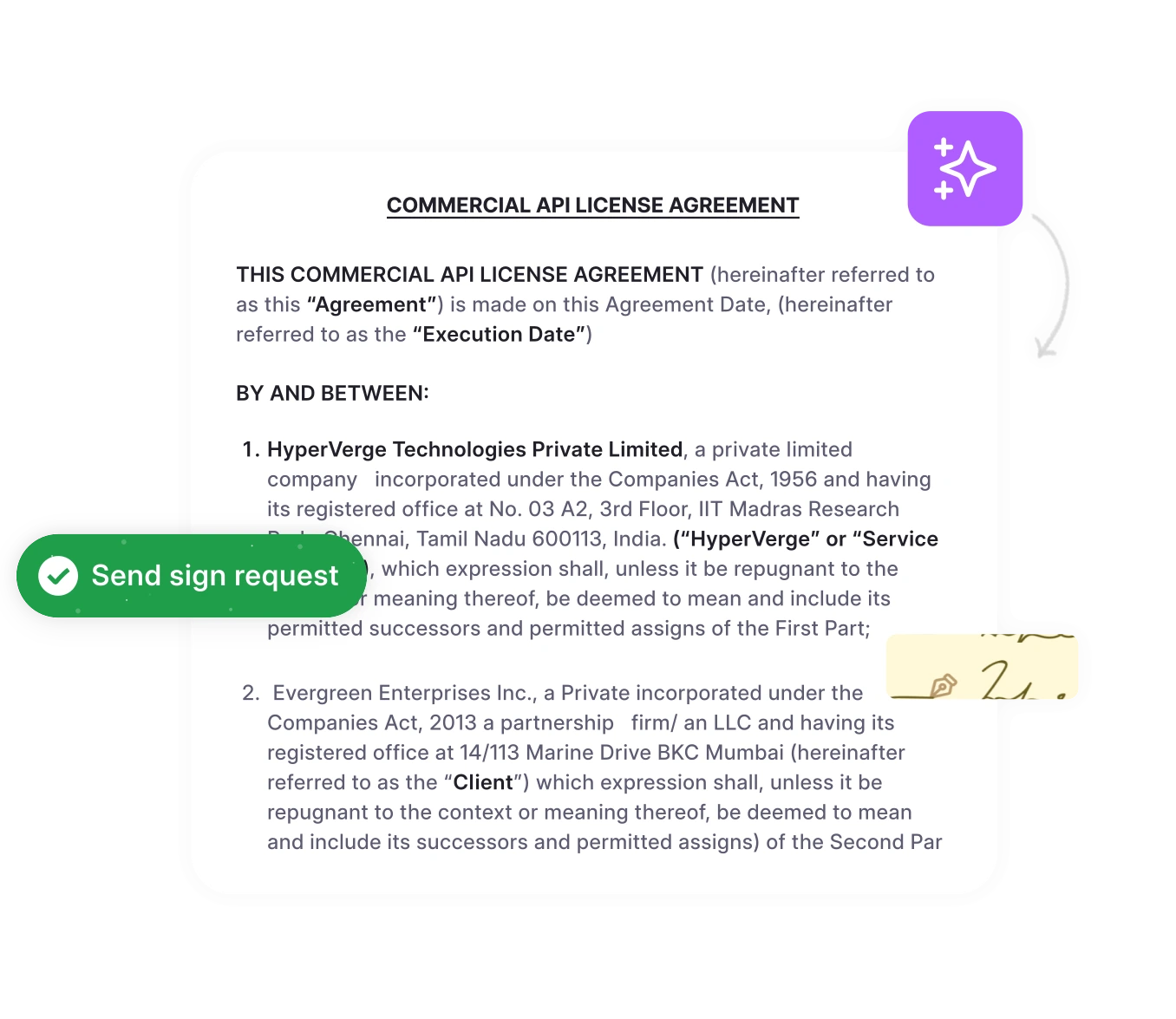




Whether you’re signing a lease, an offer letter, or a vendor contract, you rarely need a pen anymore. You can type, draw, or upload a signature in a few minutes and use it on almost any document. If you’ve been wondering, “How do I create an electronic signature?”, this guide walks you through it. It covers how to make an electronic signature, how to make the digital signature version when you need stronger proof, and which method fits your situation.
Key Takeaways
- There are four common ways to create an electronic signature. You can type it, draw it, upload an image of it, or adopt one inside an e-signature platform.
- How a signature looks matters less than the evidence behind it. An e-signature platform records who signed and when in an audit trail, which a pasted image can’t do.
- To make a digital signature, you need a digital certificate. It proves the signer’s identity and shows whether the document changed after signing.
- Most U.S. business documents can be signed electronically. The ESIGN Act and state UETA laws make these signatures legally binding, though a few documents, such as wills, are excluded.
- You can create an e-signature for free and on your phone. Paid tools add signer verification, reminders, and signature tracking.
Quick Answer
How do I create an electronic signature? Open an e-signature tool or signing app, then type your name, draw your signature with a mouse or finger, or upload a photo of your handwritten signature. Save it, place it on the document, and download or send the signed copy. To make a digital signature instead, get a digital certificate and sign with a tool that supports it.
What Is an Electronic Signature?
An electronic signature (e-signature) is an electronic sound, symbol, or process that a person attaches to a document with the intent to sign it. A typed name, a drawn signature, an uploaded signature image, and a click on an “I agree” button can all qualify.
What makes an e-signature valid isn’t its appearance. It’s the proof that the signer meant to sign, that the signature belongs to that person, and that the signed record stays intact. For more on what makes any signature enforceable, see our guide to legal signatures.
Electronic Signature vs. Digital Signature
People often use these terms interchangeably, but they aren’t the same. A digital signature is a specific, more secure type of electronic signature.
| Feature | Electronic Signature | Digital Signature |
| What it is | Any electronic mark or process that shows intent to sign | A certificate-based, encrypted type of electronic signature |
| How it’s created | Typed, drawn, uploaded, or adopted in a platform | Applied with a digital certificate and private key |
| Identity check | Varies: email link, access code, SMS code, or none | Verified through a certificate issued by a certificate authority (CA) |
| Tamper evidence | Depends on the tool (usually an audit trail) | Built in. Edits after signing invalidate the signature |
| Setup | None to minimal | Requires getting and installing a certificate |
| Best for | Everyday contracts, forms, and agreements | Regulated, government, or high-value documents |
How to Create an Electronic Signature: Step by Step Guide
If you’re asking, “How do I create an electronic signature?”, these steps work in most e-signature tools, PDF apps, and online signature generators:
- Choose how you want to create your signature: Decide whether to type, draw, or upload your signature, or use an e-signature platform. For formal agreements, a platform with an audit trail is the safer choice.
- Type, draw, or upload your signature: Type your name and pick a script font, draw with a mouse, trackpad, or finger, or upload a photo or scan of your handwritten signature.
- Format and review the signature: Adjust the size, color (black or dark blue reads best), and cropping. If you uploaded an image, remove the background so it doesn’t show as a white box.
- Save the signature for future use if supported: Most tools let you save the signature and your initials to your account so you don’t have to recreate them each time.
- Add it to the document you need to sign: Open the document, click the signature field or Sign option, and place your signature where it belongs.
- Review the completed document: Check that your signature, initials, and dates are on the right pages and that no required fields are empty.
- Save or send the signed document: Download the signed file, usually as a PDF, or send it to the next signer. Keep a copy along with any certificate of completion.
Quick comparison: ways to make an e-signature
| Method | Best for | Ease of use | Security |
| Typed signature | Quick sign-offs and internal forms | Very high | Low on its own |
| Drawn signature | A personal, handwritten look | High | Low on its own |
| Uploaded image | Reusing your real signature across files | Moderate | Low, because the image can be copied |
| E-signature platform | Contracts and agreements with other parties | High | High, with authentication and an audit trail |
Signing one document is easy. Managing signatures across every contract is harder.
HyperStart brings contract creation, redlining, and e-signature into one platform, so every signed agreement is stored, searchable, and tracked automatically.
Book a DemoHow to Make a Digital Signature
If you need to know how to make a digital signature, the process is different because it relies on a certificate rather than just a visible mark. Follow these steps:
- Obtain a digital certificate from a trusted certificate authority or appropriate provider: Buy one from a CA, get one from your employer or agency, or use an e-signature platform that issues certificates for you.
- Install or access the certificate: Install it on your computer, or use it from a smart card, a USB token, or the cloud through your signing provider.
- Open the document or signing application: Open the file in a program that supports digital signatures, such as Microsoft Word for Windows, Adobe Acrobat, or your e-signature platform.
- Select the digital signing option: For example, in Word choose Insert > Signature Line. In Acrobat, use the Use a certificate option.
- Choose the digital certificate: Pick the right certificate from the list and confirm it’s valid and hasn’t expired.
- Apply the digital signature: Click Sign, and enter your PIN or password if you’re asked. The software creates an encrypted fingerprint of the document tied to your certificate.
- Verify the signature: Open the signature panel to confirm it shows as valid. Any later edit will mark it as invalid or remove it.
Quick comparison: ways to make a digital signature
| Method | Best for | Ease of use | Security |
| Certificate installed on your computer | Individuals who sign often in Word or Acrobat | Moderate | High |
| Smart card or USB token (e.g., PIV/CAC) | Government and enterprise users | Moderate | Very high, because the key stays on hardware |
| Cloud certificate through an e-signature platform | Signers who need certificates without the setup | High | Very high |
| Self-signed certificate | Testing or personal use only | Moderate | Low, because other computers won’t trust it |
How to Create an Electronic Signature Online for a Document
The quickest way to make an online signature for a specific document is with a web-based e-signature tool. It’s also the easiest answer to “How do I create an electronic signature for a PDF or Word file I’ve been sent?”
- Upload the document (PDF, Word, or image) to the e-signature tool.
- Choose whether you’re the only signer or whether others need to sign too.
- Create or adopt your signature by typing, drawing, or uploading it.
- Drag the signature field onto the right spot, and add initials or a date if needed.
- Finish and download the signed file. If others need to sign, add their email addresses and send it.
On your phone: most e-signature apps work in a mobile browser or as an iOS or Android app, and you can draw your signature with your finger. On an iPhone, you can also sign a PDF with the built-in Markup tool. On a Mac, Preview lets you create a signature with the trackpad or camera.
A note on free signature generators: these tools create a signature image, which is fine for informal use. They usually don’t record who signed or when, so for contracts, use a tool that keeps an audit trail. For contract-specific advice, see our guide to electronic contract signing.
What Are the Different Ways to Create an Electronic Signature?
Type Your Signature
Type your name and choose a cursive-style font. It’s the fastest way to make an electronic signature, and it looks the same every time. The downside is that it looks generic, so it relies on the signing tool to prove who you are.
Draw Your Signature
Use a mouse, trackpad, stylus, or finger to draw your signature. It’s the most natural way to make an online signature that looks like your pen signature. It’s easier on a touchscreen than with a mouse, so if your first attempt looks shaky, redraw it on your phone or tablet.
Upload a Signature Image
Sign your name in dark ink on white paper, then scan or photograph it and upload it. Crop it tightly and save it as a PNG with a transparent background so it sits cleanly on the page. Store the file carefully, because anyone who has the image can paste it into a document.
Create a Signature Through an E-Signature Platform
E-signature platforms let you type, draw, or upload a signature and then adopt it inside a signing workflow. The platform verifies the signer’s email address or phone number, timestamps every action, and seals the final document with an audit trail. That makes it the strongest option for business agreements and anything you might need to defend later.
Is an Electronic Signature Legally Binding in the U.S.?
Yes, for most business and consumer transactions. The federal ESIGN Act (2000) says a signature can’t be denied legal effect just because it’s electronic. The Uniform Electronic Transactions Act (UETA), adopted by 49 states and Washington, D.C., does the same at the state level. New York is the exception and has its own Electronic Signatures and Records Act.
To hold up, an e-signature generally needs to show:
- Intent to sign: the signer took a clear action to sign.
- Consent: the parties agreed to do business electronically.
- Attribution: the signature can be tied to the signer.
- Record retention: the signed document is stored accurately.
Exceptions include wills and testamentary trusts, many family-law documents, court orders, and certain notices, such as utility shutoffs, foreclosures, and insurance cancellations. A typed or pasted signature can still be valid, but a platform’s audit trail gives you much stronger evidence if the signature is ever challenged. This is general information, not legal advice. To check who can sign on a company’s behalf, see our guide to authorized signatories.
How to Choose the Right Way to Create an Electronic Signature
| Requirement | Recommended Option |
| Sign a personal or informal document quickly | Typed or drawn signature in a free tool or PDF app |
| Reuse your handwritten signature across files | Uploaded signature image saved as a transparent PNG |
| Sign on a phone or tablet | Drawn signature in a mobile e-signature app or your phone’s markup tool |
| Get a contract signed by other parties | E-signature platform with signer verification and an audit trail |
| Prove the document hasn’t changed since signing | Make a digital signature with a certificate from a trusted CA |
| Meet government or regulated-industry rules | Digital signature with the required certificate type (e.g., PIV/CAC) |
| Manage signing across many contracts and teams | Contract management platform with built-in e-signature |
Conclusion
Creating an electronic signature takes only a few minutes: type, draw, or upload your signature, place it on the document, and save or send it. For informal documents, any of these methods works. For contracts, use an e-signature platform that verifies signers and keeps an audit trail. When you need proof of identity and document integrity, the right move is to make the digital signature version, backed by a trusted certificate. For most U.S. business documents, a properly captured e-signature is legally binding.
Ready to Sign Documents Without the Back-and-Forth?
Creating a signature is the easy part. Getting contracts approved, signed by everyone, and filed where you can find them is harder. HyperStart’s contract signing software combines these steps into one workflow, with drag-and-drop signatories, sequential or parallel signing, automatic reminders, and an audit trail for every contract. It also integrates with DocuSign and Adobe Sign.
Book a Demo