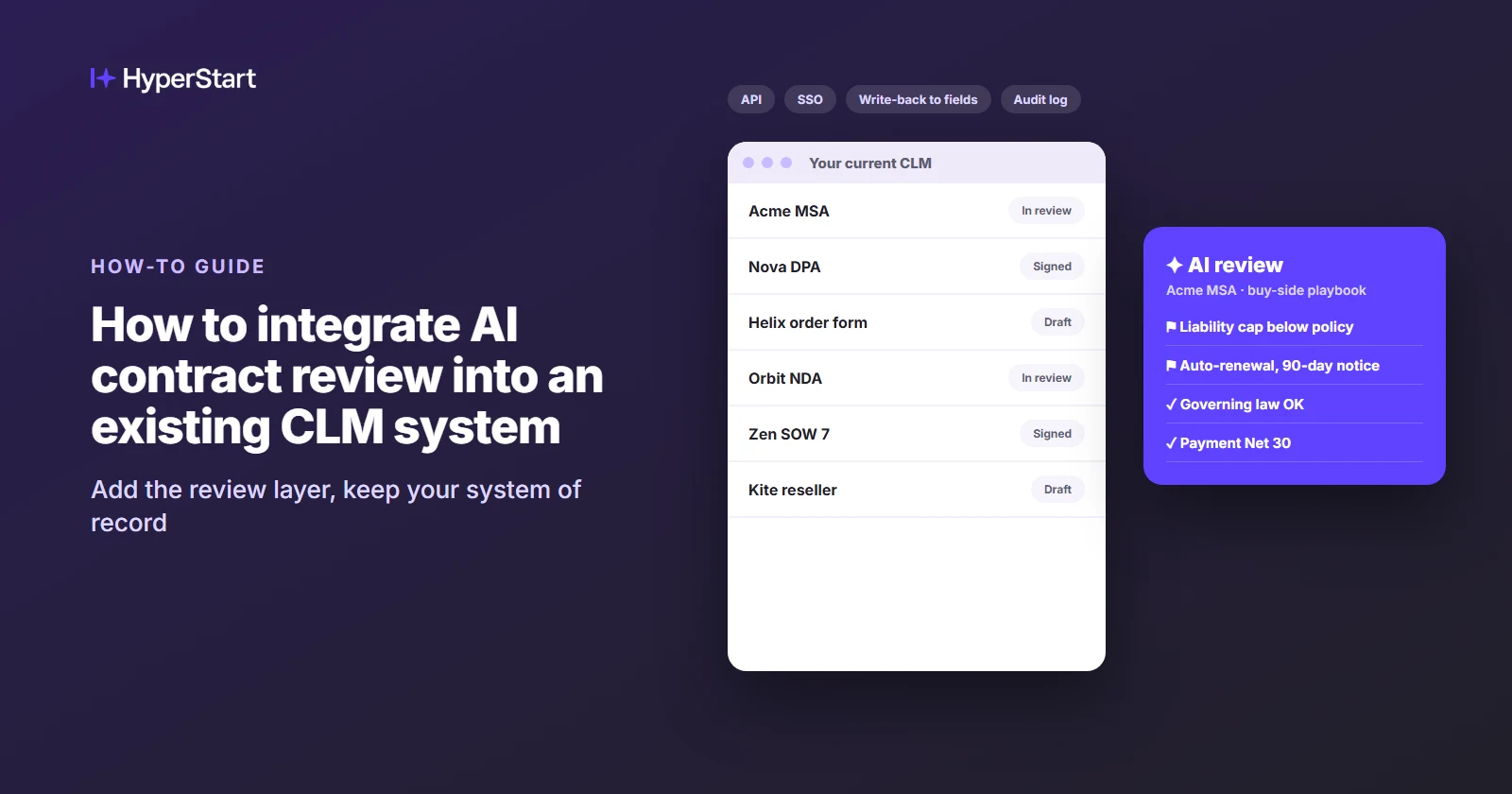
Integrating AI contract review into an existing contract lifecycle management (CLM) system means connecting an AI review engine through APIs, webhooks or connectors, then loading your playbook so contracts are checked against your standards, not generic ones.
Once connected, contracts are scanned as they arrive. Extracted metadata flows back into the CLM’s own fields. Routine paper is fast-tracked, and high-risk deviations go to a lawyer for final sign-off.
- AI review reaches a CLM in one of three ways: a native module, an API link to a separate tool, or a Word add-in.
- Load your playbook before any connection goes live, or the AI checks contracts against generic norms.
- Write the AI’s findings back into the CLM fields your team already searches and reports on.
- Route by green, amber and red risk tiers, and keep a person signing off every redline.
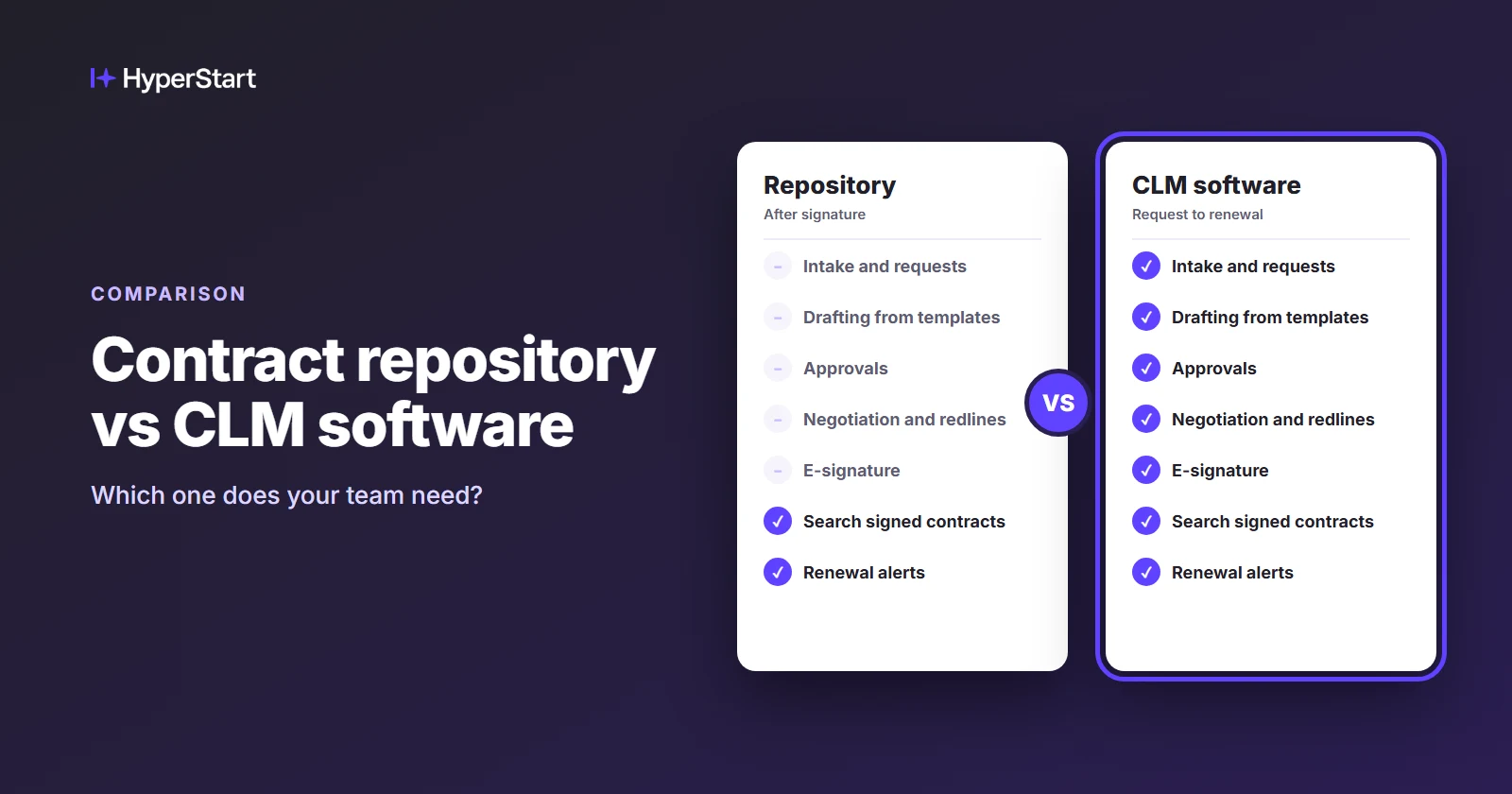
- If you have no CLM yet, start with a repository before you think about integration.
Before you connect anything: why does the playbook come first?
The playbook comes first because it is what the integration carries. Without one, the AI compares contracts against generic legal norms, and every flag means something different to every reviewer. Use your templates as the golden standards.
- Preferred language: the clause wording you start from, taken from the template your legal team sends most often.
- Fallback positions: the alternatives you will accept, ranked in order, so the AI can propose the next acceptable redline instead of only flagging a problem.
- Risk limits: the points where a deviation stops being negotiable and must go to counsel, written as plain rules the AI can test.
- One owner: a named person in legal who approves every playbook change, so the version the AI reads matches the one your lawyers apply.
Step-by-step integration approach
The seven steps below follow the order most teams use: choose the path, connect it, map the data, route by risk, keep people in the loop, clear security, then pilot.
Step 1: Choose your integration path: native module or separate tool?
Start by deciding where the AI lives. It can run inside your CLM as a native module, or it can be a separate review tool connected to the CLM.
If your CLM already offers a native AI module, that is often the shortest route. If not, you connect a standalone reviewer or a Word add-in.
| Integration path | What you maintain | Who changes workflows | Where redlining happens | Implementation cost |
| Native AI module in your current CLM | The module’s settings and your playbook, inside the CLM | Whoever administers your CLM today | Wherever your CLM already handles redlining | Quoted by your CLM vendor, as a separate line from the license |
| API layer to a standalone AI review tool | Two systems, plus the APIs, webhooks or middleware between them | Your CLM admin, plus whoever owns the integration | In the review tool or in Word, with results written back to the CLM | Tool license plus integration work, as separate lines |
| Word-side add-in | The add-in and a copy of your playbook | Unchanged; the add-in sits beside your approval workflow | In Word | Add-in license; moving results into CLM records may stay manual |
| One CLM with AI review built in | One system for intake, templates, approvals, redlining and the repository | Depends on the vendor: your team or a change request | Varies by vendor | Varies; ask whether migration is included |
| HyperStart | One system for intake, templates, approvals, Word redlining and the repository; signing runs through DocuSign, Adobe Acrobat Sign or Zoho Sign | Your team, with drawn no-code approval workflows | In Microsoft Word inside the platform | Live in weeks; workflows, integrations and migration included at no extra fee (G2: 4.5/5, 9 reviews, as of Nov 2026) |
Whichever path you price, keep license and implementation on separate lines. A license quote that leaves out implementation is not the number you will pay.
A single product with AI built in suits teams whose current CLM has no AI module, or who have no CLM yet.
Step 2: Connect the AI through APIs and webhooks
The connection is an API path. The CLM tells the AI that a contract has arrived, the AI returns its findings, and the CLM updates the record. You set the triggers and status labels once, and every contract follows the same route.
- Intake trigger: a webhook fires when a contract is uploaded or requested, and sends the file to the AI review engine.
- Status update: the CLM marks the item “Pending AI Review”, so no reviewer picks it up mid-scan.
- Deal context: customer name, deal value and contract type come across from your CRM, so reviewers see the commercial picture.
- Middleware where no connector exists: middleware passes the same events over REST APIs.
Step 3: Map extracted metadata back into your CLM fields
The AI’s findings are only useful if they land in fields your team already searches, reports on and gets reminders from. Agree on one taxonomy for clause tags, risk levels and contract types before go-live, or your reports will disagree with your reviewers.
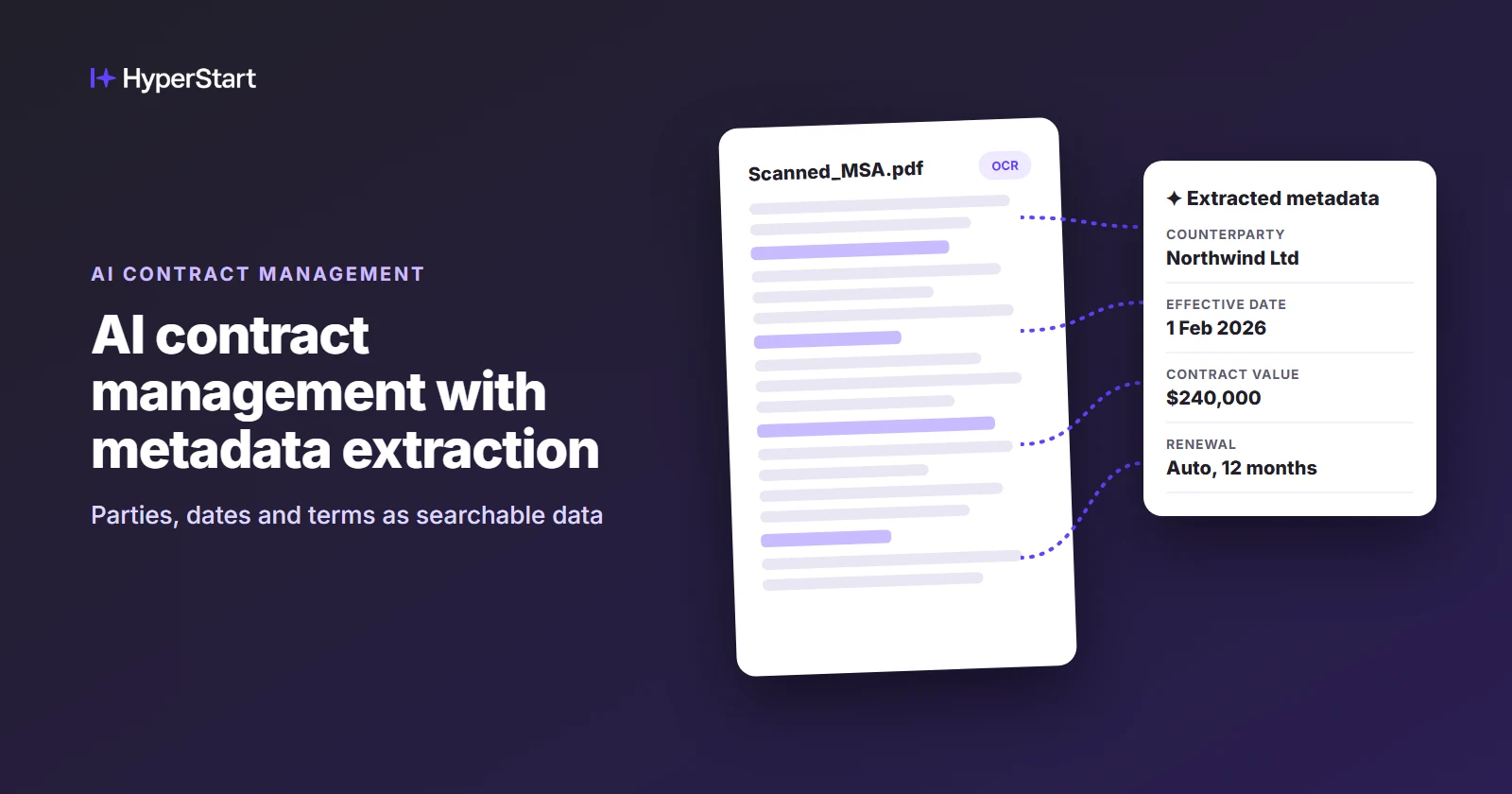
- Core metadata fields: contract type, counterparties, effective and expiry dates, financial values, missing clauses and risk flags.
- Renewal and notice windows: extracted dates feed renewal tracking, so auto-renewals reach procurement and finance before the notice window closes.
- Amendments to parents: each amendment links to the agreement it amends, so the contract family shows current terms and rolled-up value.
Step 4: Route AI risk flags to the right reviewer
Risk routing turns AI flags into an approval workflow. Contracts that match the playbook move fast. Acceptable fallbacks go to whoever negotiates them. Deal-breakers escalate to legal with a summary. Three tiers are common because every reviewer reads them the same way.
| Tier | What the AI found | What happens next |
| Green | Clause matches preferred language | Proceed. Fast-track to signature on your own paper. |
| Amber | Clause deviates, but within an approved fallback position | Negotiate. Route to the contract owner with the fallback redline proposed. |
| Red | Clause missing, or a deviation beyond your risk limits | Escalate to legal with a summary of the flagged issues |
Worked example: a liability cap. Your playbook prefers a cap at the fees paid and allows a higher cap as a fallback.
A draft that raises the cap within that fallback is marked amber, with your fallback wording proposed.
A draft that removes the cap entirely is marked red and goes to counsel with the clause, the rule it breaks and the suggested redline.
Step 5: Keep human review before anything is sent
The AI produces a first pass, and a person signs off. Every redline that leaves your company should be accepted, edited or rejected by someone accountable for it. That keeps responsibility with your lawyers and gives you a record of every decision.
- Open the contract in Word from its record, with the AI’s redlines shown inline.
- Read each redline with its reason: every suggestion names the playbook position it applies.
- Accept, edit or reject each suggestion, with rejected redlines kept visible in the history.
- Save back to the record, with a log of AI actions and human overrides.
Some CLM tools run all four steps in Word inside the platform, so the history never leaves the contract record.
Step 6: Clear the security review before real contracts flow
Your IT or security team will review any AI tool that touches executed contracts. Get answers in writing before the pilot, and put these questions to every vendor in the chain, including the model provider behind a third-party tool.
- Training: does the vendor or its model provider train on your contract data, and is that commitment in the written terms?
- Retention: how long are uploaded contracts and AI outputs kept, and can you shorten that period?
- Isolation: is your data in a private tenant, and is a self-hosted or zero-retention option available if your policy requires one?
- Access and logging: who can see AI outputs, and is every AI action logged for audit?
Many vendors publish a sub-processor list and hold SOC 2 or ISO 27001 certification. Ask for both at the start.
Step 7: Pilot on one high-volume contract type
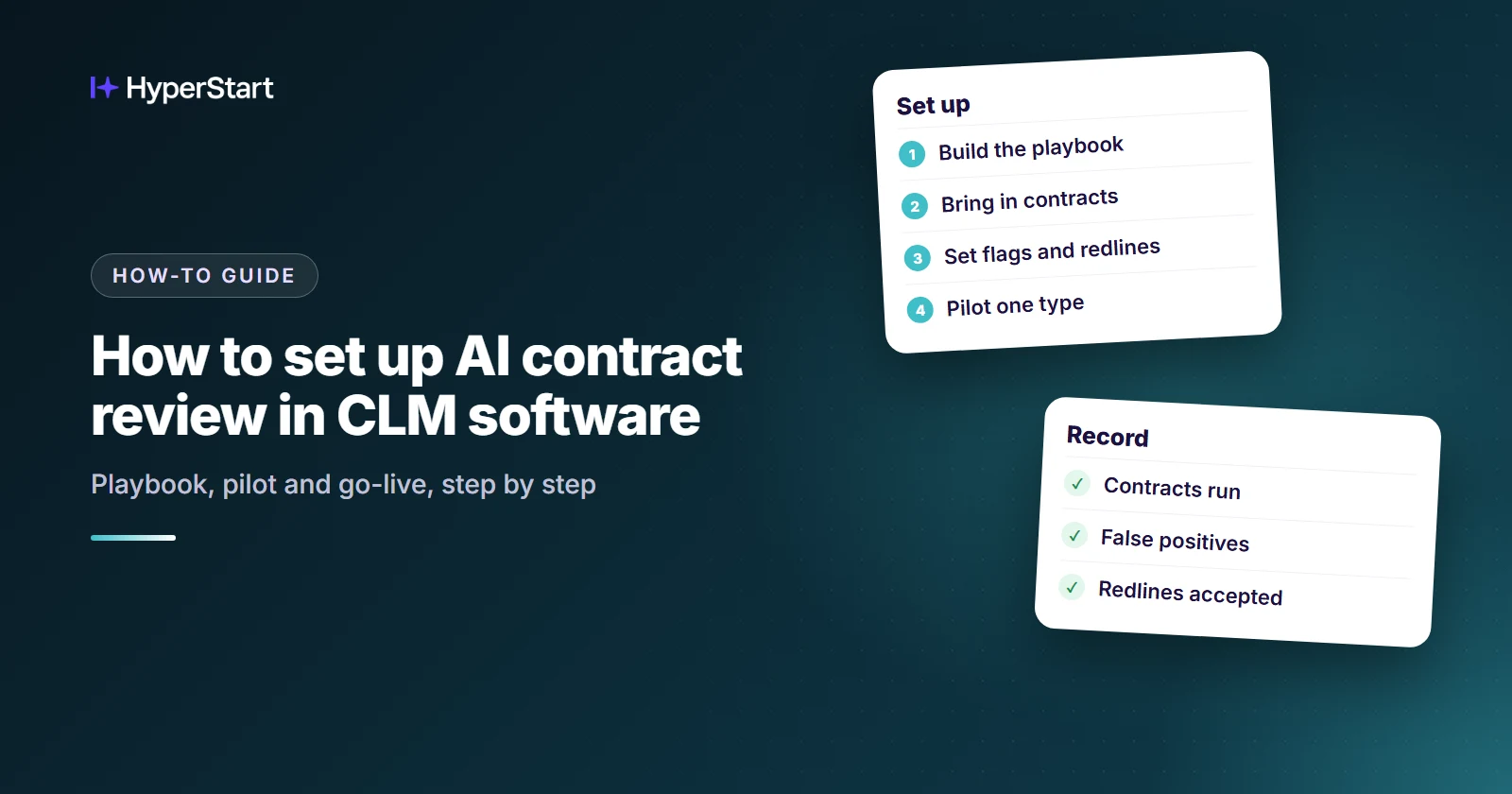
Pilot on one narrow, high-volume contract type before scaling. NDAs or standard order forms repeat often enough to show patterns. Run the AI in parallel with your normal human review, so every finding can be checked against what a lawyer caught.
- Pilot size: use enough agreements to see patterns, not a handful of hand-picked ones.
- Baseline first: record how long your team takes to review that contract type today.
- Pass thresholds set in advance: decide how many missed issues and false alarms you will accept before the first contract runs.
- One decision at the end: expand to the next contract type, retune the playbook and rerun, or stop.
See HyperStart CLM on your own contracts
Bring a few of your own contracts, and we’ll run them through HyperStart with you in a live demo.
Book a DemoWhat if your contracts still live on a shared drive and Word templates?
The same steps apply, but the first job is a repository rather than an integration. Without a CLM, there is nothing for the AI to write back into.
- Import what exists: bring signed contracts off the shared drive in bulk. Many CLM tools import from Google Drive, OneDrive, SharePoint or Salesforce.
- Let AI tag the metadata: AI tagging fills parties, dates and values on import, so the repository is searchable from the first week.
- Turn Word files into reusable templates: sales, HR and finance can then generate standard paper without asking legal.
- Then apply Steps 4 to 7: risk routing, human review, security review and the pilot work the same way once contracts have a home.
Add-on or switch: choosing your path
Your current CLM decides which path makes sense:
- Add on: if your CLM works and offers an AI module or a solid API, keep it. Load your playbook, map the fields and pilot on NDAs.
- Switch: if your CLM has no AI, or your contracts sit on a shared drive, one product avoids maintaining a link between two systems.
For the switch path, HyperStart runs AI review against your playbook, Word redlining and the repository in one product, with migration included at no extra fee. Book a demo and run it on ten of your own contracts.
Try HyperStart CLM before you decide
The whole contract lifecycle in one product, live in weeks, with implementation included in the quote and no implementation partner.
Book a Demo