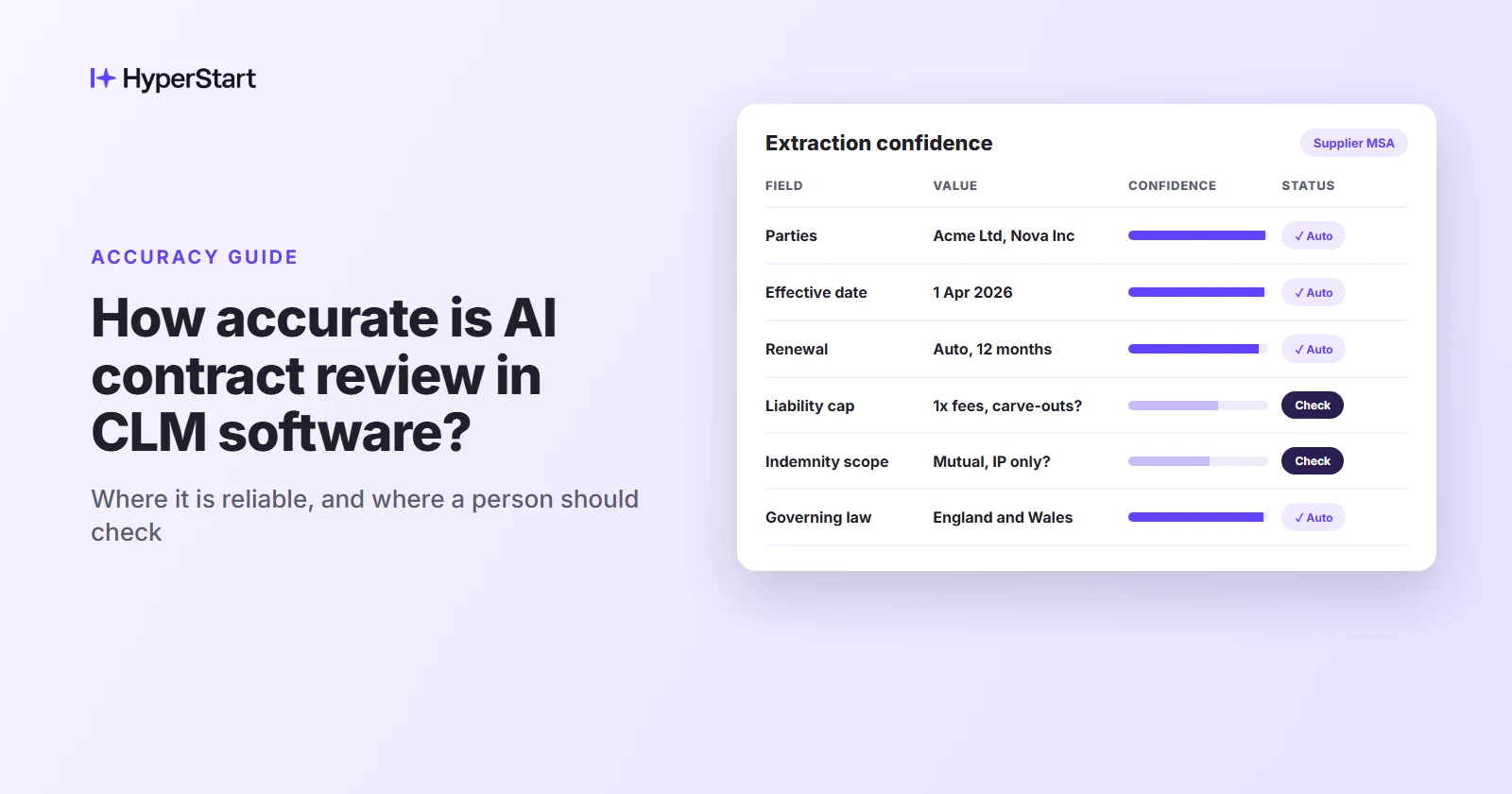
AI contract review in contract lifecycle management (CLM) software is most accurate on routine, standardized work like NDAs, clause identification and metadata extraction. It is less reliable on redlining and heavily negotiated agreements.
In the Vals Legal AI Report (February 2025), two AI tools beat the lawyer baseline of 71.1% on data extraction. No tool tested beat the lawyers’ 79.7% on redlining.
So treat AI review as a first pass with human review. Accuracy also depends on your playbook and your paper, so the figure that counts is the one you measure on your own contracts.
- AI review is most reliable when it finds and pulls out what is plainly in a contract, such as dates, parties and standard clauses.
- Accuracy drops on redlining, reasoning across clauses and spotting terms that are missing.
- Published accuracy figures measure different tasks on different samples, so you can’t compare them directly.
- The only figure that should drive your decision is one you measure on 25 to 50 of your own contracts.
- Scanned files and counterparty paper lower accuracy, so put them in your test on purpose.
Accuracy by task: high, moderate and lower
Accuracy is not one number. It changes with the job you give the AI and with how standard the paper is. Routine extraction and clause-spotting on familiar documents score well.
Judgment calls that depend on how several clauses interact score noticeably worse. Sort your contracts into these three tiers before you trust any headline rate.
- High accuracy: finding and pulling out what is plainly there. This covers clause identification and metadata extraction (parties, dates, renewal and notice terms). It also covers checks that mandatory clauses are present. Contract types: NDAs, standard order forms, routine vendor agreements on your own template.
- Moderate accuracy: comparing against your playbook. This covers flagging clauses that deviate from your preferred position and proposing fallback redlines. Results depend on how clearly the playbook spells out preferred and fallback positions. Expect useful flags that still need a lawyer to accept, edit or reject each one. Contract types: lightly negotiated vendor agreements and standard MSAs.
- Lower accuracy: reasoning across clauses and noticing what is missing. This covers cross-referenced defined terms, asymmetric liability caps and strict notice mechanics. It also covers jurisdiction-dependent points and terms that should be there but are not. General chatbots are weakest here. Contract types: heavily negotiated MSAs, non-standard counterparty paper and agreements with many interacting clauses.
Why published accuracy numbers disagree
Published accuracy figures for AI contract review range from the 60s to the high 90s. They are not measuring the same thing.
Each one comes from a different task, a different sample of contracts and, often, a different party with a stake in the result. Before comparing any two, read the task, the sample and who ran the test.
What does each accuracy figure actually measure?
| Figure | Task measured | Who ran it | How to read it |
| 75.1% and 73.2% for the two top AI tools vs 71.1% for the lawyer baseline | Data extraction from legal documents | Vals Legal AI Report, February 2025, a third-party benchmark that vendors opted into | Extraction is the task where AI matched or beat lawyers. The margins are a few points, not a leap. |
| 79.7% for the lawyer baseline, with every AI tool tested scoring lower | Redlining: amending clauses to match a standard and explaining changes | Vals Legal AI Report, February 2025 | Redlining is where lawyers kept a clear lead. |
| 94% for AI vs 85% for lawyers | Spotting issues in five NDAs, against 20 US-trained lawyers | LawGeex study, 2018, run by the vendor on its own tool | The sample is small, standard NDAs, and the test was vendor-run, so it says little about negotiated paper. |
| Headline rates on vendor websites | Usually clause identification or extraction | The vendor itself | Self-reported, often with no published method or sample. Not evidence until you reproduce it on your own contracts. |
| HyperStart: no accuracy percentage published | AI extraction and playbook review with risk flags | HyperStart | Its published terms say AI results vary with the quality and completeness of the data. Score it on your own contracts like any other tool. |
How should you read a vendor’s accuracy claim?
- Check the task. Extraction and clause identification will always score higher than risk judgment or missing-term detection.
- Check the sample. A handful of NDAs says little about your negotiated vendor paper.
- Check who ran it. A vendor testing its own tool has a stake in the result. Third-party benchmarks show what tools do on tasks someone else set.
- Ask for the misses, not just the hits. Precision and recall answer different questions. A tool can post a high headline rate while still missing the one clause that matters.
What lowers AI contract review accuracy?
Most accuracy problems come from inputs and setup rather than from the model itself. The common causes are a vague playbook, unfamiliar paper, poor-quality scans, confident errors and answers that change from one run to the next.
Each one is something you can test for before you rely on the output.
- Playbook gaps. If your preferred and fallback positions are not written down, the AI has nothing precise to compare against. The playbook is the lever that most changes results.
- Non-standard paper. Counterparty templates with unusual structure move the work from the high tier to the lower one.
- Scans and OCR quality. Poor scans and weak text recognition degrade extraction before review even starts.
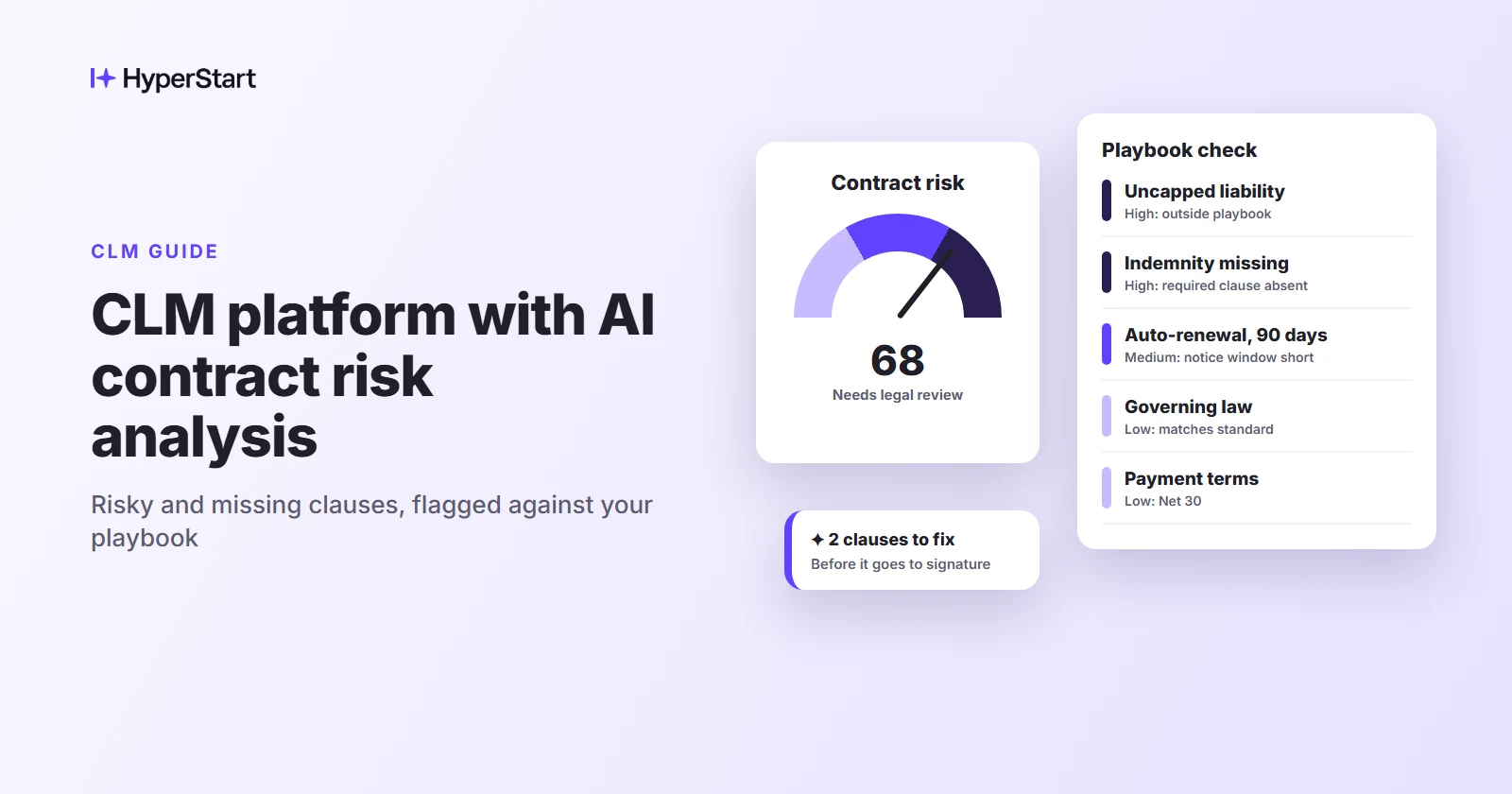
- False positives and false negatives. False positives are flags on clauses that are fine, and they cost reviewer time. False negatives are real issues the AI missed, and they create risk.
- Hallucinations. AI can state a wrong answer in fluent, confident language, and it can miss small but meaningful details. A person has to check the work.
- Run-to-run inconsistency. General chatbots can read the same clause differently each time you run it.
See HyperStart CLM on your own contracts
Bring a few of your own contracts, and we’ll run them through HyperStart with you in a live demo.
Book a DemoAre general chatbots as accurate as purpose-built CLM review?
No, not usually. General chatbots are less consistent than review that is grounded in your own playbook and contracts.
NetDocuments’ AI contract review guide says tools that pull from your own contract corpus and playbook can “substantially reduce the risk” of these errors. That covers surfacing a clause that isn’t there or missing one that is.
The label “AI” also covers everything from keyword matching to clause-level reasoning, so it tells you little on its own. The options fall into four broad categories.
| Category | How it works | Good enough for | Examples |
| General chatbots | Fast rough read, not grounded in your positions | Triage, not reliance | General-purpose AI assistants |
| Word-based co-pilots | Review assistants that work inside Microsoft Word | Faster review of single documents | Spellbook, LegalOn |
| Playbook review tools | Compare each clause with your configured positions and tie findings to the source passage | Consistent first-pass review | Dedicated review products |
| Review built into a CLM | AI review is the analysis step inside the whole contract lifecycle, next to templates, approvals and the signed record | First-pass review that feeds renewals and obligations | HyperStart, which reviews against your playbook with risk flags |
How to test AI contract review accuracy on your own contracts
The only accuracy figure that should drive your decision is the one measured on your own contracts. Start with a quick look at ten of your own agreements.
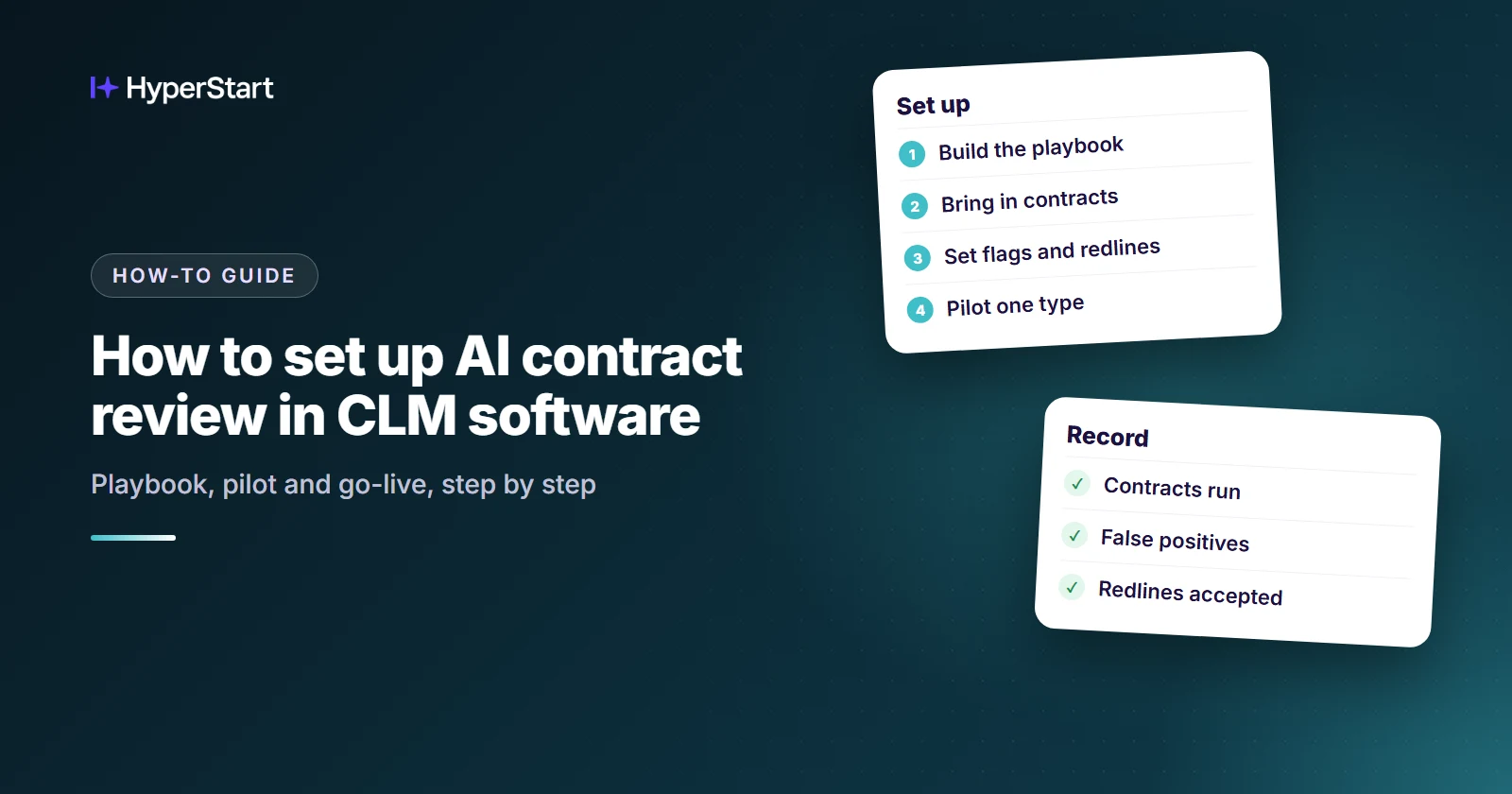
Then run a scored pilot on 25-50 agreements of one contract type, the minimum NetDocuments suggests for meaningful results. Decide your pass marks before you see any results.
Pilot scorecard
- Pick one contract type. NDAs are the fairest starting point because they sit in the high-accuracy tier.
- Run ten contracts as a first look. You will see quickly whether the output is usable on your real paper.
- Label 25-50 contracts yourself. Before the AI sees them, have a reviewer record the issues, key dates and clauses in each one. This is your answer key.
- Score four things separately: – Recall: how many real issues the AI caught, so you can count the misses. – Precision: how many of its flags were real, so you can count the noise. – Extraction accuracy: whether dates, parties, values and renewal terms match the signed contract. – Citation accuracy: whether each finding points to the right passage.
- Set go/no-go thresholds in advance. Write down the miss rate and false-alarm rate you will accept for this contract type, and stick to them.
- Keep a human on final approval. Even a passing pilot moves the AI into first-pass review, not sign-off.
If you run contracts from a shared drive and Word templates
Accuracy on clean, born-digital test files does not tell you how a tool handles the paper a small team actually holds.
That paper is a mix of scanned PDFs, Word templates edited many times over and amendments filed apart from the agreements they change. Test that mix directly, because this is where extraction slips first.
How do you test accuracy on legacy and scanned contracts?
- Seed the pilot with your worst files. Include scanned PDFs on purpose, and score extraction for scans and native Word files separately.
- Check that amendments land on the right agreement. A missed link puts the wrong renewal date in the repository.
- Compare extracted renewal and notice dates against the signed copy. A single wrong date costs more than any number of false-alarm flags.
- Check that your team can correct fields. Many CLM tools let reviewers fix an extracted value before it drives a reminder. That is how errors stop at the record.
Accuracy is something you test
Myth: A vendor’s headline accuracy rate tells you how the tool will do on your contracts.
Reality: Every published figure measures a different task on a different sample. The number that counts is the score you measure on 25 to 50 of your own contracts. Score recall, precision, extraction and citations, with pass marks set before you look.
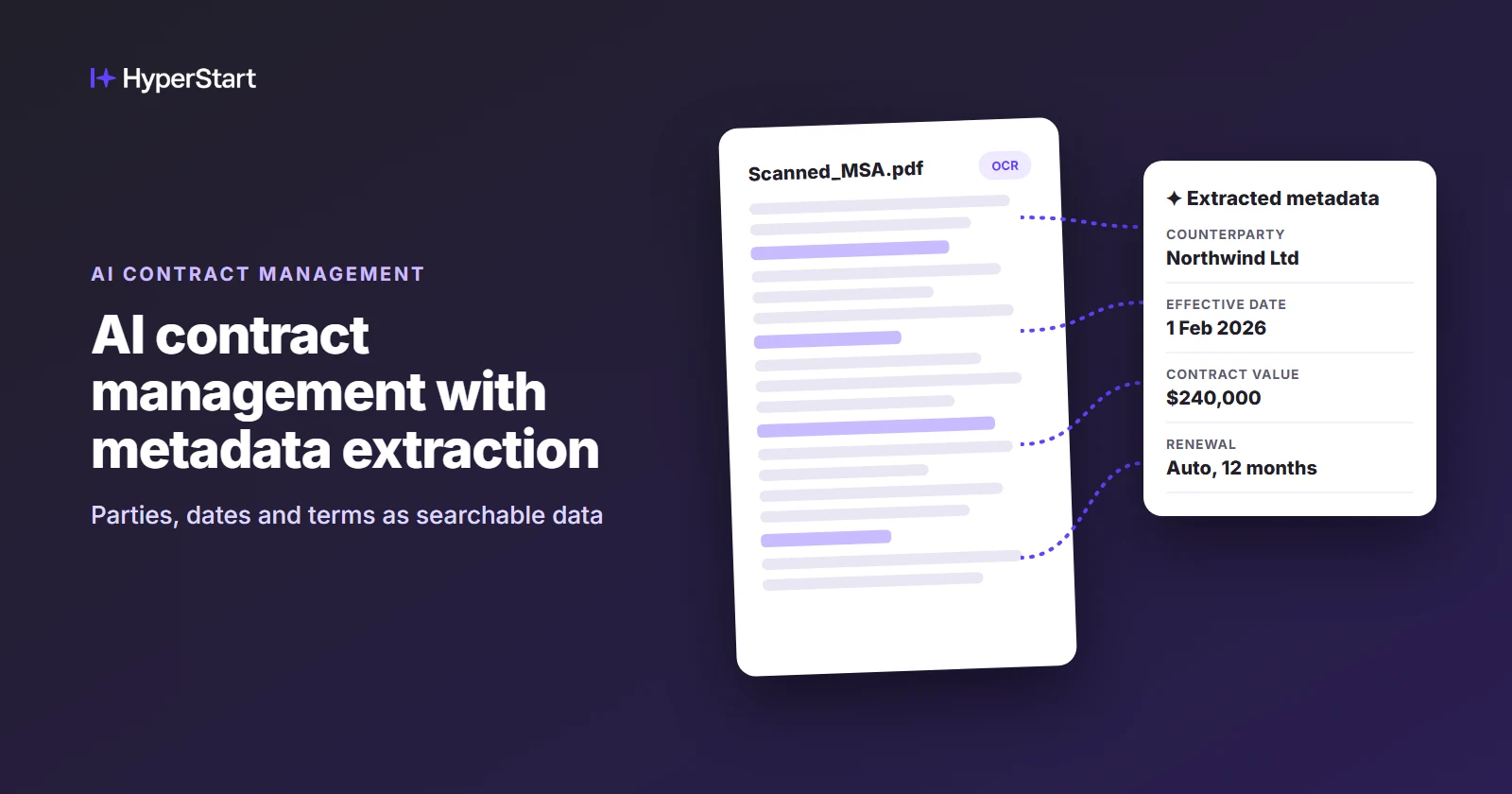
HyperStart doesn’t quote an accuracy percentage. Its AI reads scanned contracts through OCR, and your team can review and refine every extracted field before it drives a renewal reminder.
Book a demo and bring ten contracts, including your worst scans, so the first score you see is your own.
Try HyperStart CLM before you decide
The whole contract lifecycle in one product, live in weeks, with implementation included in the quote and no implementation partner.
Book a Demo