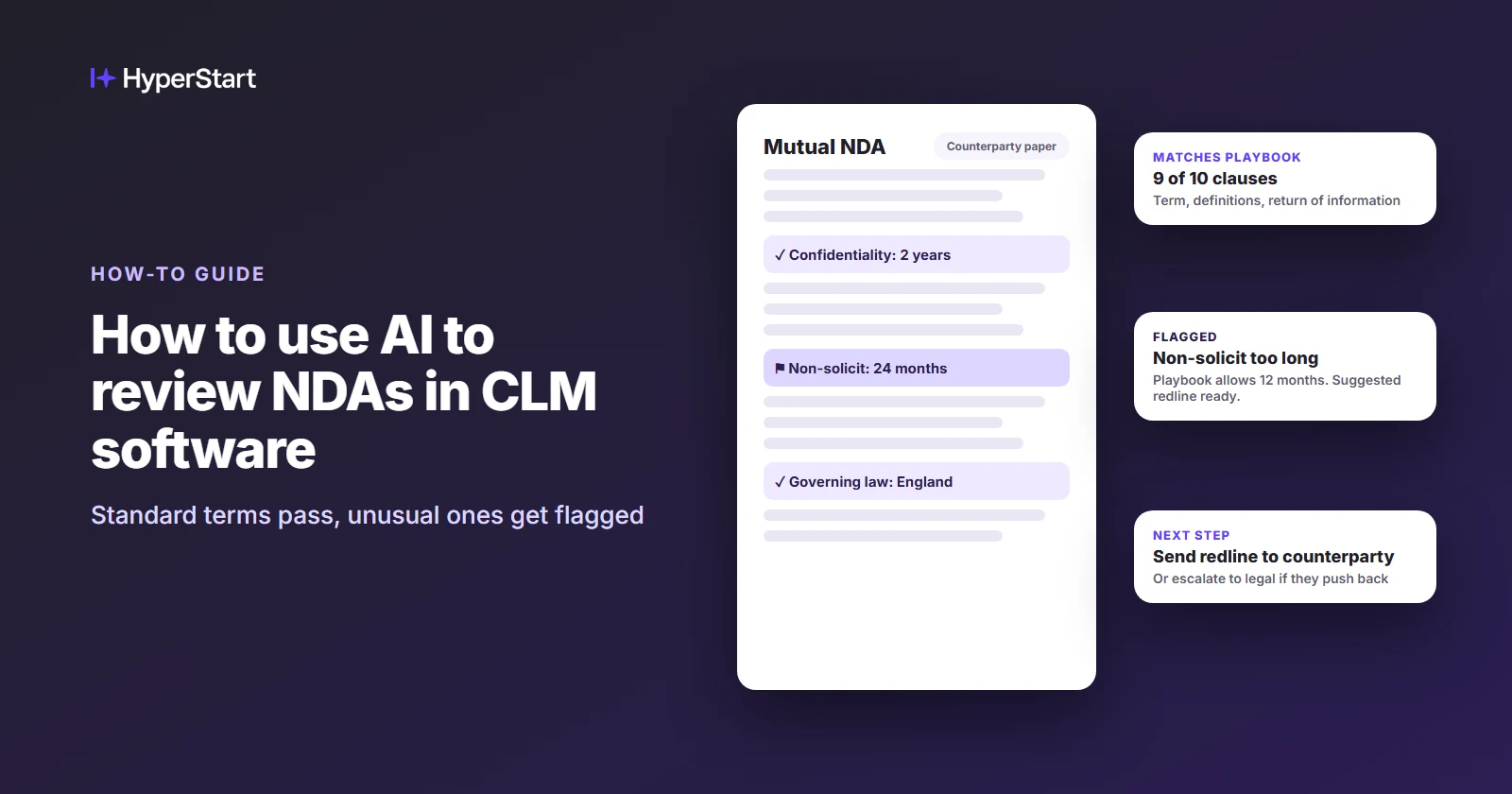
To use AI to review NDAs in contract lifecycle management (CLM) software, load a playbook of preferred and fallback positions and upload the counterparty’s NDA. The AI extracts parties and dates, grades each clause against the playbook by risk, flags deviations and proposes redlines.
A human reviewer accepts, edits or rejects every suggestion, so legal spends its attention only on the clauses that depart from your standards. The steps below follow the order most CLM tools use, then cover what happens to the NDA once it is signed.
- Write the NDA playbook first: preferred positions, fallbacks and risk thresholds for each clause.
- The AI extracts metadata, grades each clause by risk and proposes fallback redlines.
- A person accepts, edits or rejects every change before the NDA goes back to the counterparty.
- Clean NDAs can route straight to signature, while high-risk deviations go to a lawyer.
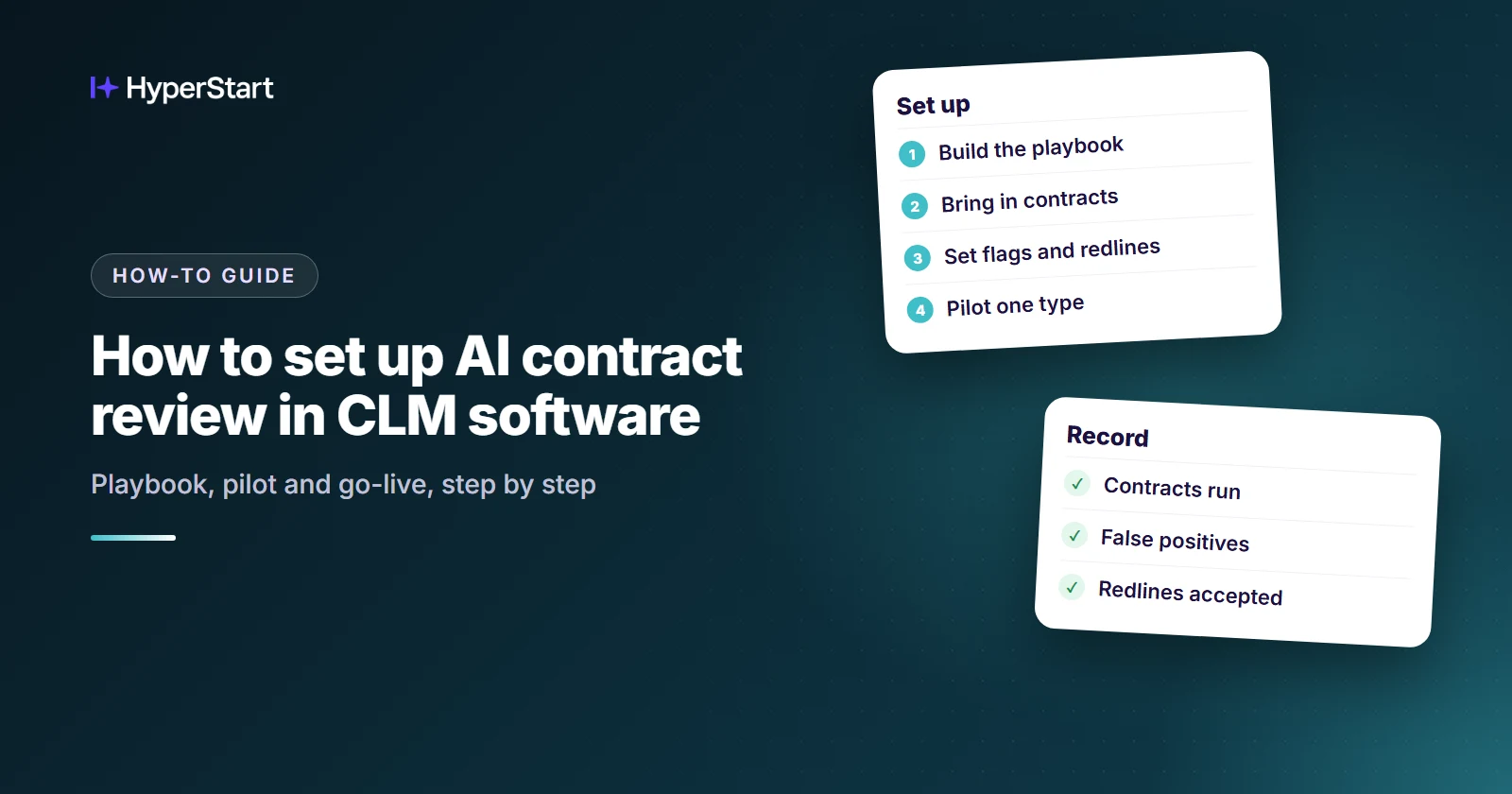
- Test any tool on ten NDAs you have already reviewed by hand, and compare its flags with yours.
Before you start: decide which side of the NDA you’re on
The same NDA clause can be acceptable when you are disclosing and a problem when you are receiving. Settle your role before you configure anything.
- Mutual or one-way: Decide which NDA types your team actually signs, and keep separate positions for each.
- Disclosing or receiving party: A broad definition of confidential information protects you as discloser and burdens you as recipient. The AI can only grade risk correctly if it knows which side you are on.
- Your own paper: Pick the NDA template you would sign without edits. It becomes the baseline the playbook is written against.
The five steps to review NDAs with AI in CLM software
Reviewing an NDA with AI takes five steps: build the playbook, upload the NDA, compare and grade each clause, review the proposed redlines, then approve and route. The playbook comes first because every later step depends on it.
1. Front-load your NDA playbook with preferred and fallback positions
The playbook is what the AI checks every NDA against. Without it, the AI has no standard to measure deviations from.
- Write preferred positions: Record the language you want for each clause, such as confidentiality duration, survival, governing law, permitted use and remedies.
- Add fallback positions: Note what you will accept in a negotiation. For example, if your preferred governing law is refused, list the state you will move to next.
- Set risk thresholds: Mark which deviations are high, medium or low risk, so the AI’s grades reflect your tolerance rather than a generic one.
- Name an owner: One person on the legal team approves playbook changes.
2. Upload the NDA and let the AI extract key metadata
Once the playbook is in place, upload each incoming NDA or let it arrive through intake (email, a self-service portal or a request form). The AI reads it and pulls out structured data.
- Confirm the document type: Make sure the file is an NDA rather than an MSA, SOW or DPA, so the right playbook applies.
- Extract metadata: At minimum, the parties and the effective date. Most tools also capture the term, the confidentiality survival period and the governing law.
- Check the fields: A reviewer confirms the extracted values before anyone relies on them. Errors here carry through to expiry tracking later.
3. Compare each clause to the playbook and grade the risk
This is the review itself. The AI matches every NDA clause to the matching playbook position and labels how far it departs.
- Flag deviations: Clauses that differ from your preferred or fallback language are marked, and so are clauses that are missing entirely.
- Grade by risk: Each flag carries a tier (high, medium or low) or a score, depending on the tool.
- Order the issues: Good tools list findings from highest to lowest risk and link each one to the exact clause, so the reviewer can check the source text.
4. Review the AI’s proposed redlines and fallback language
For each flagged clause, the AI suggests a fix drawn from your playbook rather than from general drafting habits.
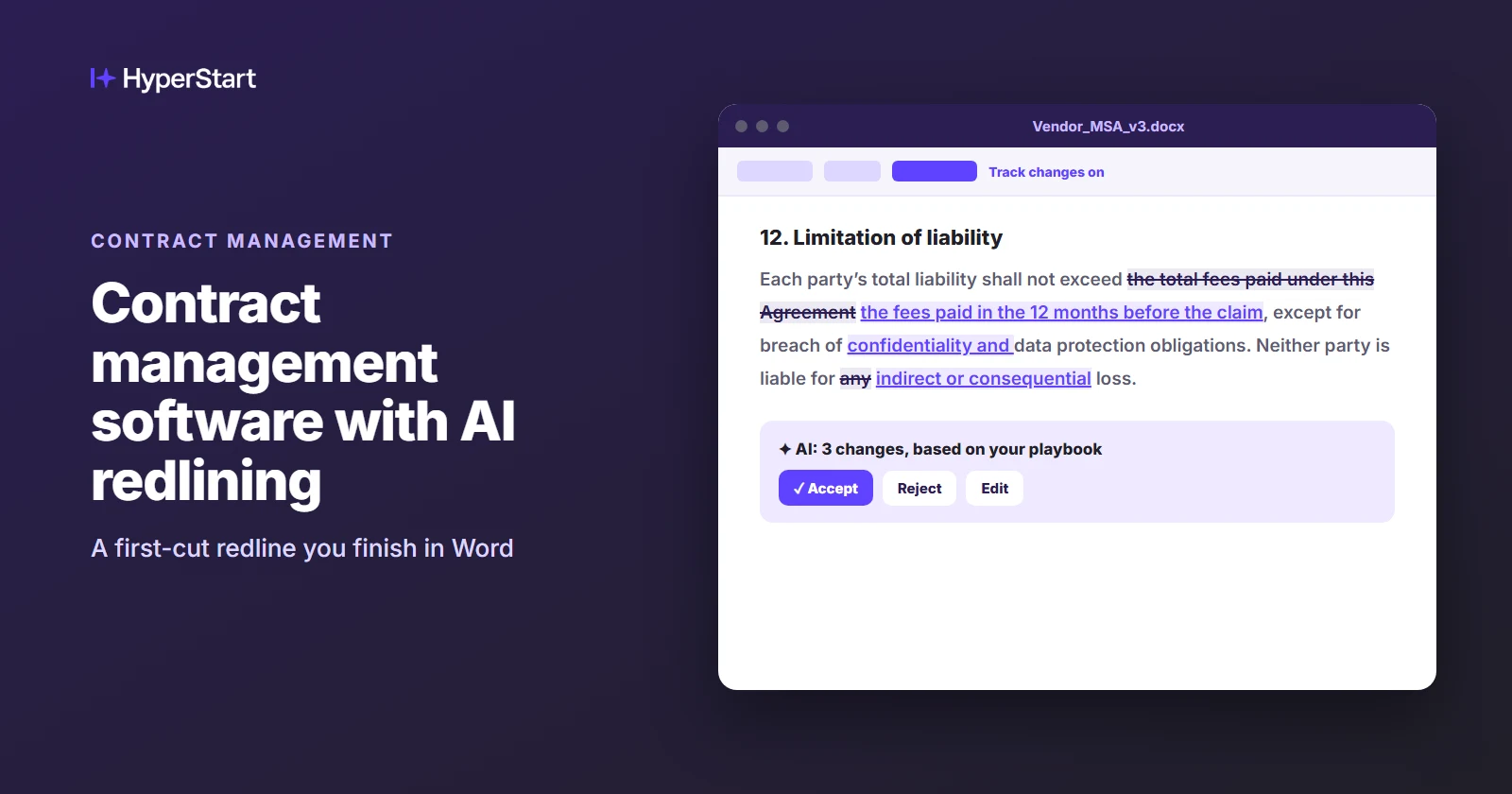
- Read the redline: The AI proposes replacement wording, usually your fallback position.
- Read the reason: Many tools add a comment explaining the change. You can keep it for the counterparty or remove it.
- Redline in Word: Most counterparties negotiate in Word. Some CLM tools keep that Word redlining inside the platform, with each negotiation round saved against the NDA. Others send the document out by email, and the latest version ends up in someone’s inbox.
5. Accept, edit or reject each suggestion, then route the NDA on
The AI drafts the first pass, but a person decides. The reviewer accepts, edits or rejects each suggested change before anything goes back to the counterparty.
- Auto-route clean NDAs: An NDA that matches the playbook, or uses only pre-approved fallbacks, can move straight to the business requester or to signature.
- Escalate the rest: High-risk deviations go to a lawyer through the approval workflow. An example is a counterparty extending the confidentiality term from 2 years to 5 years.
- Sign in the tool you already own: Send the approved NDA for signing through DocuSign, Adobe Acrobat Sign or Zoho Sign.
What happens to the NDA after signature
Most AI review guides stop at signature. For an NDA, the obligations start there.
- Repository: The signed NDA and its extracted metadata land in one searchable repository. When sales asks whether you already have an NDA with a prospect, the answer takes one search.
- Expiry tracking: Many CLM tools turn the extracted confidentiality period and survival date into email reminders to the NDA’s owner, so it does not lapse in the middle of a deal.
- Amendments: An amendment that extends the term is linked to the NDA it changes, so the current position is obvious.
- Contract family: When an NDA leads to an MSA and order forms, a contract family keeps them linked as parent and child, with metadata rolled up. Procurement and finance then see one relationship rather than six separate PDFs.
See HyperStart CLM on your own contracts
Bring a few of your own contracts, and we’ll run them through HyperStart with you in a live demo.
Book a DemoNDA clauses the AI should check
Use this table as the minimum clause list for your playbook. The example flags show the kind of deviation each check should catch.
| Clause | Question the AI checks | Example flag |
| Definition of confidential information | Is the definition scoped to what is actually shared, and does it require marking? | Definition covers “all information” with no marking requirement, and you are the receiving party |
| Exclusions | Are the standard exclusions present (public information, already known, independently developed, received from a third party)? | Independent-development exclusion missing |
| Permitted use | Is use limited to the stated purpose? | No purpose limitation on how information may be used |
| Term and survival | Do the agreement term and the confidentiality survival period match your positions? | Counterparty extends the confidentiality term from 2 years to 5 years |
| Compelled disclosure | Can you disclose when legally required, with notice to the other party? | No carve-out for legally compelled disclosure |
| Return or destruction | Is return or destruction required, and are backup copies addressed? | Destruction required with no exception for routine backups |
| Remedies | Are injunctive relief or indemnity terms within your tolerance? | One-sided indemnity added to a mutual NDA |
| Non-solicit | Has a non-solicitation clause been added to the NDA? | Employee non-solicit inserted into a standard NDA |
| Governing law | Is the governing law your preferred state or an approved fallback? | Governing law outside your approved list |
Best practices for AI NDA review
- Start with NDAs: NDAs are high volume and low value per document, which makes them the natural first use case for AI review. They repeat the same few clauses, so the playbook stays short.
- Keep a human in charge: The AI handles the first pass, and a person makes the final call. Write that into the approval workflow, not just into policy.
- Check every flag against the source: Before accepting a finding, click through to the clause it cites. A finding that does not point to real text in the NDA should not be acted on.
For how machine learning reads contract clauses, see our guide to machine learning contract review.
How to compare CLM tools for NDA review
Compare CLM tools for NDA review by running the same NDAs through each one and asking the same questions. The answers show where each tool fits your process, which a feature list cannot.
| Question | Why it matters | HyperStart’s answer |
| How long until go-live? | Get the license and implementation timelines as two separate answers. | Live in weeks, with workflows, integrations and migration included at no extra fee. |
| Where does redlining happen? | Inside the platform in Word, in a browser editor, or outside the system by email. | In Microsoft Word inside the platform, with version tracking on every round. |
| What happens to the NDA after signature? | Expiring NDAs and linked MSAs are where post-signature gaps show up. | Searchable repository, email reminders for renewals and expiry, and contract families with amendment linking. |
| What does the security review need? | Your IT team needs certifications and documents before any NDA is uploaded. | SOC 2 Type 2 and ISO 27001 certified, and HIPAA compliant, with role-based access and audit trails. |
| Who can change the approval workflow? | If every change needs the vendor, routing rules go stale. | Your team draws approval workflows itself, with no code. |
| Will it run on our NDAs? | Ten NDAs you already reviewed by hand show whether the AI’s flags match yours. | A custom proof of concept on a 7-day free trial, set up after a demo (pricing). |
One NDA, start to finish, in HyperStart
Picture one inbound NDA from a prospect on a Monday. Sales submits it through an intake form. The AI pulls out the parties, term and survival period, and flags two clauses: a five-year confidentiality term and an added employee non-solicit.
Your reviewer opens the AI’s fallback redlines in Microsoft Word inside HyperStart, accepts the term fix and strikes the non-solicit. The NDA routes to legal once, then goes for signing through DocuSign.
After signature, its expiry date drives an email reminder to the owner. Book a demo and bring one recent NDA to see it run this way.
Try HyperStart CLM before you decide
The whole contract lifecycle in one product, live in weeks, with implementation included in the quote and no implementation partner.
Book a Demo