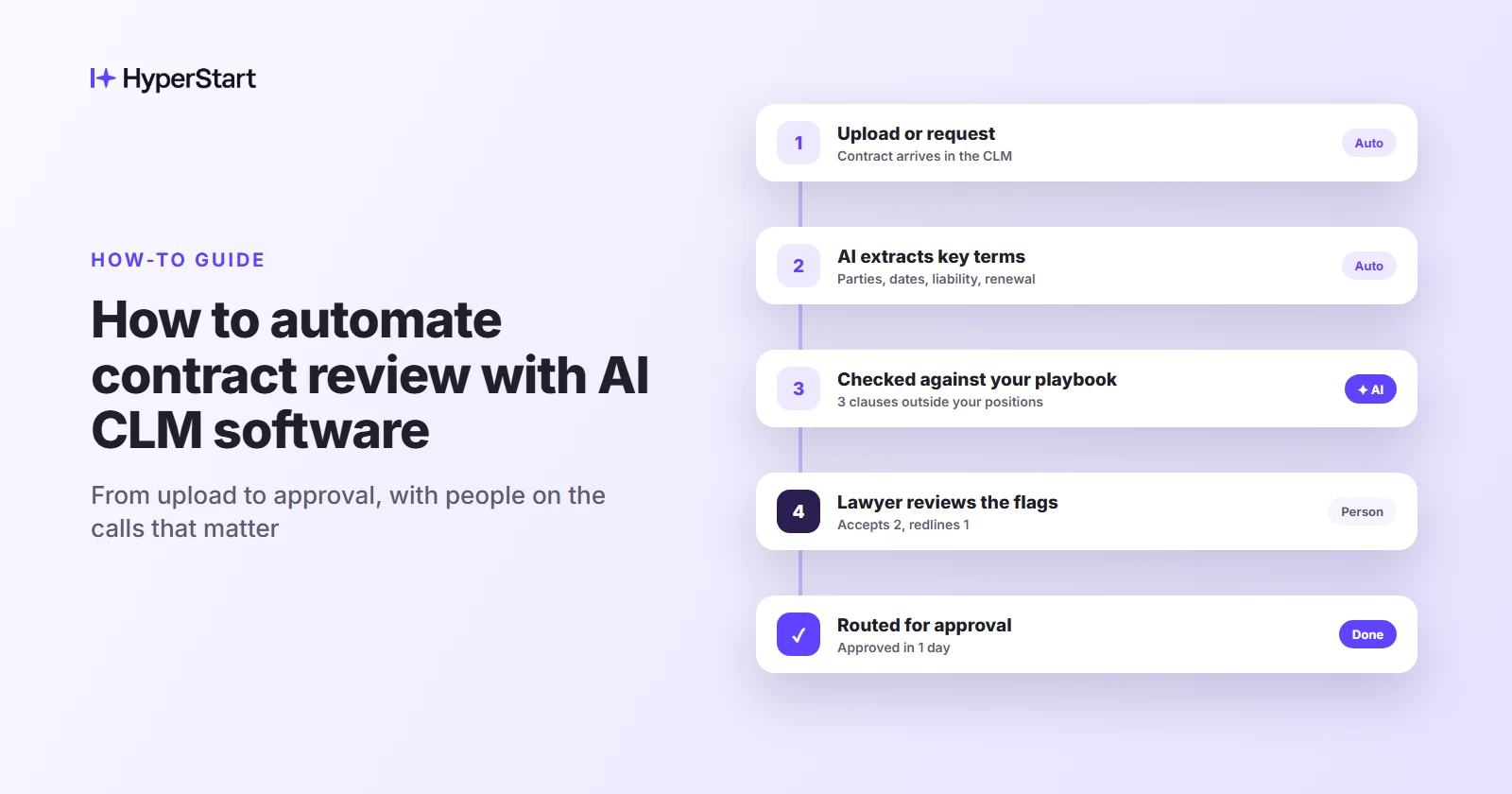
To automate contract review with AI contract lifecycle management (CLM) software, load your contracts and your playbook. The AI then does the first pass: it extracts, flags, redlines and routes.
It pulls out parties, dates and payment terms. It checks each clause against your standard positions, flags non-standard or missing terms, suggests pre-approved fallback language and sends the contract to the right approver.
Your lawyers and business reviewers still make the final call on every flag.
- Automated contract review runs in five steps: ingest, apply the playbook, flag, redline and route.
- The legal playbook is the rule set; without it, the AI can summarize a contract but cannot judge it.
- AI handles the routine first pass, and a person accepts, modifies or rejects every suggestion.
- After signature, the same extracted data drives renewal and obligation reminders.
- Test any tool on your own past contracts before you trust its flags.
Step-by-step: how to automate contract review
The process takes five steps, plus a sixth after signature. Some teams write the playbook first, and step 2 works just as well in that position.
1. Upload contracts and let the AI extract key data
An automated review starts by getting contracts into the AI CLM’s repository. You can upload PDF and Word files one by one or bulk import a folder. OCR converts scanned files into readable text first.
The AI then extracts key data from each contract, including parties, effective and renewal dates, notice periods and payment terms. These structured fields are what the playbook check runs against.
- Action: Upload one contract type at a time. Start with your highest-volume paper, which for most teams is NDAs.
- What the AI does: It fills in fields such as counterparty, governing law, renewal date and payment terms. Many CLM tools handle a whole folder in one pass with bulk import and AI metadata tagging.
- Example: The AI records that a vendor agreement pays in 60 days instead of your standard 30, before anyone opens the file.
2. Turn your legal playbook into the rules the AI reviews against
A legal playbook is the rule set an AI CLM reviews against. For each clause, it records your standard position, the fallback language you will accept, and the risk threshold that sends a contract to a lawyer.
Build it from the positions your team already holds in practice.
- Action: List every clause you regularly negotiate. For each one, write your standard position, one or two pre-approved fallbacks, and the point where legal has to step in.
- What the AI does: It turns those positions into checks and runs them on every contract of that type.
- Example: For a limitation of liability clause, the playbook holds your standard cap, one acceptable fallback, and a floor below which the contract goes straight to counsel.
3. Flag non-standard, missing and high-risk clauses
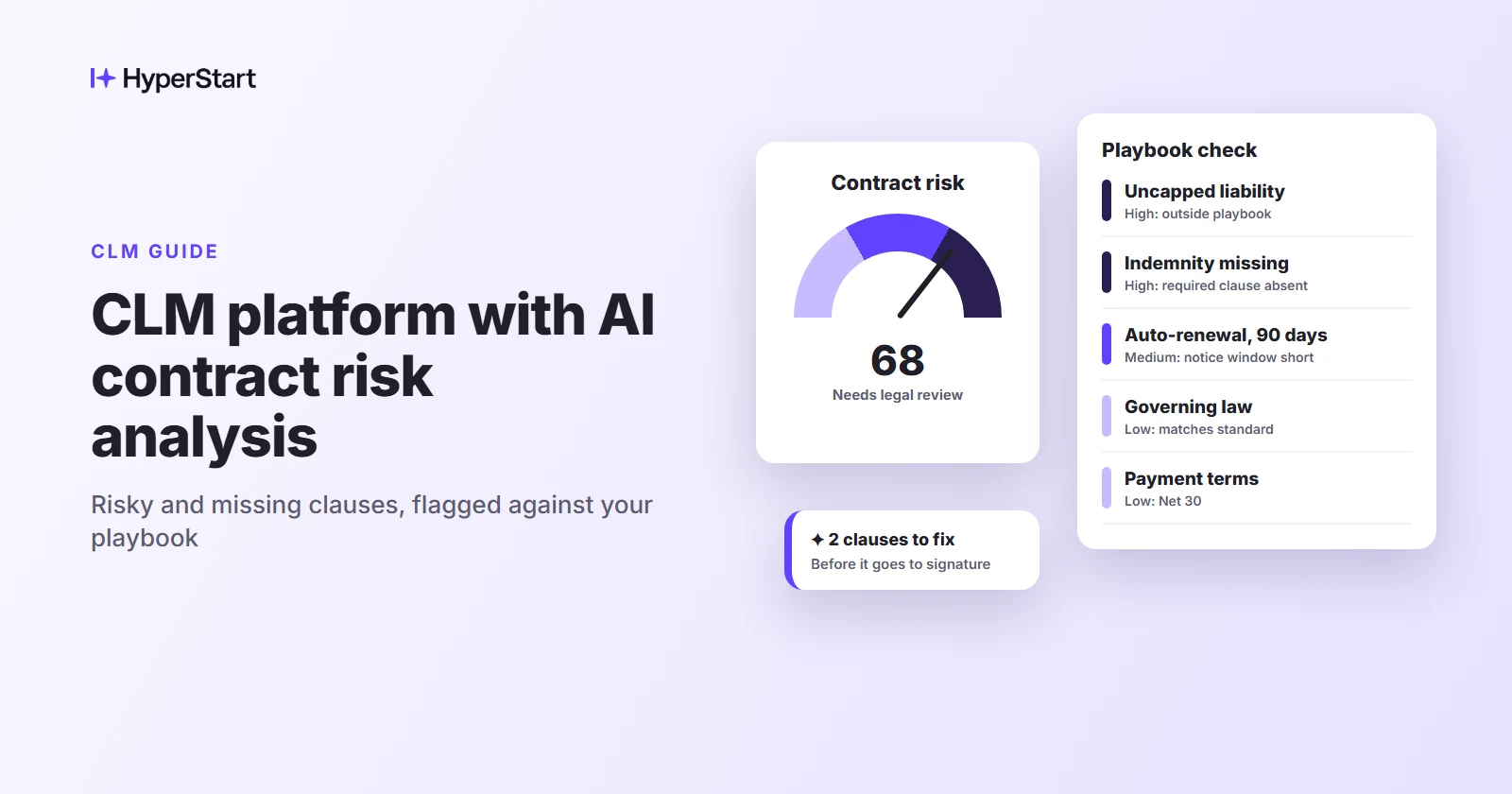
Once contracts are in and the playbook is loaded, the AI CLM compares every clause against your standard positions. It flags anything that does not match: non-standard wording, missing clauses, and terms that cross a risk threshold.
Some platforms also label each clause with a green, amber or red code. That tells reviewers where to look first, so they do not have to read every contract from start to finish.
- Action: Review the list of flags instead of the whole document.
- What the AI does: It marks each deviation from the playbook, records expected clauses it cannot find, and assigns a risk level to each.
- Example: An MSA arrives with a liability cap below your floor and no data protection clause. Both are flagged, and the cap is marked high risk.
4. Accept, modify or reject AI-suggested redlines
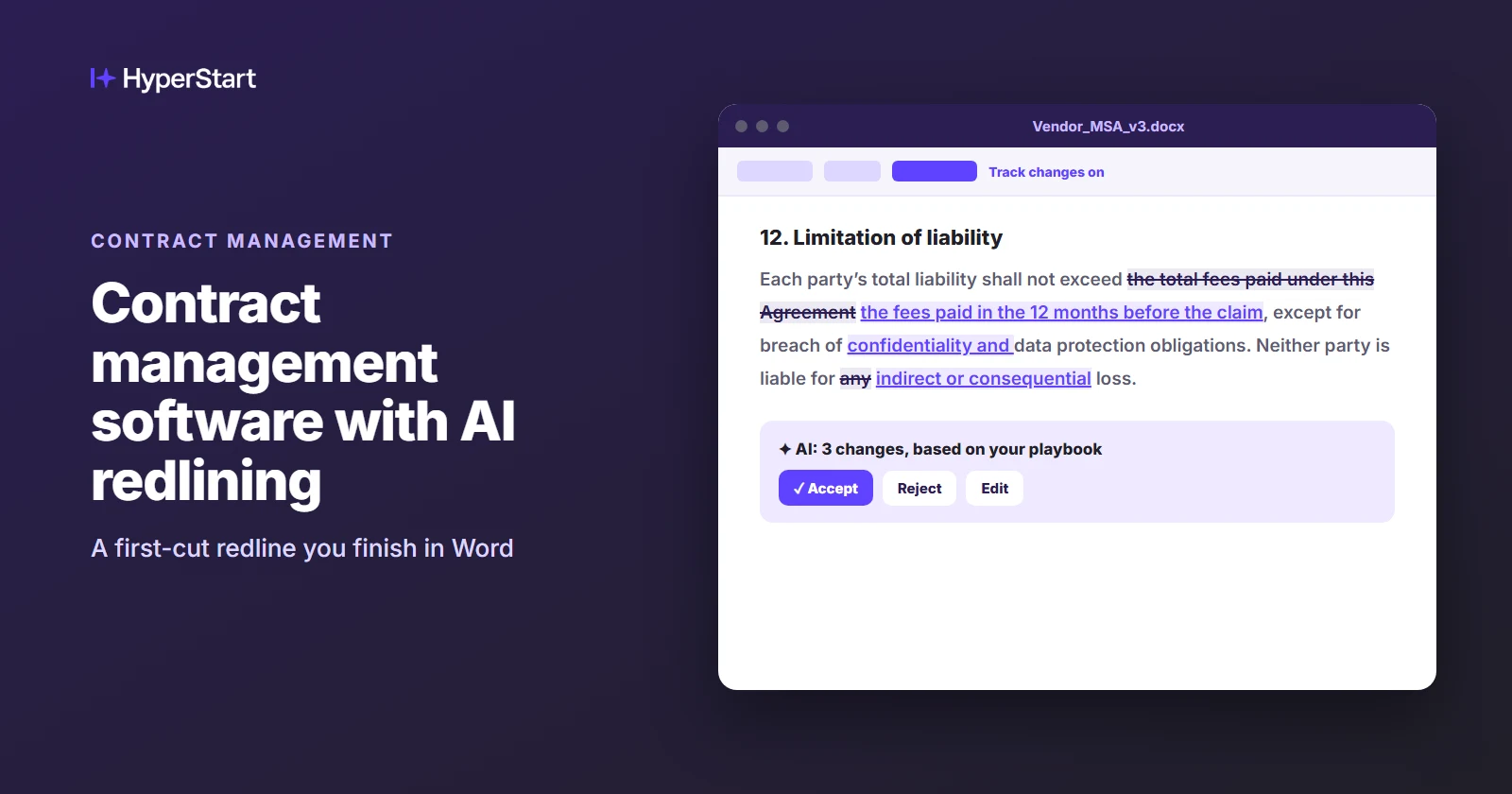
For each flagged clause, the AI CLM suggests a redline based on the fallback language in your playbook. Every counter-proposal is one your team has already signed off on. A reviewer accepts, modifies or rejects each suggestion.
This step is what separates contract review from simply summarizing a contract.
- Action: Go through the suggested redlines and decide on each one. Your reviewer stays the decision-maker for every clause.
- What the AI does: It inserts fallback language as a redline, strikes clauses your playbook rules out, and explains which position triggered each change.
- Example: A customer’s MSA includes a non-solicitation clause your playbook does not accept. The AI strikes it and cites the rule. Some CLM tools keep this Word redlining inside the platform, so negotiation stays in the system of record.
5. Route the contract through an approval workflow
Once the redlines are settled, the AI CLM sends the contract through a rules-based approval workflow. The contract’s type, value or risk level decides who signs off. A clean NDA can go straight to signature.
A contract with an accepted deviation goes to legal, and one above your value threshold adds finance.
- Action: Define the routing rules once for each contract type.
- What the AI does: It assigns approvers, sends reminders and escalates anything that has stalled.
- Example: Signature then runs through the tool you already use, such as DocuSign, Adobe Acrobat Sign or Zoho Sign.
6. After signature: track renewals, obligations and amendments
Review does not stop at signature. The AI CLM keeps the extracted renewal dates, notice periods and obligations in the repository and sends reminders before each deadline.
When every amendment is linked to its parent agreement in a contract family, the next review starts from the current terms.
- Action: Assign an owner to each renewal and obligation.
- What the AI does: It sends reminders ahead of notice windows and keeps metadata rolled up across the contract family.
- Example: An auto-renewing vendor agreement with a 60-day notice period triggers a reminder while the team still has time to decide.
Where AI stops in contract review
AI is good at the routine first pass, but it does not replace judgment. Plan for these limits:
- Negotiation strategy stays with your team. The AI suggests fallbacks, but it cannot tell how much a particular deal is worth conceding on.
- Unusual clauses need a lawyer. Anything your playbook does not cover should go to counsel rather than be forced into the closest match.
- Final approval is a human decision. The approval workflow sends the contract to a person, and that person signs off.
- Scanned files depend on OCR quality. Check the extracted fields from scanned files before you rely on them.
- A flag is a pointer, not a conclusion. Check every flag against the clause text it cites.
See HyperStart CLM on your own contracts
Bring a few of your own contracts, and we’ll run them through HyperStart with you in a live demo.
Book a DemoAI contract review options compared
There are three common ways to add AI to contract review. They differ less in how good the AI is and more in what happens before and after the review itself.
| Criterion | General chat AI, one contract at a time | Standalone review tool inside Word | Full AI CLM | HyperStart |
| Setup time | Minutes for a single file | Short; it works on whichever contract is open | Varies by vendor, from weeks to a configuration project | Live in weeks, with workflows, integrations and migration included at no extra fee |
| Works from your playbook | Only if you paste it in every time | Usually, through configured positions | Yes, applied to every contract of a given type | Yes: AI review against your playbook with risk flags |
| Where redlining happens | Copied back into Word by hand | In Word, on the open document | Inside the platform; some keep Word editing in-system | In Microsoft Word inside the platform |
| Contract families after signature | None | None; the tool does not hold executed contracts | Repository, linked amendments, renewal tracking | Contract families with amendment linking and metadata rollup, plus renewal and obligation reminders |
| Who you deal with | The AI provider; no contract specialist | The tool vendor | Varies: some vendors use implementation partners, others work with you directly | The HyperStart team directly; support responds in under 2 hours |
| Security review | Depends on the plan’s data terms; check before you paste a contract | Vendor-specific; request its SOC 2 report | Vendor-specific; the repository holds every contract, so expect a full review | SOC 2 Type 2 and ISO 27001 certified, and HIPAA compliant (G2: 4.5/5, 9 reviews, as of Nov 2026) |
General chat AI is useful for understanding a single unfamiliar clause. It falls short for repeatable review because it keeps no playbook between sessions, routes nothing and holds no record after signature.
Standalone review tools in Word, such as Spellbook, fit lawyers who review contracts one at a time in Word and do not need intake, approvals or a repository.
A full AI CLM covers the whole lifecycle, from intake to renewal. Whichever CLM vendors you shortlist, have each one quote license and implementation as separate lines. The license alone is not what you will end up paying.
Moving contract review off a shared drive
Many legal teams still keep contracts in shared drive folders and Word templates. For them, the hard part is not the AI. It is getting from folders to something the AI can review against.
Some vendors handle the migration as part of implementation, so ask about it early.
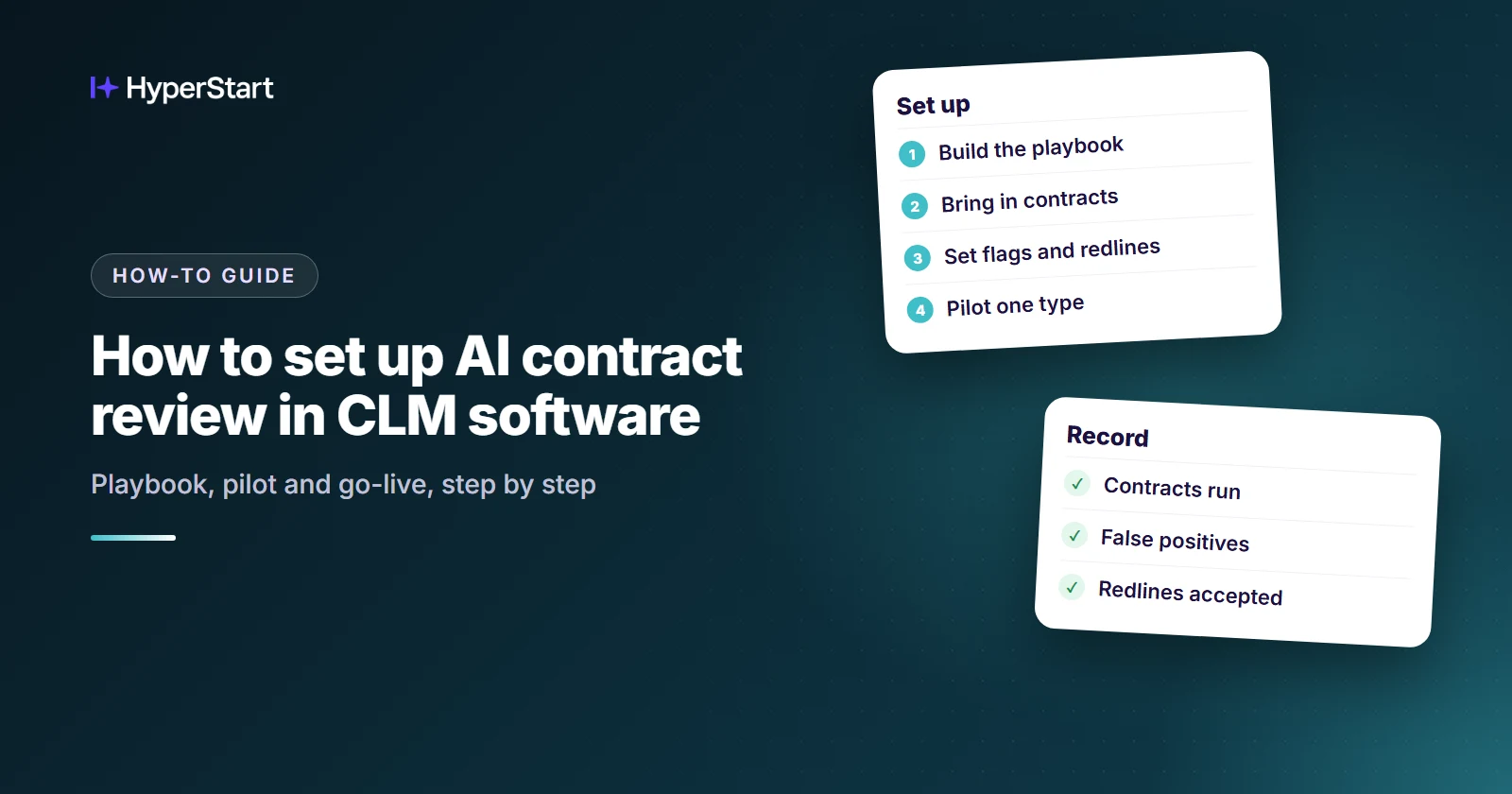
- Sort the drive by contract type. Group NDAs, MSAs, vendor agreements and order forms, and set duplicates and drafts aside.
- Import the repository. Bring in executed contracts by email sync, a Drive or SharePoint link, or a CRM import. AI tagging fills in parties, dates and renewal terms, and your team corrects any field it gets wrong.
- Build the playbook from your most-signed template. That template already holds your standard positions. Write down the fallbacks you have accepted in the past.
- Automate one routine contract type first. Run review, redlining and routing on NDAs alone until the flags match what your lawyers would have caught.
- Add approval workflows. Draw the routing rules for that type, then add the next contract type.
- Go live. Open self-service intake to the business for standard paper, and keep legal on anything the playbook escalates.
Try it as a one-week pilot
You can test automated review in five working days before you commit to anything:
- Day 1: Pick ten NDAs your lawyers already reviewed by hand, and write the playbook positions they applied.
- Day 3: Run the ten NDAs through the AI and compare its flags and redlines with your lawyers’ edits.
- Day 5: Fix the playbook gaps the comparison exposed, rerun the misses, and decide whether to add MSAs.
HyperStart sets up this kind of test as a custom proof of concept on a 7-day free trial, after a demo.
Its AI reviews your NDAs against your playbook and puts the redlines in Microsoft Word inside the platform. Book a demo to plan the week around your own contracts.
Try HyperStart CLM before you decide
The whole contract lifecycle in one product, live in weeks, with implementation included in the quote and no implementation partner.
Book a Demo